vidu.studio Introduction
Vidu.studio offers a swift and intuitive video generation experience, creating 4-second videos in less than 30 seconds. It provides both realistic and animated styles, making cinematic video creation accessible to everyone. Picture it as having a magic wand that turns your creative ideas into compelling video content rapidly. This tool is perfect for content creators who need quick visuals without compromising on quality. By democratizing video production, it brings the director's chair to your desktop, aligning perfectly with the fast-paced digital age demands.
vidu.studio Key Features
Quick Video Generation
Vidu.studio delivers a 4-second video in less than 30 seconds, making it perfect for users who need rapid content creation. This swift service eliminates waiting times, enhancing productivity for creators on tight schedules.
Cinematic Video Creation
With cinematic styles at your fingertips, users can easily produce professional-grade videos. The platform provides both realistic and animation styles, catering to diverse storytelling needs.
User-Friendly Interface
The intuitive design allows users to take on the director's role effortlessly. Even those with limited video editing experience can navigate and create compelling videos without steep learning curves.
vidu.studio Use Cases
Boosting Social Media Engagement: Content creators can utilize Vidu Studio's fast video generation to produce eye-catching animations that captivate audiences, enhancing viewer interaction and expanding reach on platforms like Instagram.
Simplifying Corporate Training Videos: HR departments can quickly craft instructional videos using Vidu Studio's user-friendly interface to streamline training processes, ensuring information is delivered consistently and effectively across the organization.
Enriching E-Learning Experiences: Educators can create dynamic, animation-based lessons to engage students and simplify complex topics, enhancing comprehension and retention in digital learning environments.
Elevating Marketing Campaigns: Marketers can leverage the cinematic video creation feature to develop high-quality promotional content, boosting brand visibility and drawing in potential customers with immersive visuals.
Effortless Event Highlights: Event organizers can swiftly compile event moments into captivating highlight reels, providing attendees with memorable recaps and driving post-event engagement.
vidu.studio User Guides
Step 1: Visit vidu.studio and click 'Try Vidu' to start creating.
Step 2: Use the interface to choose between realistic and animation styles.
Step 3: Input your content and customize elements like text and visuals.
Step 4: Press 'Create' to generate a 4-second video in under 30 seconds.
Step 5: Review and download your cinematic video creation.
vidu.studio Frequently Asked Questions
What is Vidu.studio used for?
How fast can Vidu.studio create a video?
What video styles does Vidu.studio offer?
How to start using Vidu.studio?
Can I integrate Vidu.studio with other platforms?
Is there any required registration to use Vidu.studio?
What types of projects is Vidu.studio ideal for?
Does Vidu.studio support custom video edits?
Is Vidu.studio suitable for beginners?
What are the limitations of using Vidu.studio?
vidu.studio alternatives
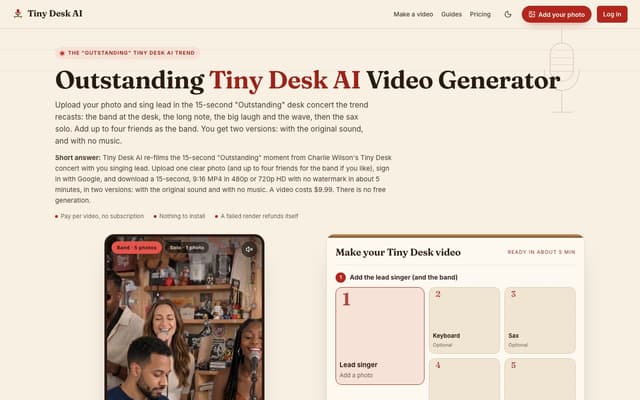
Tiny Desk AI
Upload one photo, plus up to four bandmates, and star in the 15-second 9:16 "Outstanding" Tiny Desk concert moment, with or without the original sound.
AI Music Video Generator · Paid, from $9.99
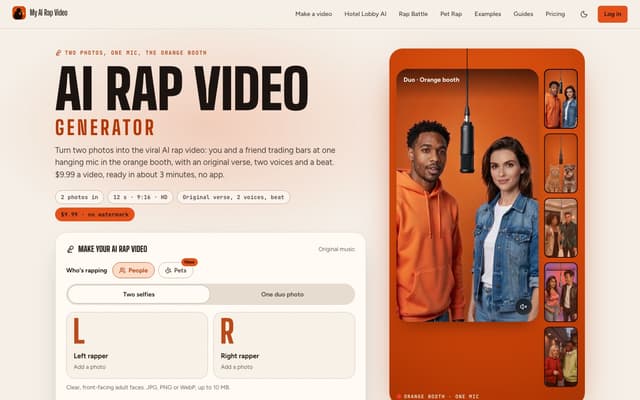
My AI Rap Video
Turn two photos into the viral AI rap video: two people or two pets trade bars at one hanging mic, with an original verse, two AI voices and a beat.
AI Rap Generator · Paid, from $9.99
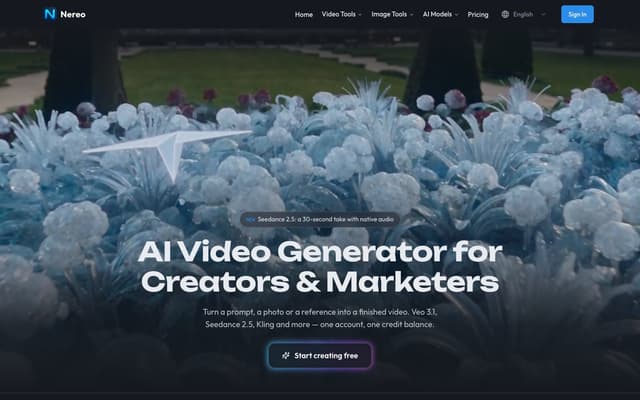
Nereo
Generate video from a prompt, a photo or a reference using Veo 3.1, Seedance, Kling and other models on a single account and one credit balance.
AI Video Generator · Freemium, from $28/mo
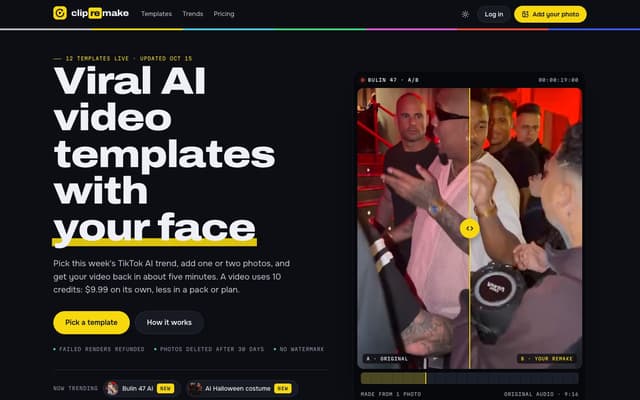
ClipRemake
Remake viral TikTok and Reels trends with your face: pick a template, add one or two photos and get a 9:16 video in about five minutes.
AI Video Generator
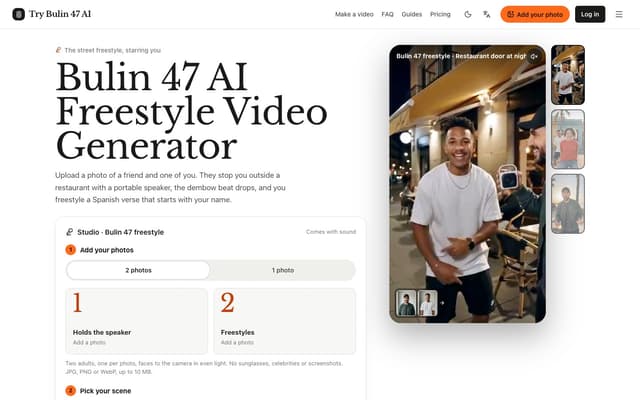
Try Bulin 47 AI
Turn your photos into freestyle videos with a personalized Spanish verse and dembow music.
Image to Video
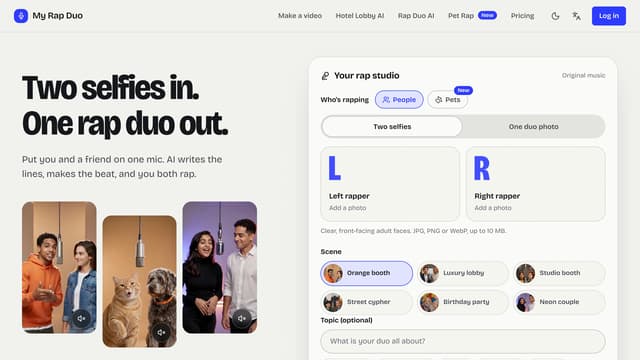
My Rap Duo
Upload two selfies and get a rap duo video where you both spit original AI-written verses over a brand-new beat.
AI Rap Generator