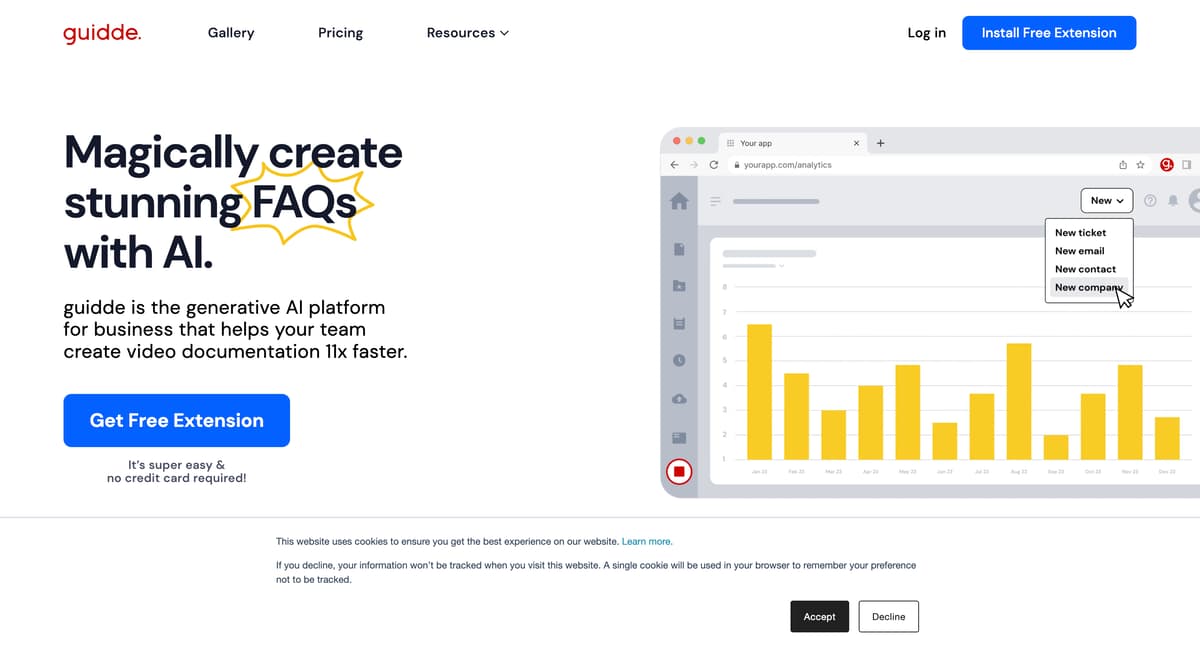
Guidde AI Introduction
Guidde AI offers a seamless way to create video documentation. Imagine crafting complex guides without the usual hassle—Guidde turns this into reality. It allows businesses to produce video-based how-to guides or onboarding documents rapidly, using AI to streamline the process. By simply capturing workflows with a browser extension, Guidde automates the creation of step-by-step videos enhanced by AI-generated voiceovers. Ideal for teams aiming to improve training or customer support, this tool reduces the time spent on documentation dramatically while improving clarity and engagement through visual content.
Guidde AI Key Features
Magically Create Video Documentation
Guidde AI transforms traditional documentation by generating engaging video guides. Capture workflows via a browser extension and let AI craft a step-by-step video, ideal for onboarding and training.
AI-Powered Storyline Creation
Leverage AI to automate the creation of narrative content. Guidde AI generates detailed descriptions of processes, saving time and ensuring accuracy in complex documentation tasks.
Personalized AI-Generated Voiceovers
Choose from over 100 voices and languages to add a personalized touch to your videos, making content globally accessible and relatable without the need for professional voice recording.
Pro-Level Design Without Professional Skills
Utilize an intuitive editor to produce visually appealing guides. Even without design expertise, users can create polished visual content that enhances understanding and engagement.
Smart Sharing Options
Facilitate seamless collaboration and information dissemination by sharing video guides via links or embedding them within organizational platforms, ensuring easy access and improved team communication.
Guidde AI Use Cases
Training Transformation: Teams leverage Guidde AI to develop engaging training materials swiftly, using the platform's AI video documentation to transform complex concepts into easily digestible content.
Effortless Onboarding: HR departments utilize Guidde AI to create personalized onboarding docs, speeding up new employee integration by presenting information through clear, concise video guides.
Smooth SOP Creation: Managers employ Guidde AI to craft Standard Operating Procedures with ease, utilizing AI-generated step-by-step videos that enhance workflow clarity and reduce procedural misunderstandings.
FAQ Overhaul: Customer support teams redefine their FAQ sections by using Guidde AI to generate video answers, providing users with more impactful and relatable solutions.
Feature Rollouts Made Simple: Product teams leverage Guidde AI to produce feature notes with video demonstrations, ensuring users fully grasp new updates and changes effortlessly.
Guidde AI User Guides
Step 1: Install the Guidde browser extension to begin capturing your processes.
Step 2: Click 'Capture' to start recording your workflow; click 'Stop' when finished.
Step 3: Utilize AI-generated step-by-step descriptions of your recorded workflow.
Step 4: Choose from 100+ voices and languages for personalized voiceovers.
Step 5: Design and edit your video documentation using the intuitive editor tool.
Guidde AI Frequently Asked Questions
What is Guidde AI primarily used for?
How does Guidde AI capture workflow processes?
Can Guidde AI help speed up documentation creation?
What customization options are available in Guidde AI?
Is it necessary to be a designer to use Guidde AI?
How does Guidde AI simplify complex workflows?
How can you share your Guidde AI content?
What makes Guidde AI's voiceover feature unique?
How can Guidde AI help in reducing support tickets?
Why choose Guidde AI over written documentation?
Guidde AI alternatives
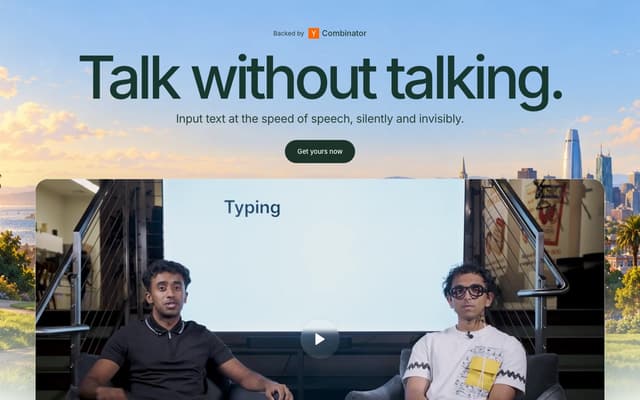
Subvocal
Smart glasses from The Subvocal Company that read silently mouthed words with radio sensing and type them on your computer, now on preorder.
Speech-to-Text · Paid, from $499
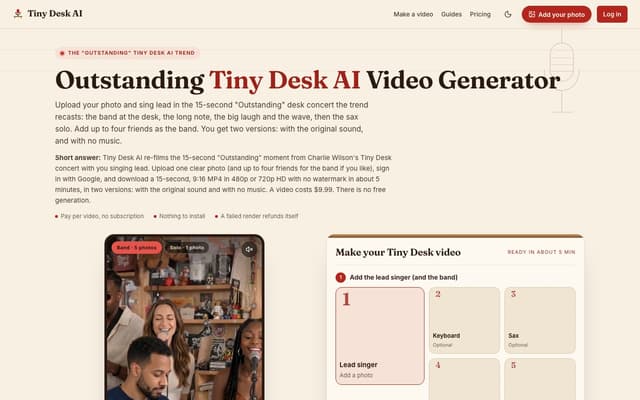
Tiny Desk AI
Upload one photo, plus up to four bandmates, and star in the 15-second 9:16 "Outstanding" Tiny Desk concert moment, with or without the original sound.
AI Music Video Generator · Paid, from $9.99
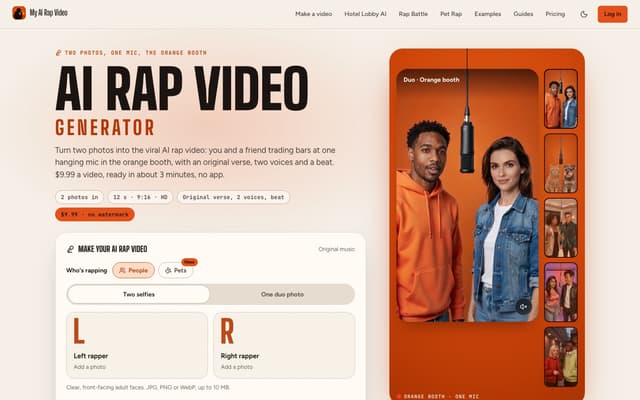
My AI Rap Video
Turn two photos into the viral AI rap video: two people or two pets trade bars at one hanging mic, with an original verse, two AI voices and a beat.
AI Rap Generator · Paid, from $9.99
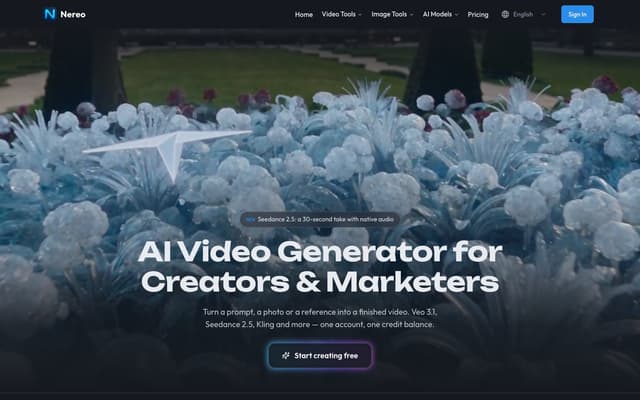
Nereo
Generate video from a prompt, a photo or a reference using Veo 3.1, Seedance, Kling and other models on a single account and one credit balance.
AI Video Generator · Freemium, from $28/mo
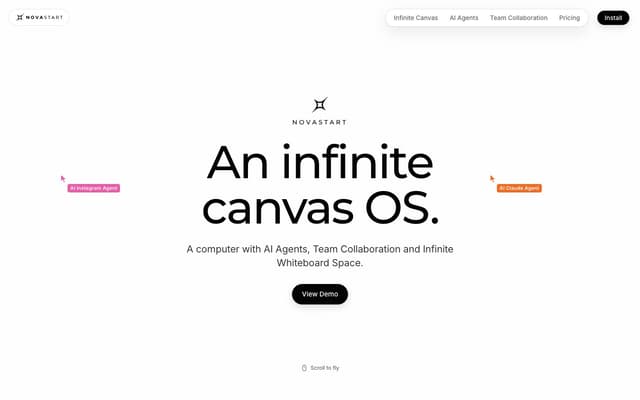
Novastart
An infinite-canvas desktop OS where your apps, your teammates and up to 10 AI agents share one zoomable workspace.
AI Productivity Tools · Freemium, from $10/mo
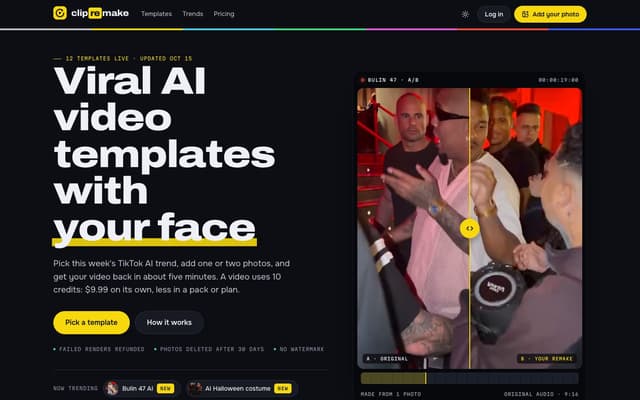
ClipRemake
Remake viral TikTok and Reels trends with your face: pick a template, add one or two photos and get a 9:16 video in about five minutes.
AI Video Generator