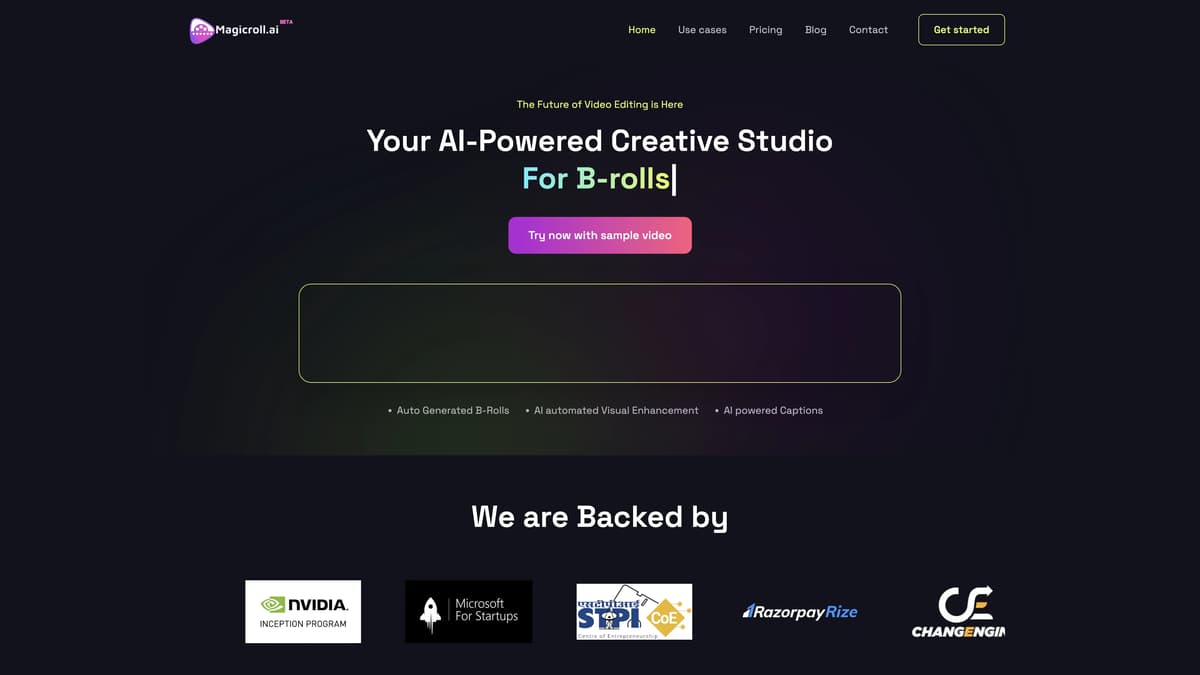
Magicroll.ai Introduction
Magicroll.ai is an autonomous video creation tool designed to make video editing effortless and accessible to everyone. With features like automatic B-Roll generation, motion graphics, and AI-powered captions, it transforms raw footage into polished, professional-grade videos in minutes. Ideal for content creators such as vloggers, educators, and marketers, Magicroll.ai saves valuable time and effort, ensuring engaging and visually captivating results without the need for extensive editing skills. By automating the editing process and offering customizable templates, this tool simplifies video production while maintaining high quality, making storytelling through video more approachable and efficient.
Magicroll.ai Key Features
Auto Generated B-Rolls
Enhances raw footage by automatically inserting relevant B-roll clips, providing more dynamic and engaging visual content without manual searching for supplementary footage.
AI Automated Visual Enhancement
Automatically improves video quality with AI, adjusting brightness, contrast, and other visual elements to make footage look polished and professional without the need for extensive editing knowledge.
AI Powered Captions
Generates precise, seamlessly integrated captions, enhancing accessibility and viewer engagement. Ideal for content creators who need accurate subtitles quickly and efficiently.
Customizable Templates
Offers pre-designed templates that users can customize to fit their storytelling needs, speeding up the video creation process and ensuring a consistent, visually appealing end product.
Time-Saving & User-Friendly
Designed for quick and easy video production, Magicroll.ai allows anyone, regardless of their editing experience, to craft professional-grade videos in a fraction of the usual time.
Magicroll.ai Use Cases
Educational Video Creation: Teachers and educational content creators can transform their lecture recordings into engaging video lessons. Magicroll.ai's auto-generated B-Rolls and AI-powered captions break the monotony and hold students' attention, making learning visual and dynamic.
Product Review Videos: Tech reviewers and influencers can save time editing their product review videos. Magicroll.ai's customizable templates and AI-automated visual enhancements ensure that their videos are polished and professional, enhancing the review's credibility and viewer engagement.
Motivational Speech Shorts: Public speakers and motivational coaches can quickly turn their speeches into captivating short videos. The AI-generated B-Rolls and motion graphics add visual interest, while AI-powered captions increase inclusivity, making the content accessible to a broader audience.
Commentary Videos: Content creators who specialize in commentary can efficiently produce high-quality videos. By utilizing Magicroll.ai’s automatic B-Roll generation and visual enhancements, their commentary videos become visually appealing, increasing viewer retention and engagement.
Video Podcasts: Podcasters can convert their audio podcasts into engaging video podcasts without manual editing. Magicroll.ai’s features like AI-powered captions and automated montage creation make the process seamless, enhancing the podcast’s reach and visual appeal.
Magicroll.ai User Guides
Step 1: Upload your raw video footage to the Magicroll.ai platform.
Step 2: Let Magicroll.ai automatically generate B-Roll and add motion graphics to your video.
Step 3: Customize the AI-powered captions and visual enhancements as needed.
Step 4: Review the edited video and make any desired changes.
Step 5: Save and share your beautifully edited video created in minutes.
Magicroll.ai Frequently Asked Questions
What is Magicroll.ai?
How does Magicroll.ai save me time?
What types of content work best with Magicroll.ai?
Can I customize my videos with Magicroll.ai?
Do I need prior editing experience to use Magicroll.ai?
Does Magicroll.ai offer a free trial?
Are there any subscription plans for Magicroll.ai?
How do I get started with Magicroll.ai?
What does Magicroll.ai specialize in?
How do I contact Magicroll.ai for help or advice?
Magicroll.ai alternatives
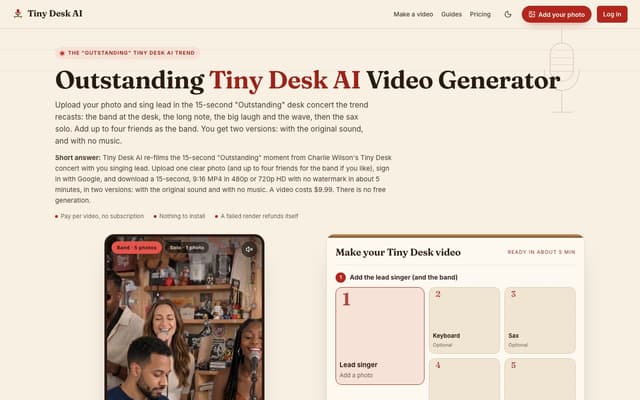
Tiny Desk AI
Upload one photo, plus up to four bandmates, and star in the 15-second 9:16 "Outstanding" Tiny Desk concert moment, with or without the original sound.
AI Music Video Generator · Paid, from $9.99
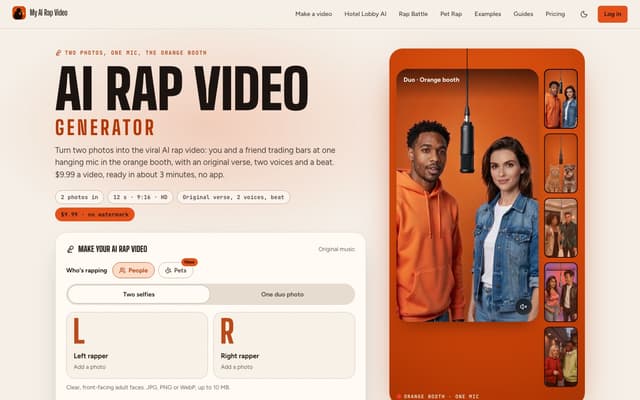
My AI Rap Video
Turn two photos into the viral AI rap video: two people or two pets trade bars at one hanging mic, with an original verse, two AI voices and a beat.
AI Rap Generator · Paid, from $9.99
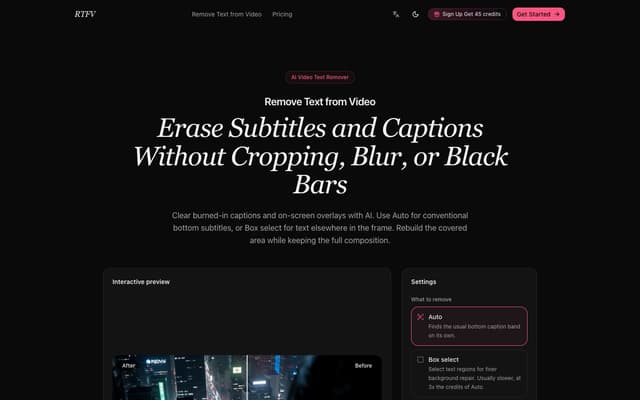
RTFV
Remove burned-in subtitles, captions and on-screen text from a video online; AI rebuilds the covered area from neighbouring frames instead of cropping or blurring it.
AI Video Editor · Freemium, from $4.90/mo

Nereo
Generate video from a prompt, a photo or a reference using Veo 3.1, Seedance, Kling and other models on a single account and one credit balance.
AI Video Generator · Freemium, from $28/mo
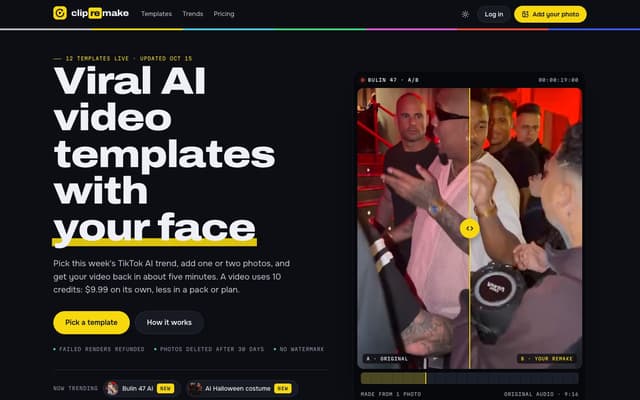
ClipRemake
Remake viral TikTok and Reels trends with your face: pick a template, add one or two photos and get a 9:16 video in about five minutes.
AI Video Generator
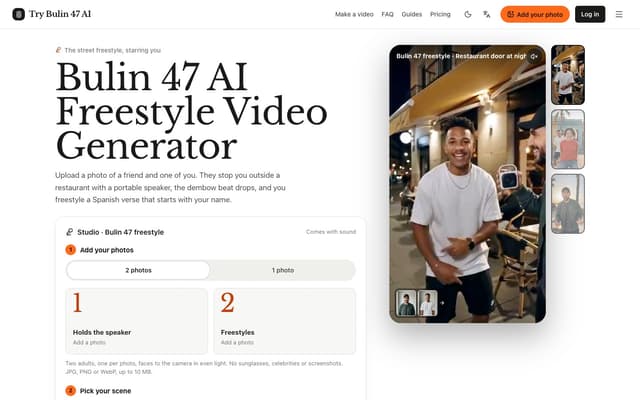
Try Bulin 47 AI
Turn your photos into freestyle videos with a personalized Spanish verse and dembow music.
Image to Video