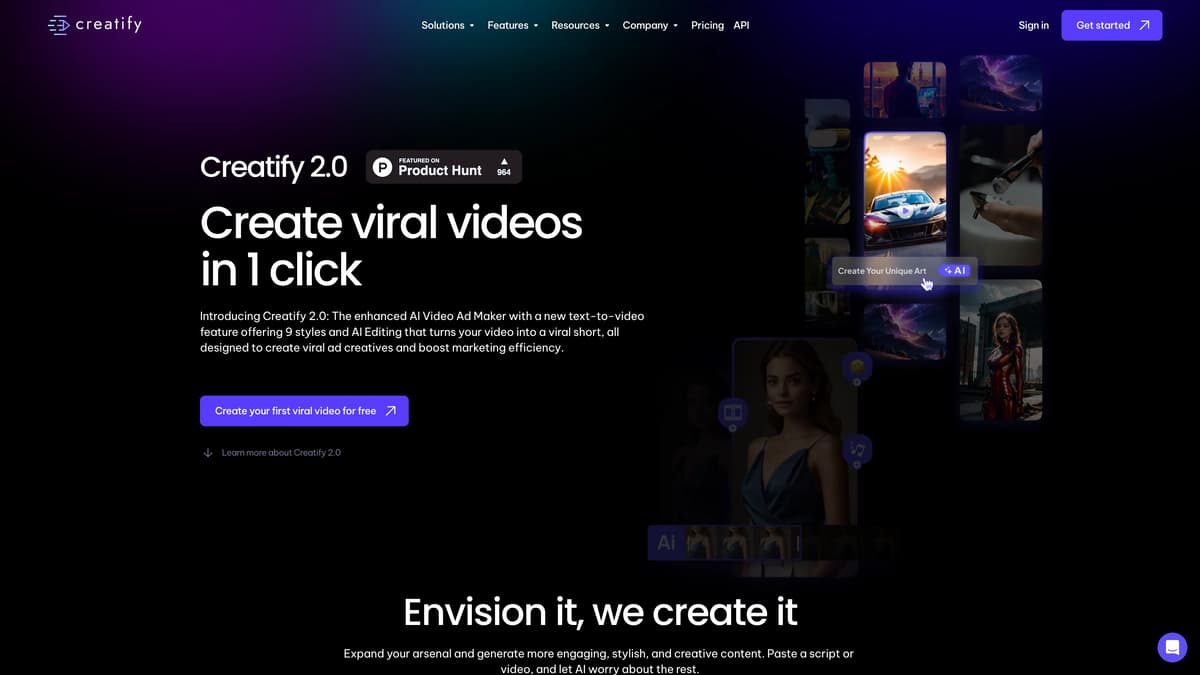
Creatify Introduction
Creatify 2.0 offers an intuitive AI-powered tool for creating viral video ads efficiently. With its text-to-video feature supporting nine distinct styles, users can transform scripts into captivating visuals in under five minutes. The AI Editing feature enhances existing videos by adding dynamic elements, ensuring messages stand out. Ideal for marketers targeting niche audiences, Creatify streamlines ad production, much like having an artistic assistant handling complex tasks. This tool's ability to produce multilingual content further broadens its applicability. By simplifying video creation, Creatify empowers brands to engage audiences effectively and effortlessly.
Creatify Key Features
Instant Viral Video Creation
Create attention-grabbing videos with a single click, leveraging AI-driven styles to transform scripts into stunning visuals, ideal for enhancing marketing strategies quickly.
AI-Powered Scalability
Scale video ad production effortlessly by generating a diverse range of visually appealing content, perfectly suited for extensive online marketing campaigns.
Rapid Output and Multilingual Support
Deliver high-performing short video ads in under 5 minutes, minimizing wait times, while reaching global audiences with support for multiple languages.
Targeted Reach Enhancement
Refine audience targeting across niches like tech, fiction, or art, ensuring your message consistently reaches the right viewers, maximizing ad impact.
Creative AI Editing
Revitalize existing videos by seamlessly integrating AI-generated visuals and icons, turning ordinary footage into striking, narrative-driven content.
Creatify Use Cases
Efficient Marketing Kickstart: Marketing teams use Creatify 2.0's rapid output feature to generate viral AI video ads in under 5 minutes, streamlining their campaign launches.
Localized Content Creation: Content creators leverage Creatify’s multilingual support to produce engaging video ads in multiple languages, reaching diverse audiences effectively.
Niche Audience Targeting: Tech bloggers utilize the AI Shorts feature to create bespoke video ads, ensuring they captivate tech enthusiasts and increase engagement.
Creative Advertising for Artists: Artists employ Creatify’s 3D and cartoonish styles to create visually stunning ads that highlight their unique works, broadening their exposure.
Enhanced Video Narratives: Filmmakers use AI Editing to transform raw footage into compelling stories, adding AI visuals and icons to emphasize key messages.
Creatify User Guides
Step 1: Provide your script and select the desired art style.
Step 2: Choose an AI Voice Actor and set the aspect ratio.
Step 3: Click 'render' to generate your AI video ad.
Step 4: Upload a video and select one of the 9+ styles for editing.
Step 5: Click 'render' to enhance your video with AI Editing.
Creatify Frequently Asked Questions
How does Creatify help in creating viral videos?
What styles can Creatify 2.0 offer for video creation?
How can I start using Creatify 2.0 to create videos?
What is the key feature of Creatify AI Shorts?
How does Creatify's AI Editing enhance videos?
What are the steps to edit a video with Creatify?
Can Creatify support multiple languages?
How fast can Creatify generate video ads?
Why is Creatify 2.0 scalable for marketing needs?
What audiences can Creatify help you target?
Creatify alternatives
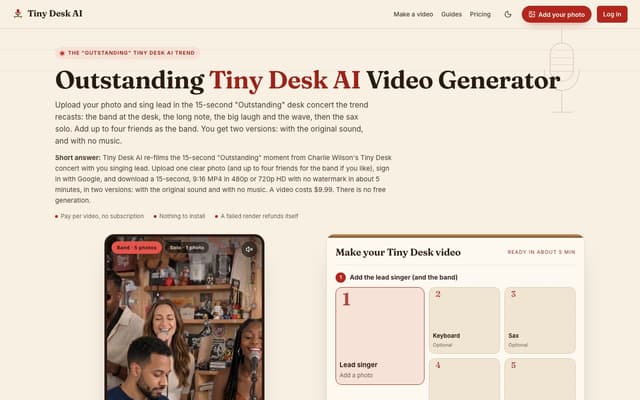
Tiny Desk AI
Upload one photo, plus up to four bandmates, and star in the 15-second 9:16 "Outstanding" Tiny Desk concert moment, with or without the original sound.
AI Music Video Generator · Paid, from $9.99
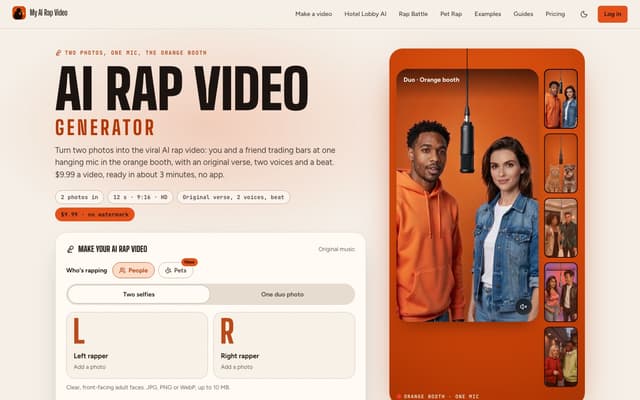
My AI Rap Video
Turn two photos into the viral AI rap video: two people or two pets trade bars at one hanging mic, with an original verse, two AI voices and a beat.
AI Rap Generator · Paid, from $9.99
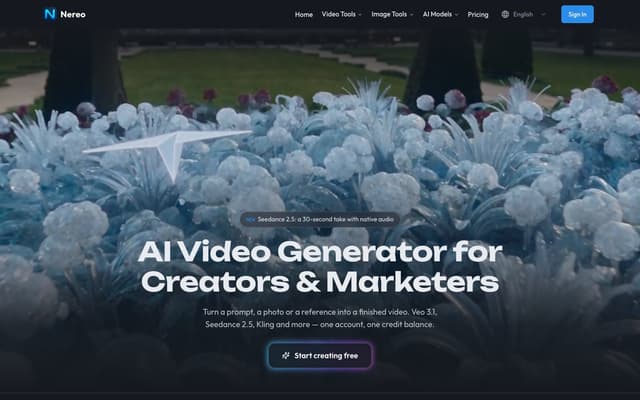
Nereo
Generate video from a prompt, a photo or a reference using Veo 3.1, Seedance, Kling and other models on a single account and one credit balance.
AI Video Generator · Freemium, from $28/mo
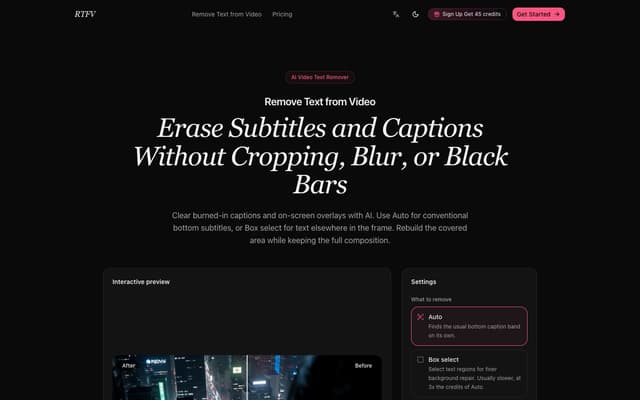
RTFV
Remove burned-in subtitles, captions and on-screen text from a video online; AI rebuilds the covered area from neighbouring frames instead of cropping or blurring it.
AI Video Editor · Freemium, from $4.90/mo
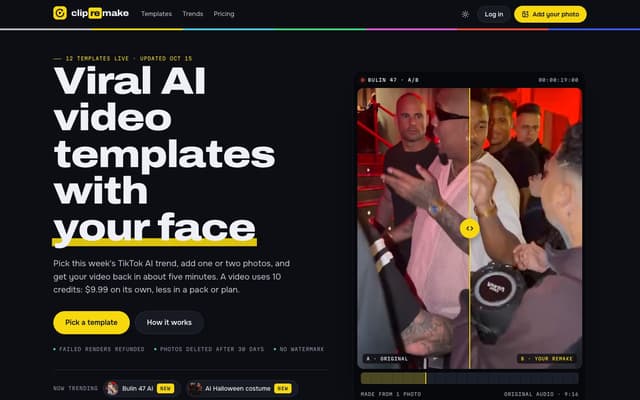
ClipRemake
Remake viral TikTok and Reels trends with your face: pick a template, add one or two photos and get a 9:16 video in about five minutes.
AI Video Generator
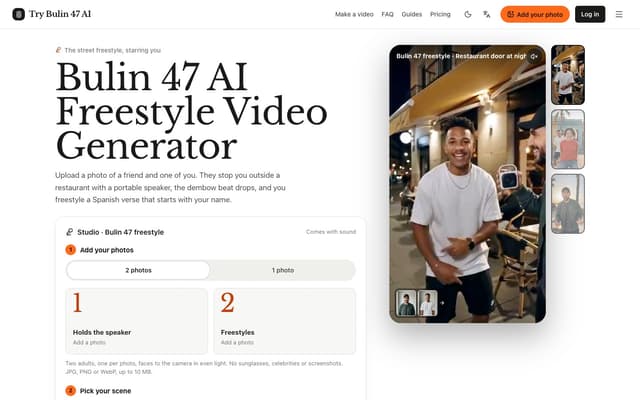
Try Bulin 47 AI
Turn your photos into freestyle videos with a personalized Spanish verse and dembow music.
Image to Video