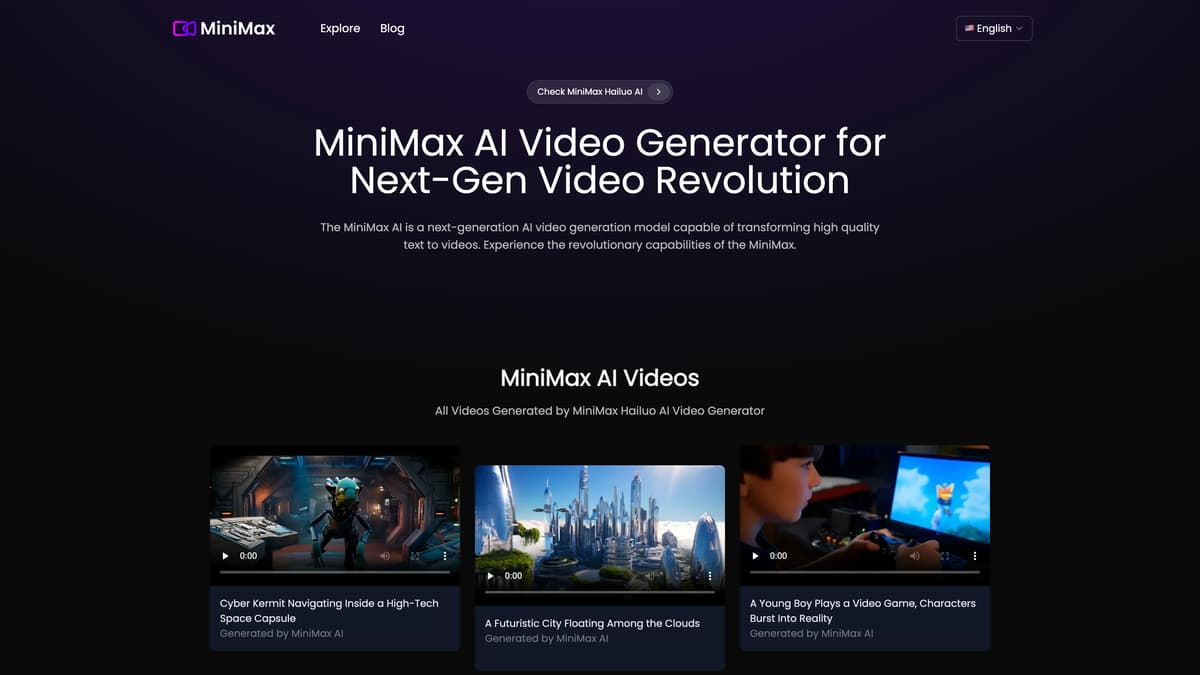
MiniMax AI Introduction
MiniMax AI is revolutionizing video content by transforming text descriptions into high-definition videos. This advanced AI model, capable of generating diverse visual outputs, offers rapid and efficient video creation, perfect for creative and dynamic projects. From crafting surreal landscapes to simulating intricate character interactions, MiniMax AI ensures realistic movement and natural camera transitions, maintaining both clarity and detail. Its free-to-use model provides an accessible entry into sophisticated AI video generation, making it a remarkable tool for both amateur and professional content creators.
MiniMax AI Key Features
HD Text-to-Video with Alignment
Turning textual descriptions into detailed and dynamic HD videos, MiniMax AI ensures that all narrative elements and actions are screen-perfect. Think of it as turning your written imagination into a high-definition cinematic experience.
Creative and Diverse Output
MiniMax AI adapts to various scenarios and visual styles, allowing unlimited creative possibilities. Whether crafting a futuristic city or an underwater adventure, it effortlessly brings out different video outputs, like a versatile artist bringing unique visions to life.
Fast Video Creation
MiniMax AI employs advanced and optimized technology to deliver high-quality videos swiftly, in just 120 seconds. This means users can go from concept to finished video in minutes, making quick turnarounds for projects a reality.
Realistic Motion and Camera Movements
Animating characters and scenes with consistency and natural camera movements, MiniMax AI ensures an emotionally engaging and physically accurate experience. Imagine smooth, organic transitions that perfectly match the tone of each scene, akin to a professional filmmaker's touch.
Free Access
Currently, MiniMax AI is available for free, enabling users to produce high-quality videos at no cost. This opens doors for unlimited experimentation and creative projects without worrying about budget constraints.
MiniMax AI Use Cases
Marketing Campaign Creation: A marketing team uses MiniMax AI to create dynamic, high-definition promotional videos tailored to specific product launches. By inputting detailed textual descriptions, they produce engaging visuals that accurately reflect their messages and captivate potential customers.
Educational Content Development: Teachers and educational content creators leverage MiniMax AI to transform lesson texts into visually stunning video tutorials. The high-definition, precise alignment of text and video helps students understand complex concepts more effectively, enhancing learning experiences.
Social Media Enhancements: Social media influencers and content creators use MiniMax AI’s fast video creation feature to generate videos that match their unique styles and narratives. This capability allows them to quickly produce high-quality content that captures audience interest and drives engagement.
Entertainment and Storytelling: Amateur filmmakers and storytellers utilize MiniMax AI to bring imaginative texts to life. With its diverse and creative video generation capabilities, they can seamlessly convert scripts into visually compelling videos, enriching their storytelling and entertaining audiences.
Corporate Training Modules: Human resource departments employ MiniMax AI to develop interactive and realistic training videos from textual guidelines. This helps new employees grasp job protocols and company culture effectively while saving time and resources in the training process.
MiniMax AI User Guides
Step 1: Visit the MiniMax AI website and log in with your credentials.
Step 2: Input your text prompt in the provided text box on the interface.
Step 3: Click the 'Generate Video' button to start the transformation process.
Step 4: Wait for approximately 120 seconds for the AI to create your video.
Step 5: Download your high-quality, generated video once the process is complete.
MiniMax AI Frequently Asked Questions
What is MiniMax AI and how does it work?
Is MiniMax AI Video Generator free to use?
How can I get started with MiniMax AI?
How quickly can MiniMax AI video get generated?
What types of videos can MiniMax AI create?
Does MiniMax AI video maintain clarity and detail?
Are the camera movements in MiniMax AI videos natural?
What limitations does MiniMax AI currently have?
Where can I find examples of videos generated by MiniMax AI?
What main features does MiniMax AI offer?
MiniMax AI alternatives
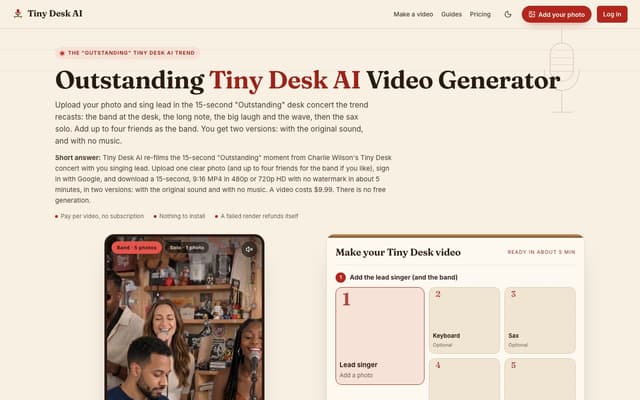
Tiny Desk AI
Upload one photo, plus up to four bandmates, and star in the 15-second 9:16 "Outstanding" Tiny Desk concert moment, with or without the original sound.
AI Music Video Generator · Paid, from $9.99
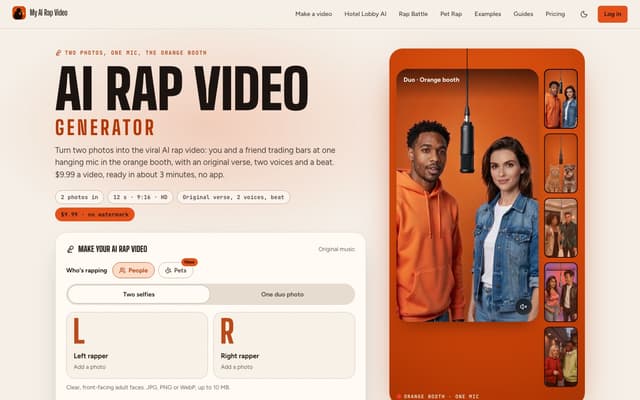
My AI Rap Video
Turn two photos into the viral AI rap video: two people or two pets trade bars at one hanging mic, with an original verse, two AI voices and a beat.
AI Rap Generator · Paid, from $9.99
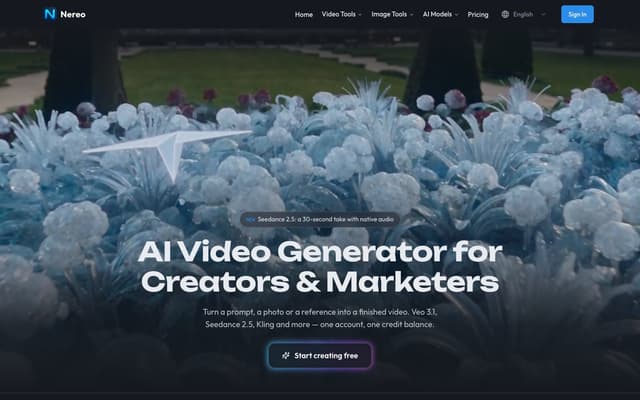
Nereo
Generate video from a prompt, a photo or a reference using Veo 3.1, Seedance, Kling and other models on a single account and one credit balance.
AI Video Generator · Freemium, from $28/mo
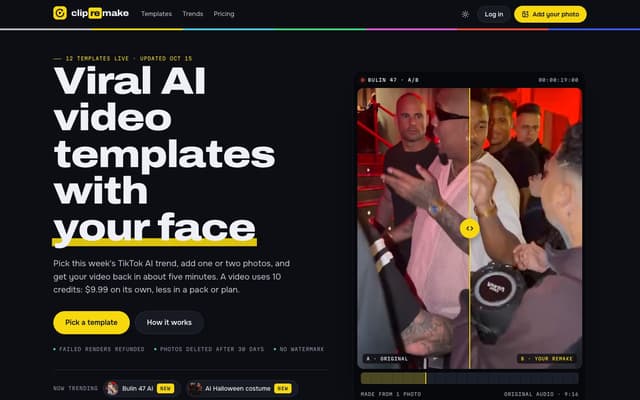
ClipRemake
Remake viral TikTok and Reels trends with your face: pick a template, add one or two photos and get a 9:16 video in about five minutes.
AI Video Generator
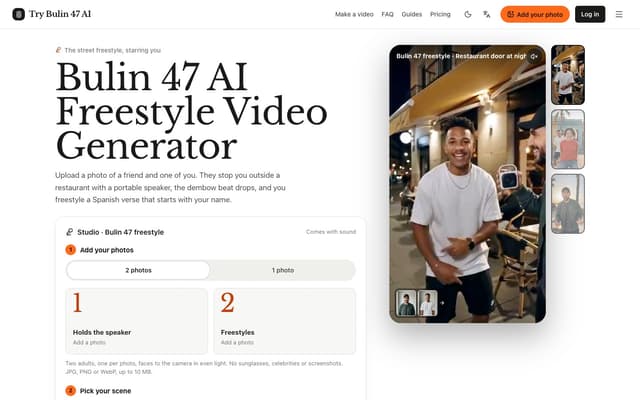
Try Bulin 47 AI
Turn your photos into freestyle videos with a personalized Spanish verse and dembow music.
Image to Video
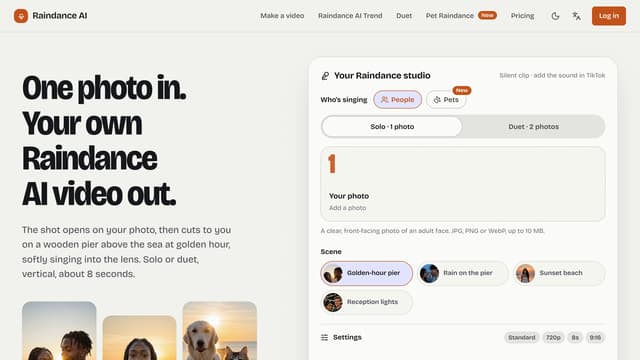
Raindance AI
Turn one photo into a vertical Raindance-trend clip of you singing on a golden-hour pier — solo, duet or with your pet.
AI Video Generator