Tattoon Introduction
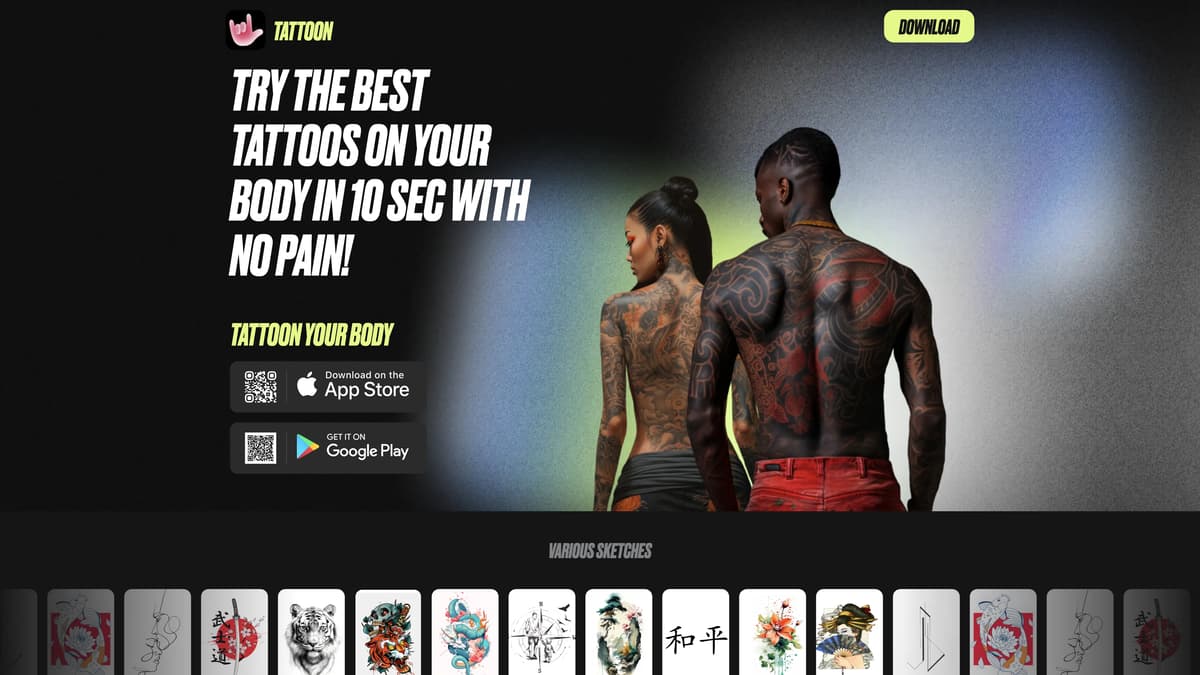
Tattoon is a cool new app that uses advanced AI to let you try on tattoos virtually, considering your body angle, shape, and even the glare on your skin. Imagine wanting to see how a dragon tattoo would look on your arm without committing to the pain or permanence. With Tattoon, it's possible. You can choose from over a thousand designs, apply them to your photos, and get an instant realistic result. It's perfect for those trying to decide on their first tattoo, wanting to play around with different styles, or even looking to prank friends. By seamlessly integrating art with technology, Tattoon offers a unique way to preview tattoos, making it a great tool for both tattoo artists and enthusiasts.
Tattoon Key Features
Realistic Tattoo Overlay
Tattoon uses sophisticated AI to consider body angle, volume, shape, and glare, creating a realistic and immersive tattoo experience as if you actually got inked.
Extensive Tatto Design Library
Choose from over a thousand different sketches, ranging from Japanese Fish to Cute Animals, ensuring there's a design for everyone's taste and style.
Quick and Easy Application
Just color the desired area of your photo and watch Tattoon work its magic in seconds, saving you the hassle and a lot of time.
Decision-Making Aid for Future Tattoos
Perfect for those contemplating a real tattoo, Tattoon allows users to try out various designs and placements before committing, helping them make informed decisions.
Time-Saver for Tattoo Artists
By allowing clients to visualize designs beforehand, tattoo artists can significantly reduce the time spent on style selection, making sessions smoother and more efficient.
Tattoon Use Cases
Social Media Makeover: Influencers can try out various tattoo designs using Tattoon's AI technology to create stunning visuals for social media, elevating their brand image effortlessly with realistic overlays.
Decision Making for First-Timers: Aspiring tattoo enthusiasts can visualize different tattoo styles and placements on their bodies, aiding them in making confident decisions about their first tattoo without any commitment or pain.
Tattoo Artist Tool: Tattoo artists save hours by leveraging Tattoon to showcase potential designs to clients, allowing for a more efficient consultation process and ensuring customer satisfaction.
Celebrity Look-Alike: Fans can emulate their favorite celebrities by applying similar tattoo designs digitally before opting for a real one, experiencing the look and feel of their idol's tattoos.
Prank and Fun: Friends and family can have fun by using Tattoon to prank each other with realistic-looking tattoos, creating memorable moments without any permanent ink.
Tattoon User Guides
Step 1: Download and install Tattoon from the App Store or Google Play Store.
Step 2: Open the app and choose your favorite tattoo design from over a thousand options.
Step 3: Color in the area on your body photo where you want the tattoo to appear.
Step 4: Wait a moment for the AI to apply the tattoo realistically, considering body details.
Step 5: Save or share your new tattoo look on social media or prank your friends!
Tattoon Frequently Asked Questions
How does Tattoon apply tattoos on my body?
Can I choose from different tattoo designs in Tattoon?
What platforms is Tattoon available on?
How do I use Tattoon to try on a tattoo?
Can Tattoon help me decide on a real tattoo?
Is Tattoon useful for tattoo artists?
Can I use Tattoon to prank my friends?
Are there any animations or effects in Tattoon?
How long does it take to see the tattoo applied in Tattoon?
What makes Tattoon different from other tattoo apps?
Tattoon alternatives
tibo.dog
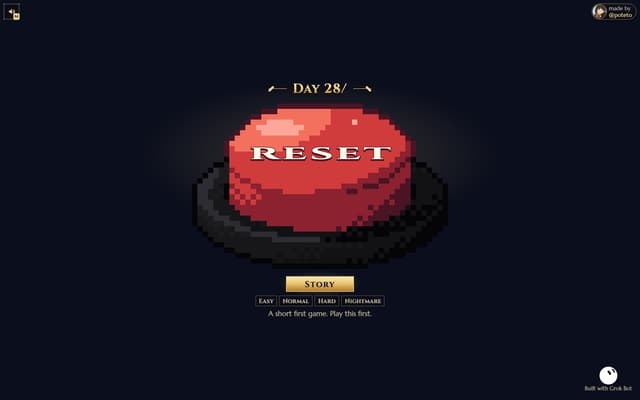
A free pixel survivors-like browser game by @poteto: play as OpenAI's Tibo with up to three dogs and survive 20 minutes of pests and bosses.
Game · Free
Poteto Playground
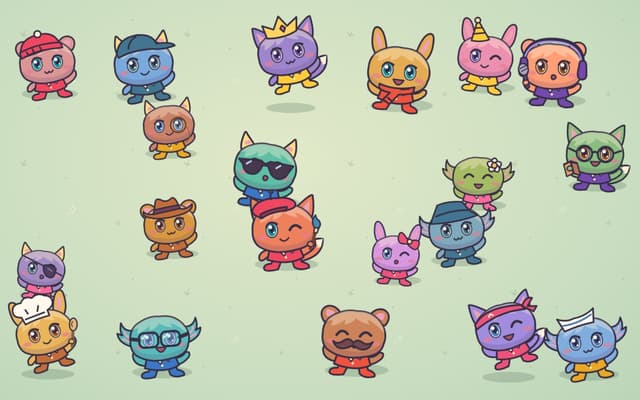
A playful one-page site from OpenAI's Tibo: tap costumed potatoes to read their jokes, and the lucky one sends you to ChatGPT.
Fun Tools · Free
NeoPhoto
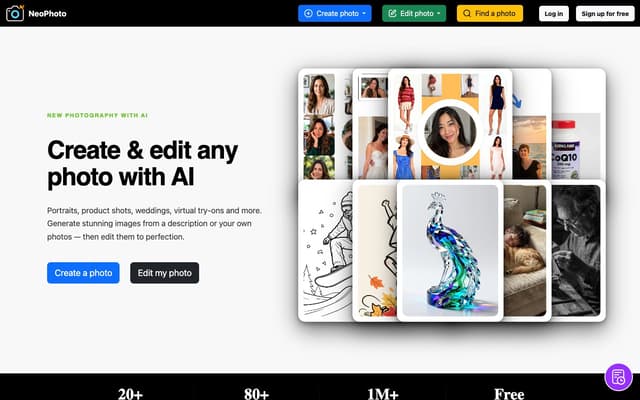
Create photorealistic images from a description or your own reference photos, then edit them with AI tools for background removal, object erasing, filling, expanding, upscaling and restoration.
AI Photo & Image Generator · Freemium
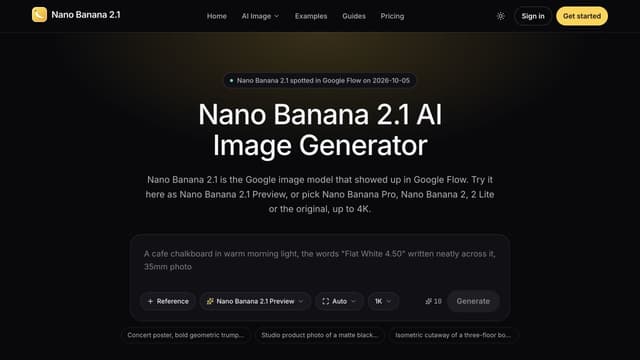
Nano Banana 2.1
Generate images from text or edit photos with Nano Banana models, reference images and output up to 4K.
Text to Image
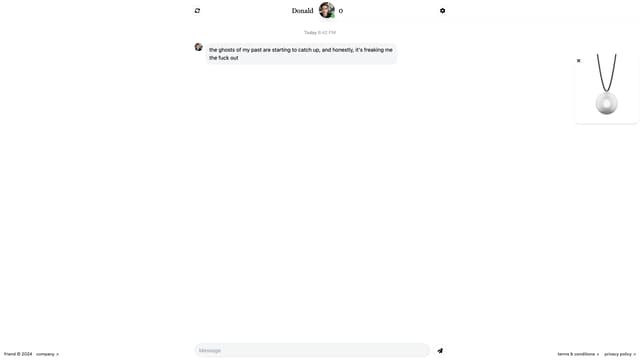
Friend AI
Friend AI is a free online chat service that pairs users with AI-driven characters, offering unique, engaging conversations reminiscent of chatroulette, with the option to sync to a wearable for on-the-go interaction.
AI Chatbot
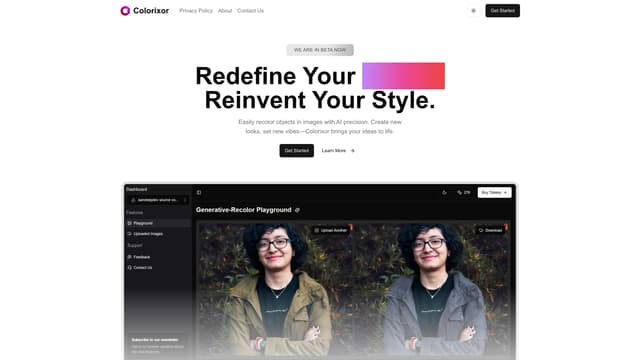
Colorixor
Colorixor instantly recolors objects in images with AI precision, offering endless color customization for creative transformation, making design projects fast and effortless.
AI Photo & Image Generator