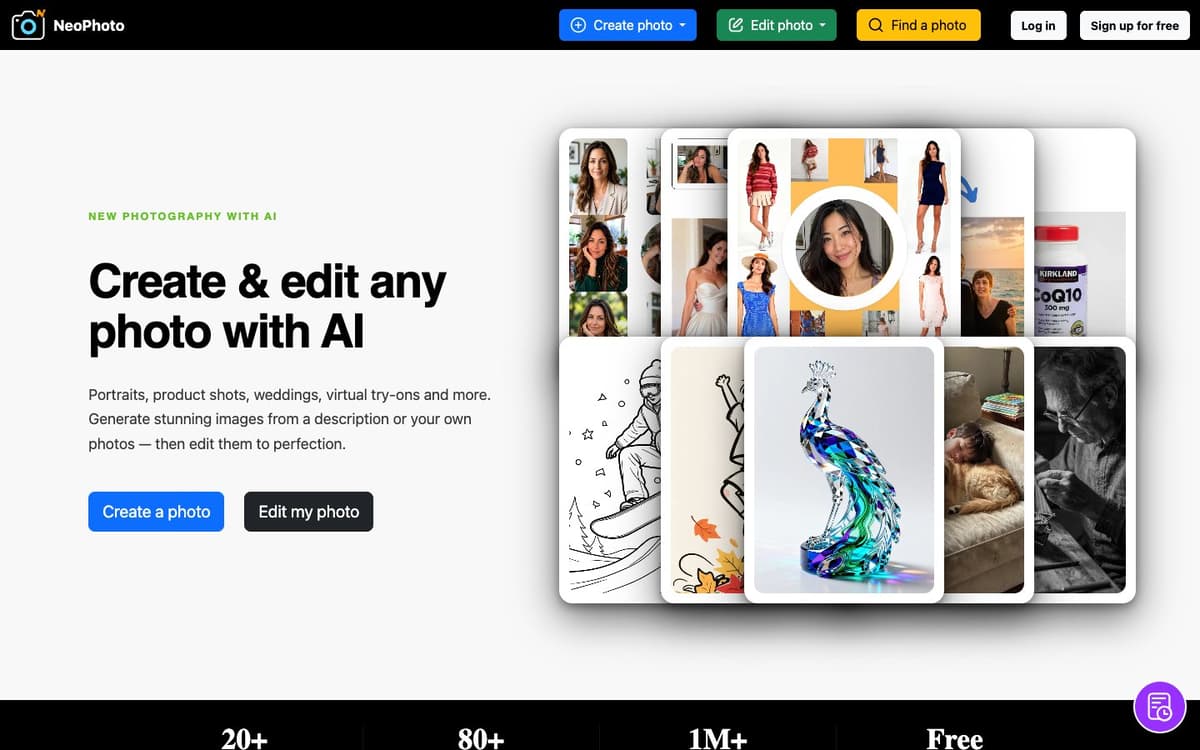
NeoPhoto Introduction
NeoPhoto is a browser-based image studio that covers both generation and editing. On the create side it offers text to image plus purpose-built tools for portraits, group photos assembled from separate shots, wedding and event imagery, virtual outfit and hairstyle try-ons, and product staging for e-commerce. On the edit side it handles background removal and replacement, a Magic Eraser for unwanted objects, Magic Fill and Magic Expand for adding or extending content by description, upscaling to roughly 4 MP print resolution, cinematic reshoots of a snapshot, and restoration of blurry, old or damaged photos. The site says each job is routed to the model best suited to that specific task rather than one generic model, local edits keep the original resolution, and illustrations can be exported as SVG or PDF vectors. A free stock library of AI-generated images is searchable and downloadable.
NeoPhoto Key Features
Purpose-Built Creation Tools
Text to image plus dedicated Portrait, Group Photo, Wedding, Virtual Try-On, Product Staging and Compose tools, each tuned for its own job.
Full AI Editing Toolkit
Remove backgrounds, erase objects with Magic Eraser, add or replace elements with Magic Fill, extend the frame with Magic Expand, or edit by describing the change.
Restore and Reshoot
Clarity Restore repairs blurry, old or damaged photos, and Reshoot turns an ordinary snapshot into a cinematic image.
High-Resolution Output and Vectors
Local edits keep the source resolution, upscaling produces a crisp roughly 4 MP file for print, and line art can be converted to SVG or PDF vectors.
Free Stock Library
Browse, search and download AI-generated stock images for free, or customise one to make it your own.
NeoPhoto Use Cases
- Produce studio-style product shots for an online store without booking a shoot.
- Get a polished professional headshot from an ordinary photo.
- Clean up event and wedding photos by erasing distracting objects from the background.
- Try outfits or hairstyles virtually before buying or booking.
- Restore old family pictures and upscale them for printing.
NeoPhoto User Guides
-
Sign up free at neophoto.ai and choose Create a photo or Edit my photo.
-
Pick the tool that matches the job, such as Portrait, Product Staging, Magic Eraser or Clarity Restore.
-
Write a description or upload your own reference photos.
-
Generate, then refine the result with the editing tools and check the credit cost of each job.
-
Upscale or vectorise if you need print output, then download the image.
NeoPhoto Pricing
Free plan: free image search and download, courtesy sign-up credits, 3 free text-to-image generations per day (shared to the public gallery), watermarked trials of other tools and a personal use licence. Plus $15/month for 500 credits, Pro $25/month for 1,000 credits with a commercial licence, Max $50/month for 3,000 credits; yearly billing saves 20%. Pay-as-you-go top-ups: 500 credits $25, 1,000 credits $50, 2,000 credits $100, never expiring. Prices checked October 16, 2026.
NeoPhoto Frequently Asked Questions
Can I use NeoPhoto for free?
How are credits spent?
Do I get a commercial licence?
Do top-up credits expire?
What resolution can I get?
Can I export vectors?
NeoPhoto alternatives
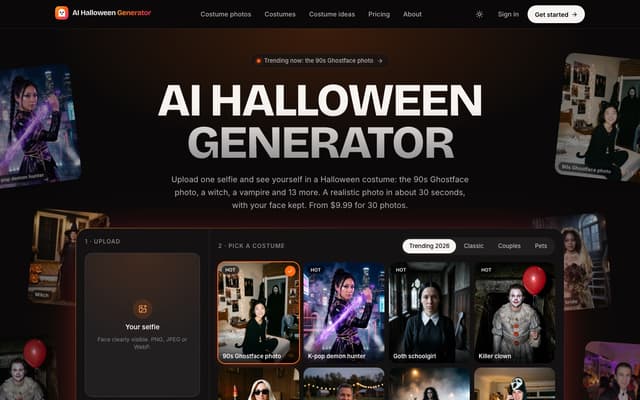
AI Halloween Generator
Turn one selfie into a realistic photo of you in a Halloween costume, from the viral 90s Ghostface photo to a witch, vampire or zombie, with your face kept.
AI Photo & Image Generator · Paid, from $9.99
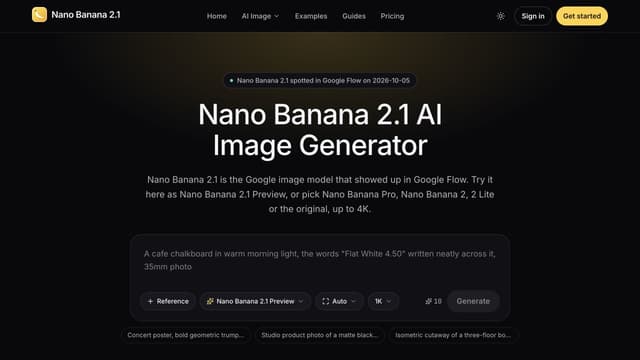
Nano Banana 2.1
Generate images from text or edit photos with Nano Banana models, reference images and output up to 4K.
Text to Image
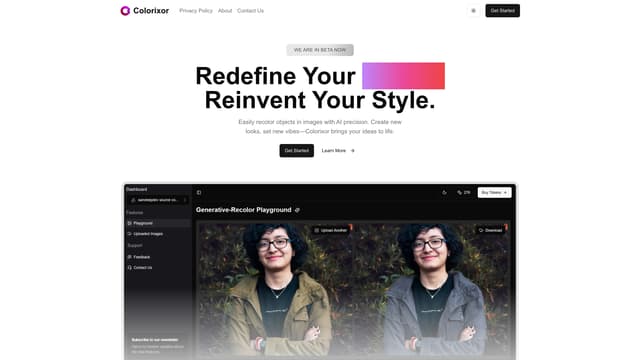
Colorixor
Colorixor instantly recolors objects in images with AI precision, offering endless color customization for creative transformation, making design projects fast and effortless.
AI Photo & Image Generator
Speech Illustrator
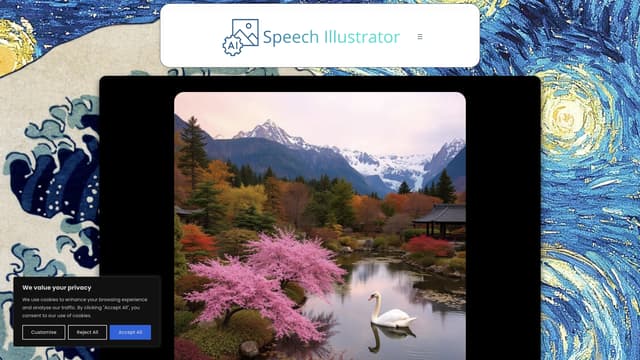
Speech Illustrator transforms spoken language into real-time images, making audio experiences like podcasts or lectures visually engaging and accessible in over 90 languages.
AI Photo & Image Generator
GlobalGPT
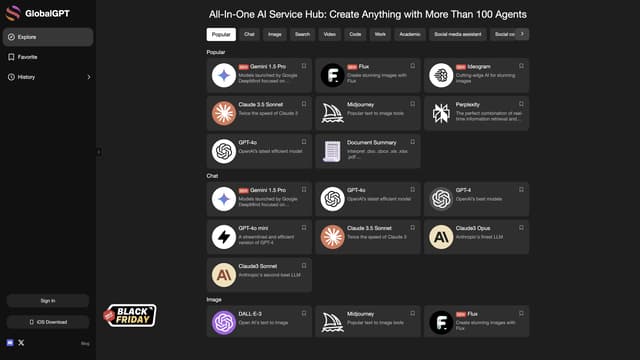
GlobalGPT offers cost-effective and unlimited access to advanced AI tools like GPT-4 on a pay-as-you-go basis, ensuring data privacy.
AI Photo & Image Generator

klingai
KLING AI is an advanced creative studio by Kuaishou Tech, specializing in generating realistic images and 1080p videos with diverse styles and intricate details.
AI Photo & Image Generator