Moti Hoppe Maker Introduction
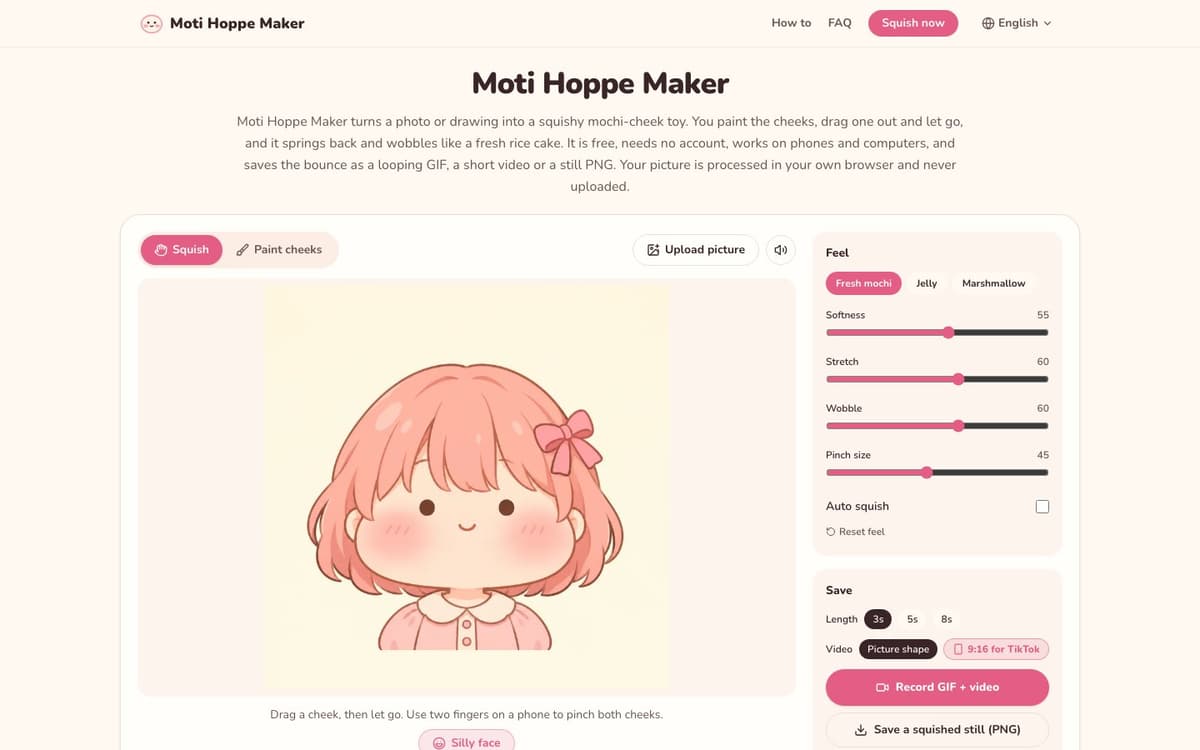
Moti Hoppe Maker lets you pinch the cheeks of a selfie, a pet photo or a drawing and pull them out like soft rice cake. You paint which parts should move, drag one out and let go, and a spring brings it back with a few wobbles. The effect runs entirely in the browser: the picture is never uploaded, there is no account, and nothing is generated by AI. It follows the mochi cheek trend that spread on TikTok and Instagram in November 2026, based on a Japanese web toy, and has pages in English, Japanese, Korean, Indonesian, Vietnamese, Portuguese and Thai.
Moti Hoppe Maker Key Features
Paint Only the Soft Parts
A brush marks the cheeks (or anything else) as soft, so the eyes, nose and outline stay put and the pull looks like a real pinch rather than a warped photo.
Spring Physics With Four Sliders
Softness, stretch, wobble and pinch size change the feel, with Fresh mochi, Jelly and Marshmallow presets. Two fingers pinch both cheeks on a phone.
GIF, Video With Sound or PNG
Record 3, 5 or 8 seconds into a looping GIF plus an MP4 or WebM clip with a boing on every release, in the picture shape or 9:16, or save a squished still.
Silly Face and Multi-Picture Videos
Silly face makes the whole picture soft for goofier stretches, and up to six pictures can be squished one after another in a single 9:16 clip.
Private by Design
The picture is decoded, stretched and encoded inside your own browser tab and disappears when you close it.
Moti Hoppe Maker Use Cases
Reaction GIFs for group chats: pull a friend's cheeks in a photo and send the loop back.
Pets: round-cheeked dogs, cats and hamsters wobble the most.
Fan art and original characters: artists post their own characters getting squished.
Short videos: the 9:16 clip with sound is sized for TikTok, Reels and Shorts.
Moti Hoppe Maker User Guides
Open a picture
Pick a sample or upload a JPG, PNG, WebP or GIF up to 25 MB. Front-facing faces with both cheeks visible work best.
Paint the cheeks
Uploads start in paint mode with two guessed cheek spots; brush where the picture should give and erase the eyes and mouth.
Pull and record
Switch to squish, drag a cheek out and let go. Press record, keep pulling, then download the GIF, the video or a PNG.
Moti Hoppe Maker Pricing
Free. No sign-up, no credits and no watermark you cannot turn off.
Moti Hoppe Maker Frequently Asked Questions
Is Moti Hoppe Maker free?
Does it use AI?
Are photos uploaded?
Does it work on phones?
Is it the original Japanese toy?
Moti Hoppe Maker alternatives
Free AI Photo Editor
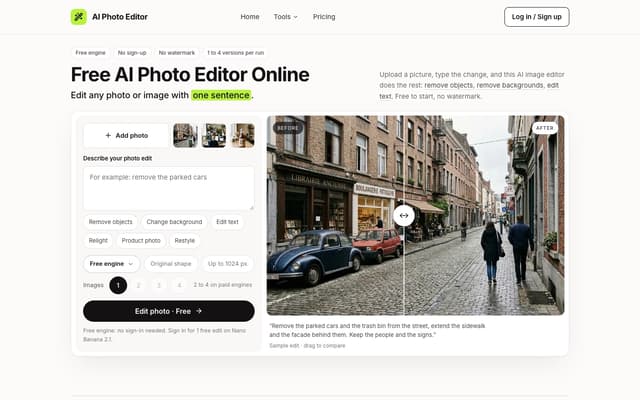
Upload a photo, type the change and download it with no watermark. A free engine works with no account; six paid engines, including Nano Banana 2.1 and GPT Image 2.6, go up to 4K.
Photo & Image Editor · Freemium, from $9.99
Word Spies
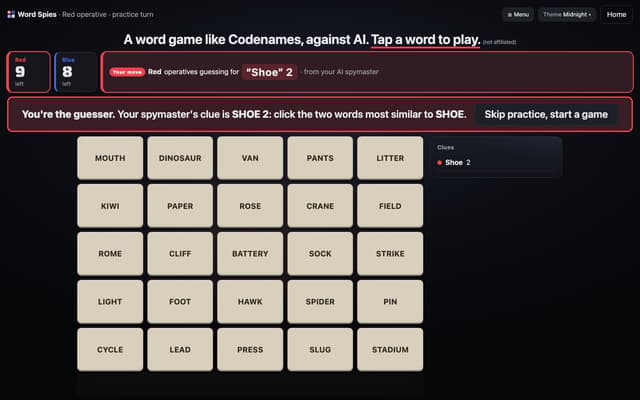
A free Codenames-style word game where you play with or against AI models such as Claude and GPT, with live clue analysis and a model leaderboard.
Game · Free
tibo.dog
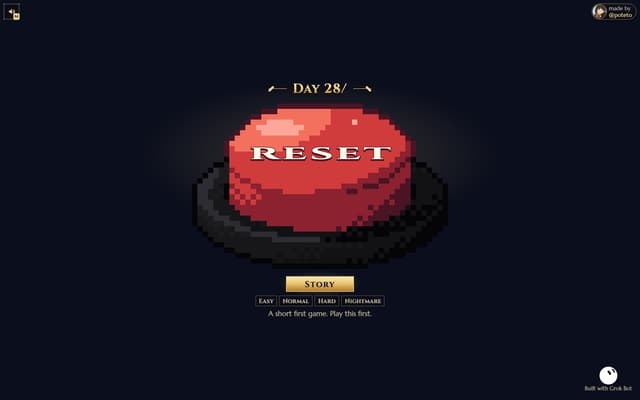
A free pixel survivors-like browser game by @poteto: play as OpenAI's Tibo with up to three dogs and survive 20 minutes of pests and bosses.
Game · Free
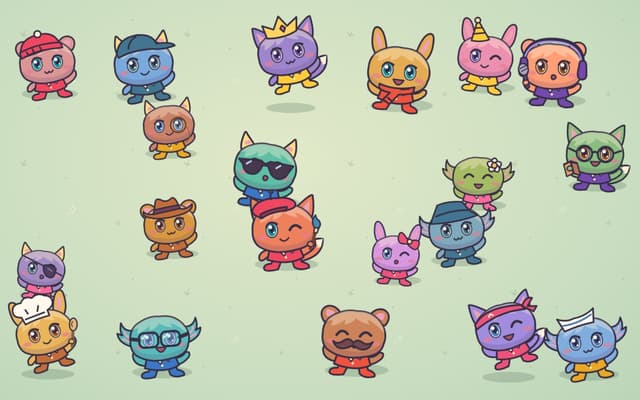
Poteto Playground
A playful one-page site from OpenAI's Tibo: tap costumed potatoes to read their jokes, and the lucky one sends you to ChatGPT.
Fun Tools · Free
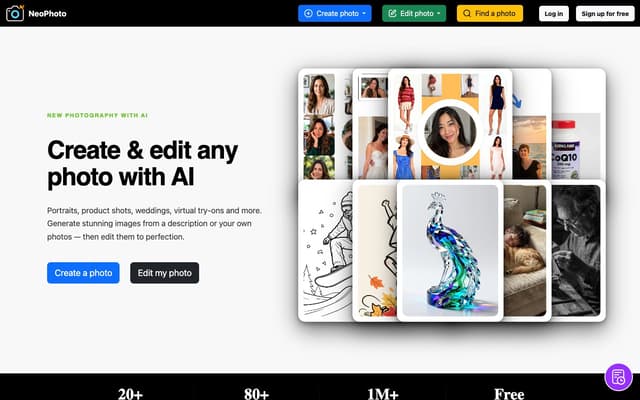
NeoPhoto
Create photorealistic images from a description or your own reference photos, then edit them with AI tools for background removal, object erasing, filling, expanding, upscaling and restoration.
AI Photo & Image Generator · Freemium
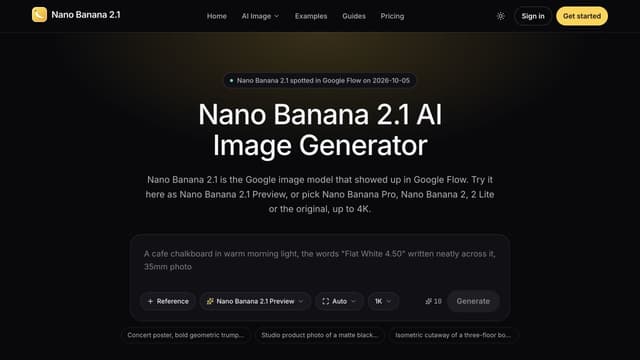
Nano Banana 2.1
Generate images from text or edit photos with Nano Banana models, reference images and output up to 4K.
Text to Image