Free AI Photo Editor Introduction
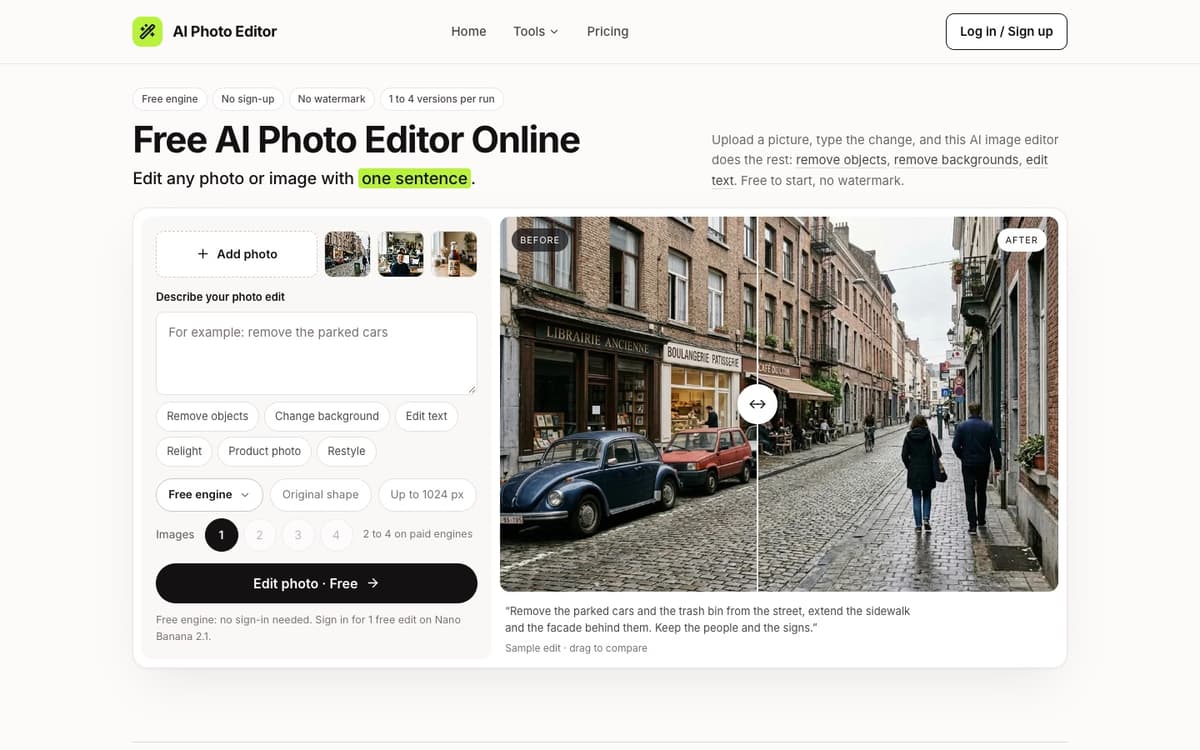
Free AI Photo Editor puts the editor on its home page: upload a photo, write in one sentence what should change and what must stay, and the result appears next to the original with a slider to compare them. There are no layers, brushes or masks to learn, and it works on any picture, not only camera photos, so screenshots, product renders and scans go through the same box. Signed-out visitors start on a free engine that runs FLUX.2 klein: no account, no card, 3 edits a day per connection, up to 1024 px and no watermark. Signing in with Google adds 10 credits once, enough for one edit on Nano Banana 2.1, and opens six paid engines in the same menu: Nano Banana 2.1, GPT Image 2.6 and 2.5, Seedream 5, FLUX 3 Klein and FLUX Kontext Pro. Paid runs can return one to four versions at once, at up to 4K, in PNG or JPG. Three pages carry a form built for one job: Remove objects asks only what should go, the AI background remover returns a transparent PNG with nothing to type, and Edit text in image takes the text to change and the new words. JPG, PNG, WEBP and HEIC files up to 20 MB are accepted, the Edit button shows the credits a run will use before you press it, and a failed edit gives its credits back. The site opened in November 2026.
Free AI Photo Editor key facts
| Pricing | Freemium, from $9.99 |
|---|---|
| Free tier | Yes: a free engine with no account, 3 edits a day, up to 1024 px |
| Platforms | Web app for desktop and phone browsers |
| Sign-up | Not for the free engine; Google sign-in for the paid engines |
| AI models | FLUX.2 klein (free), Nano Banana 2.1, GPT Image 2.6 and 2.5, Seedream 5, FLUX 3 Klein, FLUX Kontext Pro |
We tried Free AI Photo Editor
Tested on Nov 22, 2026
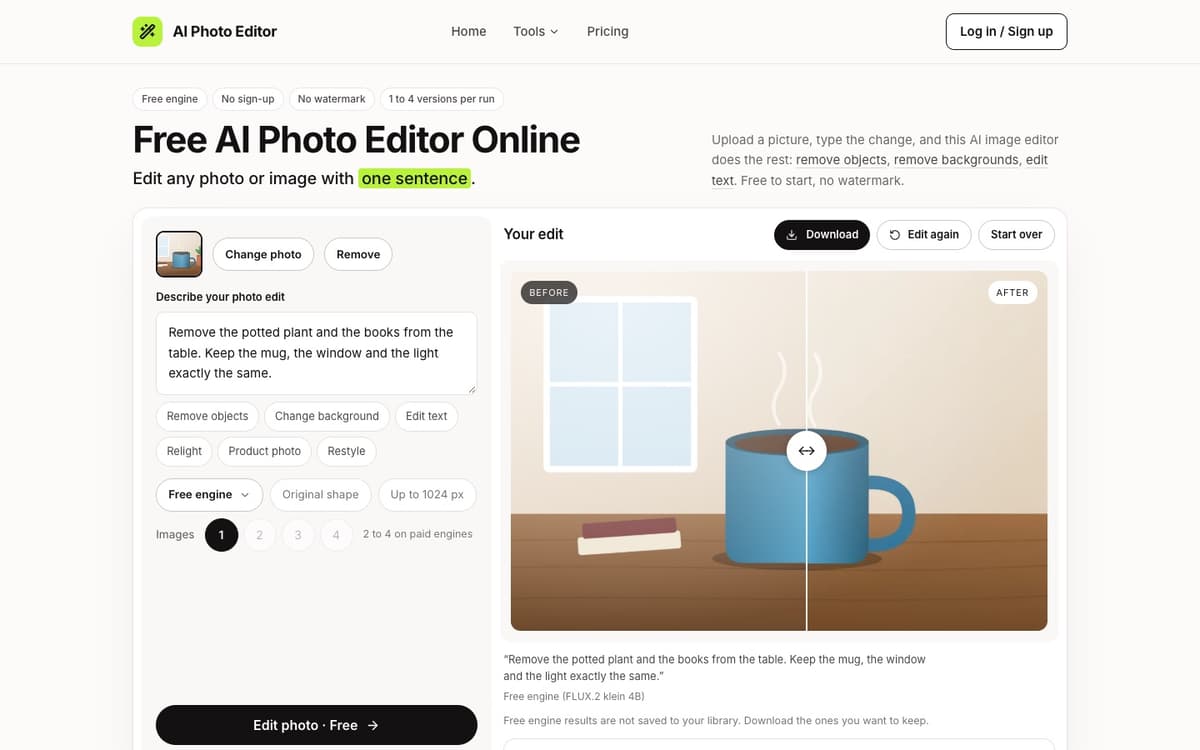
On November 22, 2026, without signing in, we uploaded our standard test picture (a blue mug on a wooden table next to a potted plant, two books and a window) to the home editor, left it on Free engine and typed: remove the potted plant and the books, keep the mug, the window and the light. The result came back in about 11 seconds. The plant and the books were gone, the wall and the wood grain were filled in behind them, and the mug, its steam and the window were unchanged. We then ran the same picture through the AI background remover on its free setting. About 8 seconds later it returned a transparent PNG holding the mug and the plant, with the wall, window, table, books and steam removed. No account, card or credits were needed. The paid engines were not part of this test.
Free AI Photo Editor Key Features
Edit by Typing One Sentence
Upload a photo, say what should change and what must stay, and the edit is applied in place. Six quick prompts fill in a good first sentence.
Free Engine With No Account
Signed-out visitors start on a free engine powered by FLUX.2 klein: no account and no card, 3 edits a day per connection, up to 1024 px, no watermark.
Six Paid Engines in One Menu
Nano Banana 2.1 is the default for keeping untouched parts as they were. GPT Image 2.6 and 2.5, Seedream 5, FLUX 3 Klein and FLUX Kontext Pro sit beside it with their prices.
Forms for Three Common Jobs
Remove objects asks only what should go, the background remover returns a transparent PNG with nothing to type, and Edit text in image takes which text and the new wording.
Up to Four Versions and 4K
Paid engines run one to four versions of the same edit so you can keep the best, and results download as PNG or JPG at up to 4K without a watermark.
Cost Shown Before Every Run
The Edit button shows the credits a run will use before you press it, and an edit that fails puts its credits back on its own.
Free AI Photo Editor Use Cases
Online sellers: turn phone snaps of a product into plain white listing photos with a soft contact shadow.
Estate agents and hosts: take bins, parked cars and clutter out of listing photos, or swap a gray sky for a clear one.
Designers and marketers: cut a person or product out as a transparent PNG for a banner, a slide or a thumbnail.
Brands testing packaging: rewrite the words on a label, sign or menu in an existing photo before paying for a reshoot.
Travellers: clear strangers out of a landmark shot, or move a flat midday photo to golden hour.
Free AI Photo Editor User Guides
-
Open the home page; the editor is the first thing on it.
-
Add a JPG, PNG, WEBP or HEIC photo by clicking, dropping or pasting it.
-
Type the change in one sentence and name what must stay the same, or tap a quick prompt.
-
Keep Free engine to edit without an account, or sign in with Google to pick a paid engine, a resolution and 1 to 4 versions.
-
Press Edit, drag the slider to compare before and after, then download the result or edit it again.
Free AI Photo Editor Pricing
Free engine with no account: 3 edits a day per connection, up to 1024 px. Google sign-in adds 10 credits once (one edit). Plans: Basic $9.99, Pro $19.99, Studio $49.99 a month for 1,000, 2,500 and 7,000 credits, or 20% off billed yearly. Packs that never expire: $9.99 for 800, $24.99 for 2,400, $69.99 for 8,000 credits. A standard edit uses 10 credits.
Free AI Photo Editor limitations
- The free engine stops at 3 edits a day per connection and 1024 px, and its results are not saved to a library.
- Sign-in is Google only; there is no email, Apple or Microsoft option for the paid engines.
- A long paragraph of small print still comes back soft, and scripts with joined letters such as Arabic may need a second pass.
Free AI Photo Editor Frequently Asked Questions
Is Free AI Photo Editor really free?
How long does an edit take?
Which engine should I choose?
Do I need to brush over what I want removed?
Are my photos private?
Do credits expire?
Free AI Photo Editor alternatives
How Free AI Photo Editor compares
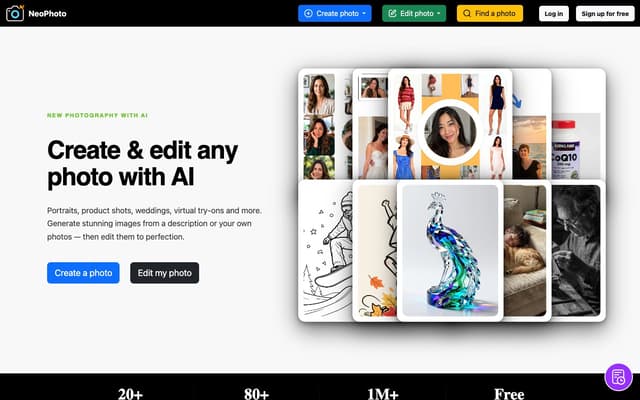
- NeoPhoto: NeoPhoto leans toward generating portraits, product shots and try-ons, with separate erase and fill tools; this editor works from one typed sentence.
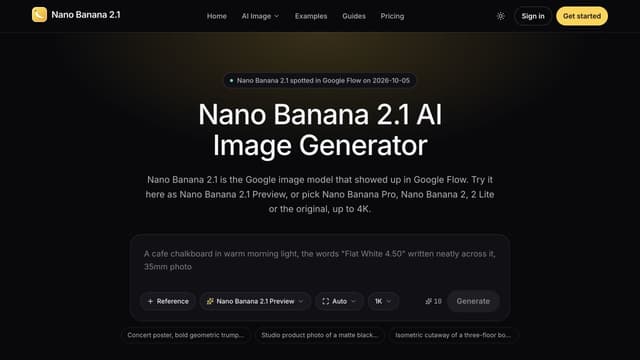
- Nano Banana 2.1: Nano Banana 2.1 centres on one model family for generating and editing; this editor adds a no-account free engine and five other paid engines.
- Hotpot ai: Hotpot spreads art generation, headshots and many small tools across separate pages; this one is a single sentence-driven photo editor.

AI Halloween Generator
Turn one selfie into a realistic photo of you in a Halloween costume, from the viral 90s Ghostface photo to a witch, vampire or zombie, with your face kept.
AI Photo & Image Generator · Paid, from $9.99
NeoPhoto
Create photorealistic images from a description or your own reference photos, then edit them with AI tools for background removal, object erasing, filling, expanding, upscaling and restoration.
AI Photo & Image Generator · Freemium
Nano Banana 2.1
Generate images from text or edit photos with Nano Banana models, reference images and output up to 4K.
Text to Image
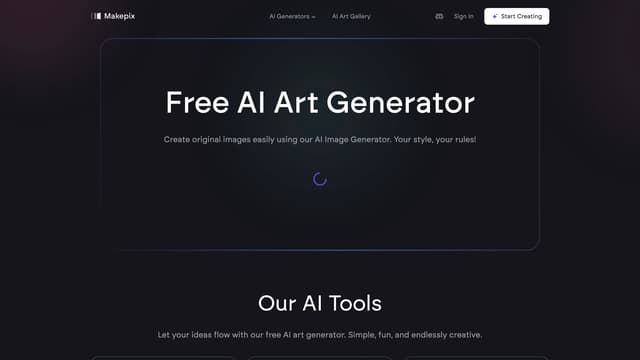
Makepix AI
Makepix AI transforms your ideas into stunning visuals, enhancing creativity and storytelling with professional-quality images effortlessly and instantly.
AI Illustration Generator
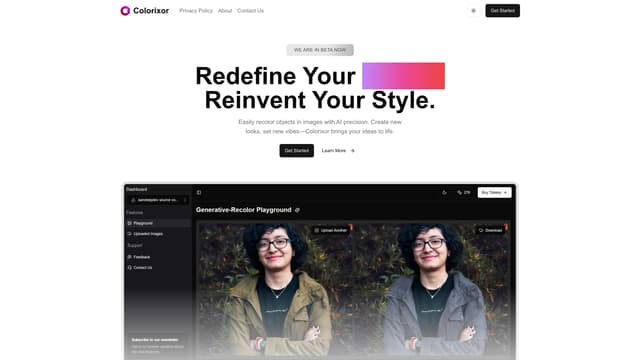
Colorixor
Colorixor instantly recolors objects in images with AI precision, offering endless color customization for creative transformation, making design projects fast and effortless.
AI Photo & Image Generator
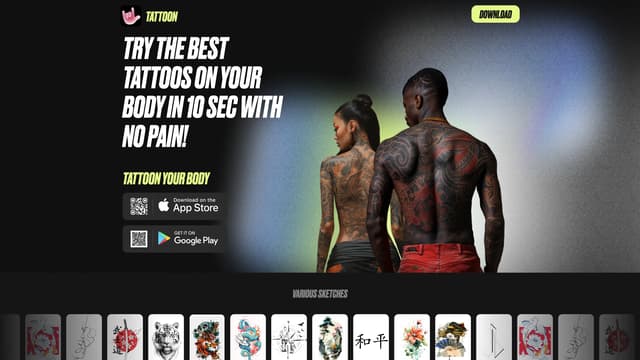
Tattoon
Tattoon lets you virtually try on tattoos with AI, ensuring realism by considering body shape, angle, and lighting.
Photo & Image Editor