AIColoring Introduction
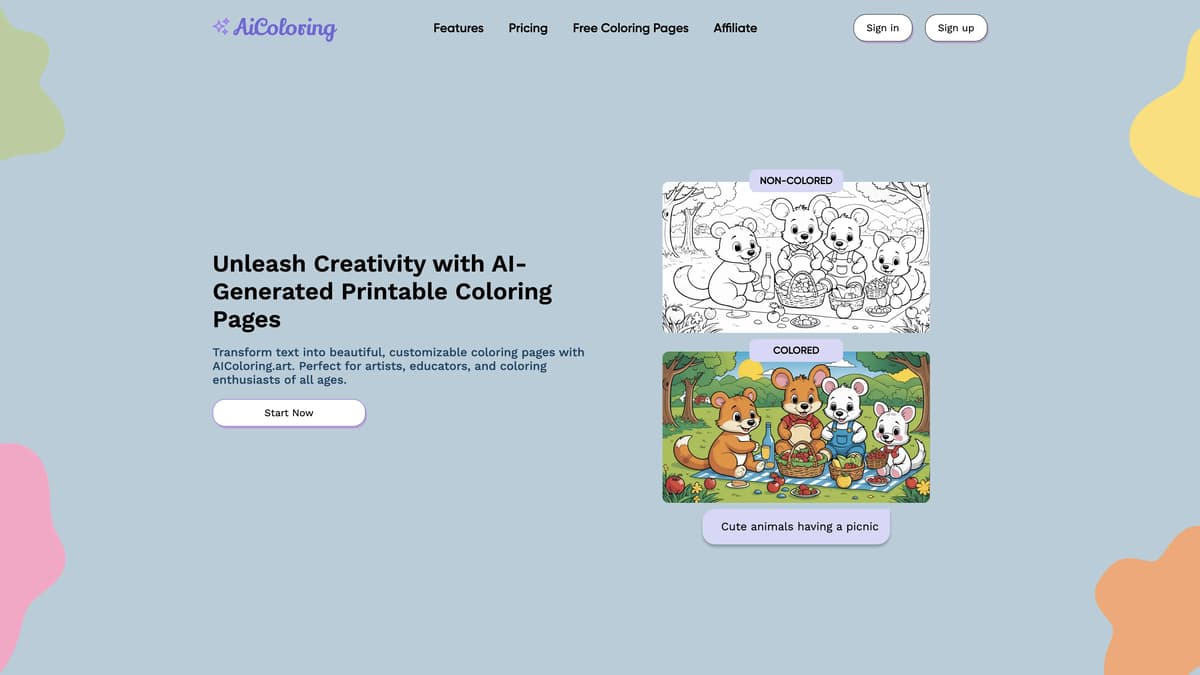
AIColoring offers a fun and innovative way to create custom, printable coloring pages using AI technology. By simply inputting a description, users can generate both black-and-white and colored images. This makes it perfect not only for kids and parents looking for creative activities but also for teachers seeking engaging educational tools. The platform is user-friendly, saving all generated images and prompts for later use. For those looking for more extensive options, affordable subscription plans are available. A valuable tool that combines creativity, education, and entertainment, AIColoring caters to all age groups, enhancing the coloring experience with the power of AI.
AIColoring Key Features
Transform Text into Coloring Pages
AIColoring converts simple descriptions into beautifully detailed coloring pages. Just type your idea, and the AI brings it to life, perfect for any creative project.
Dual Image Generation
Every generated image comes in both a black-and-white version for coloring and a full-colored reference version. This dual feature caters to both inspiration and creative expression.
Free and Paid Plans
Starting with 3 free images, AIColoring offers flexible plans catering to different needs. The Basic and Pro plans provide more generation capabilities and storage, ideal for frequent users.
Easy Image Storage
All generated images and their prompts are automatically saved to your dashboard. This ensures easy access and organization, making it simple to revisit and print your creations anytime.
Kid-Friendly and Educational
Designed to be suitable for all ages, the images can enhance learning experiences in classrooms or at home, making education fun and interactive for kids.
AIColoring Use Cases
Family Fun Night: A family gathers to create personalized coloring pages using AIColoring's prompt-based system. The tool transforms their descriptions into beautiful images, fostering creativity and providing fun activities for kids and adults alike.
Classroom Creativity Boost: An elementary school teacher uses AIColoring to generate thematic coloring pages for a lesson on animals. The colored references help guide students, while the black-and-white versions engage them in creative expression and enhance their learning.
Therapeutic Art Sessions: A mental health counselor employs AIColoring to design unique coloring pages tailored to each client's interests. This personalized approach helps clients relax, focus, and express their emotions through art therapy, making sessions more effective.
Artistic Exploration for Seniors: In a retirement community, residents use AIColoring to create intricate designs and nostalgic scenes. This activity stimulates cognitive functions and provides a relaxing and enjoyable pastime, enhancing their quality of life.
Entrepreneurial Ventures: A small business owner utilizes AIColoring's Pro plan to generate hundreds of unique coloring pages, which they sell as printable downloads. This creative business model allows them to monetize their content easily and scale their offerings.
AIColoring User Guides
Step 1: Sign up on AIColoring.art and get 3 free credits.
Step 2: Enter a description for the coloring page you want to create.
Step 3: Review the AI-generated image with both colored and non-colored versions.
Step 4: Click 'Print' to print your coloring sheet in horizontal view.
Step 5: Store your generated images and prompts in your dashboard for later use.
AIColoring Frequently Asked Questions
How does AIColoring art generate images?
Can I use AIColoring art without technical skills?
What do I get with a free AIColoring art account?
How can AIColoring art benefit teachers and educators?
Are the images generated by AIColoring art suitable for all age groups?
Can I save and store my AIColoring art creations?
What are the pricing plans for AIColoring art?
Can I download both colored and non-colored versions of images?
Is it possible to sell the images I create with AIColoring art?
How does AIColoring art foster creativity in children?
AIColoring alternatives
tibo.dog
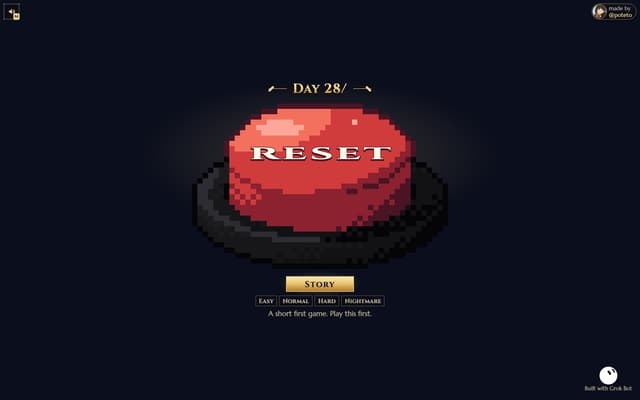
A free pixel survivors-like browser game by @poteto: play as OpenAI's Tibo with up to three dogs and survive 20 minutes of pests and bosses.
Game · Free
Poteto Playground
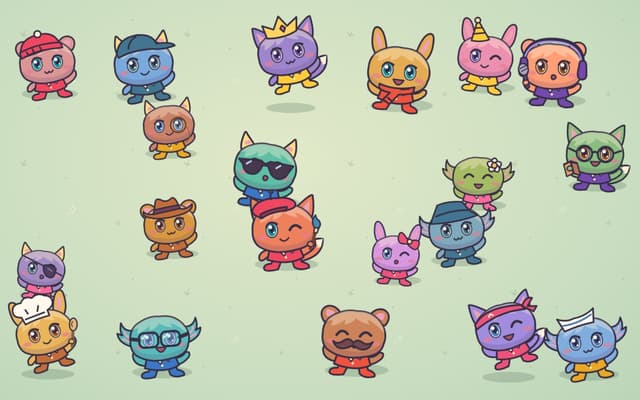
A playful one-page site from OpenAI's Tibo: tap costumed potatoes to read their jokes, and the lucky one sends you to ChatGPT.
Fun Tools · Free
NeoPhoto
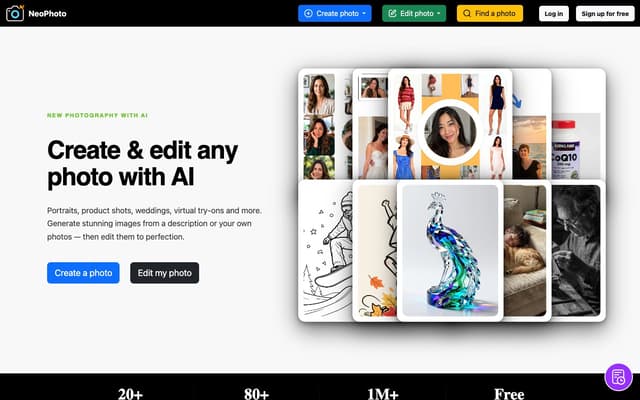
Create photorealistic images from a description or your own reference photos, then edit them with AI tools for background removal, object erasing, filling, expanding, upscaling and restoration.
AI Photo & Image Generator · Freemium
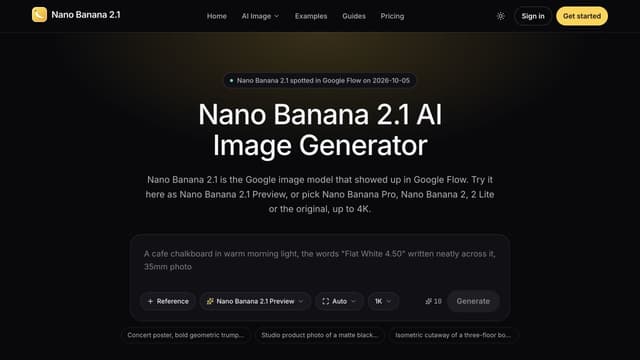
Nano Banana 2.1
Generate images from text or edit photos with Nano Banana models, reference images and output up to 4K.
Text to Image
Makepix AI
Makepix AI transforms your ideas into stunning visuals, enhancing creativity and storytelling with professional-quality images effortlessly and instantly.
AI Illustration Generator
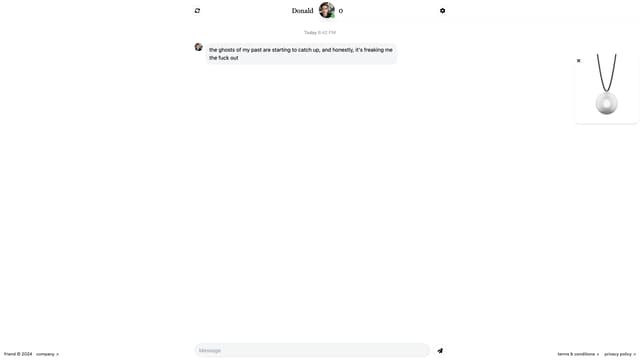
Friend AI
Friend AI is a free online chat service that pairs users with AI-driven characters, offering unique, engaging conversations reminiscent of chatroulette, with the option to sync to a wearable for on-the-go interaction.
AI Chatbot