WordLimit AI Introduction
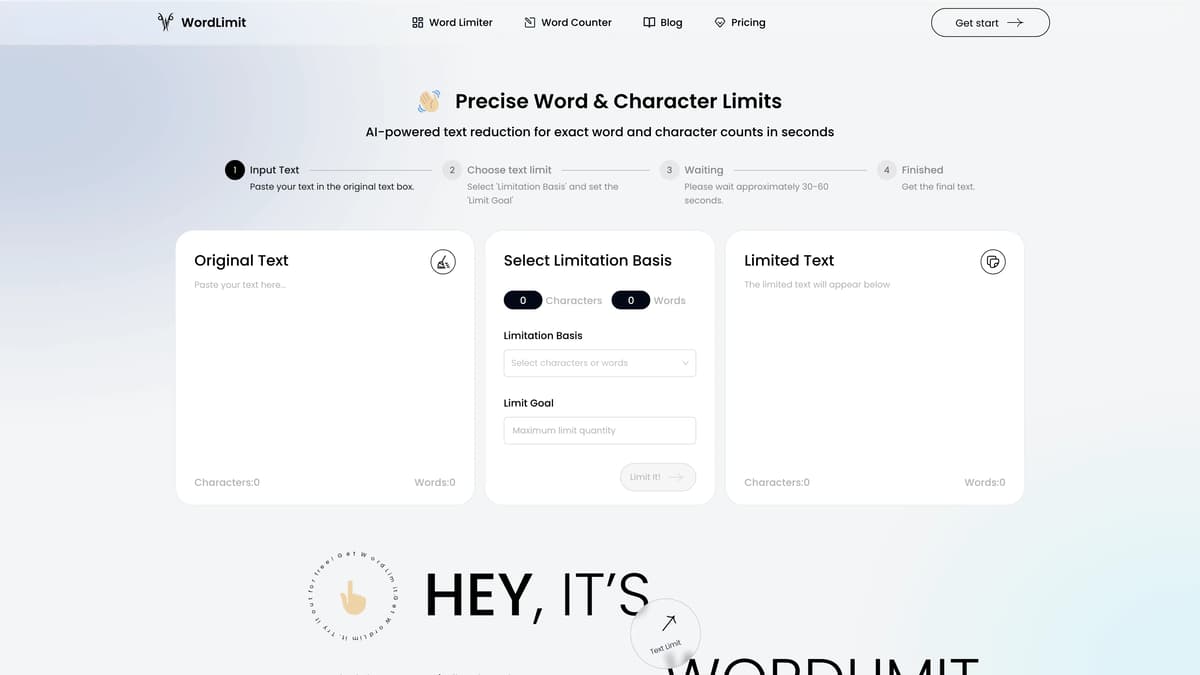
WordLimit AI is an innovative tool designed for precise text reduction, ensuring adherence to specific word and character limits without compromising the core information of your content. Users simply paste their text, set their desired limits, and let the AI do its work in seconds. It's particularly invaluable for academic and professional writing, where maintaining the integrity of essential elements like key facts, names, and citations is crucial. Moreover, WordLimit preserves the unique voice and human authenticity of the original text, which is crucial for maintaining the authenticity and style of the writer. Ideal for overcoming the challenges of strict word counts in assignments, articles, and other written pieces, WordLimit streamlines the editing process efficiently.
WordLimit AI Key Features
Precise Word & Character Limits
AI-powered text reduction to achieve exact word and character counts in mere seconds. Ideal for those needing to meet strict length requirements without losing essential content.
Core Information Preservation
Focuses on preserving key facts, names, citations, and central arguments, ensuring compressed text retains its original core meaning and importance, even with significant reduction.
Preserve Your Unique Voice
Adjusts the word count while maintaining the writer's distinctive style and tone, ensuring the text trim does not erase the writer's personal flair and word choices.
Maintain Human Authenticity
Keeps content genuine and free from AI-generated text. Adjusts length without compromising the natural flow, ensuring the text is not flagged by AI content detectors.
Quick and Simple Process
Just paste your text, set your limit, and wait 30-60 seconds. This efficient process ensures smooth and reliable text trimming, suitable for students and professionals alike.
WordLimit AI Use Cases
Academic Paper Summary: A student needing to condense a 2000-word research paper abstract into a 300-word summary uses WordLimit AI's word count reduction feature. The tool preserves essential arguments, key citations, and the author's unique academic tone, ensuring the summary remains comprehensive and authentic.
Professional Report Adjustment: An analyst has a detailed 5-page financial report that needs to be summarized into a 1-page executive summary. By selecting the character limit and using the tool's advanced model, the report is shortened while retaining critical financial data and original style, making it suitable for busy executives.
Social Media Post Refinement: A marketer crafting a social media campaign needs to fit an engaging story into a 280-character post. Using WordLimit AI, the content is adjusted to meet the character limit without losing the narrative's impact or the brand's distinctive voice, ensuring it resonates with the audience.
Job Application Personal Statement: An applicant finds their impressive 1000-word personal statement exceeds the 500-word limit for a job application. WordLimit AI helps by focusing on core experiences and achievements, removing redundant information while preserving the individual's genuine tone and voice, enhancing the submission's clarity and compliance with the requirements.
Legal Document Compression: A lawyer needs to condense a long-winded case summary into a concise brief for court submissions. By using WordLimit AI, the summary is streamlined to fit strict page limits while ensuring that key facts, legal citations, and arguments remain intact, maintaining the document’s legal precision and clarity.
WordLimit AI User Guides
Step 1: Paste your original text into the provided text box.
Step 2: Select whether you want to limit by word count or character count.
Step 3: Set your desired word or character limit in the 'Limit Goal' section.
Step 4: Click the 'Limit it' button and wait 30-60 seconds for the process to complete.
Step 5: Retrieve your adjusted text, which maintains your unique writing style and essential information.
WordLimit AI Frequently Asked Questions
What is WordLimit AI?
How do I use WordLimit AI?
What does 'Limitation Basis' mean in WordLimit AI?
How long does WordLimit AI take to process text?
Does WordLimit AI preserve my writing style?
Can WordLimit AI maintain core information in my text?
Will WordLimit AI-generated content be flagged by AI content detectors?
Is WordLimit AI suitable for academic and professional writing?
Can WordLimit AI help with character limits on social media?
Is there any information loss when using WordLimit AI?
WordLimit AI alternatives
Verble
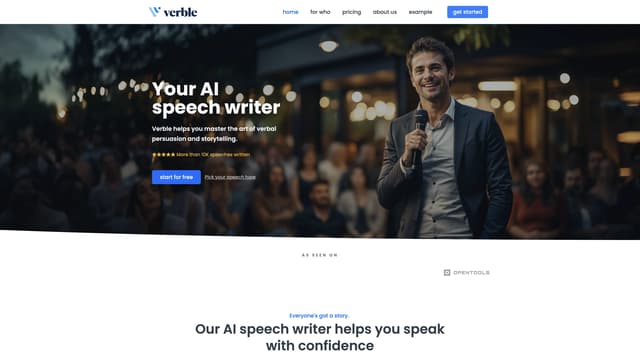
Verble is an AI speech-writing assistant that helps you create, refine, and practice speeches effortlessly, making you a more confident and effective speaker for any occasion.
AI Script Writing
TwinMind
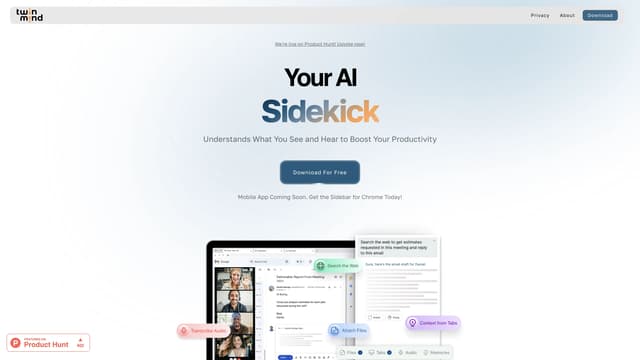
TwinMind is an AI sidebar that enhances productivity by understanding your browser tabs and meetings, offering real-time answers, transcriptions, and smart writing assistance with robust privacy features.
Transcription
Parafact AI
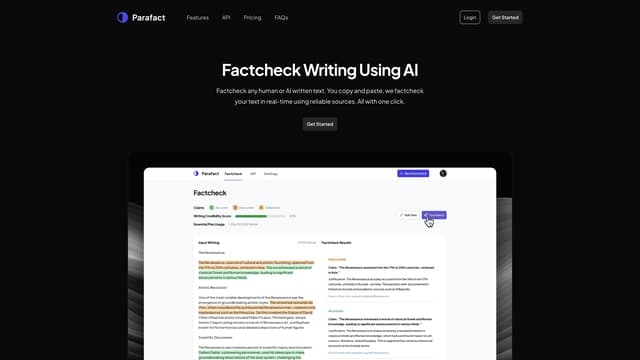
Parafact AI factchecks any written text in real-time using reliable sources, providing citations for every claim, and is ideal for various writing needs with a fully automated, highly accurate AI system.
Writing Assistants
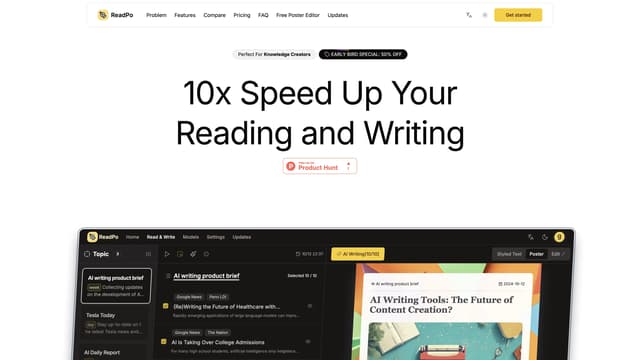
ReadPo
ReadPo is an AI-powered assistant designed for writers, offering fast content collection, curation, and creation with a unique Syntopical Reading method.
Summarizer

Noiz-YouTube Video Summarizer
Noiz AI YouTube Video Summarizer provides instant, expert-level summaries of any YouTube video, boosting learning and productivity by transforming videos into readable text and timestamped summaries in 41 languages.
Translate
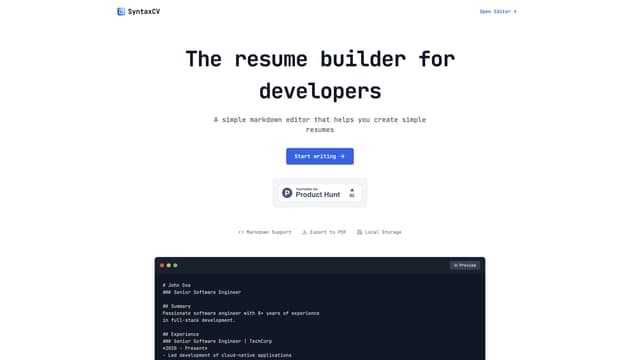
SyntaxCV
SyntaxCV lets you create and format professional resumes using simple Markdown, exporting to PDF with one click. It's completely free, no login required, and has no hidden fees.
Writing Assistants