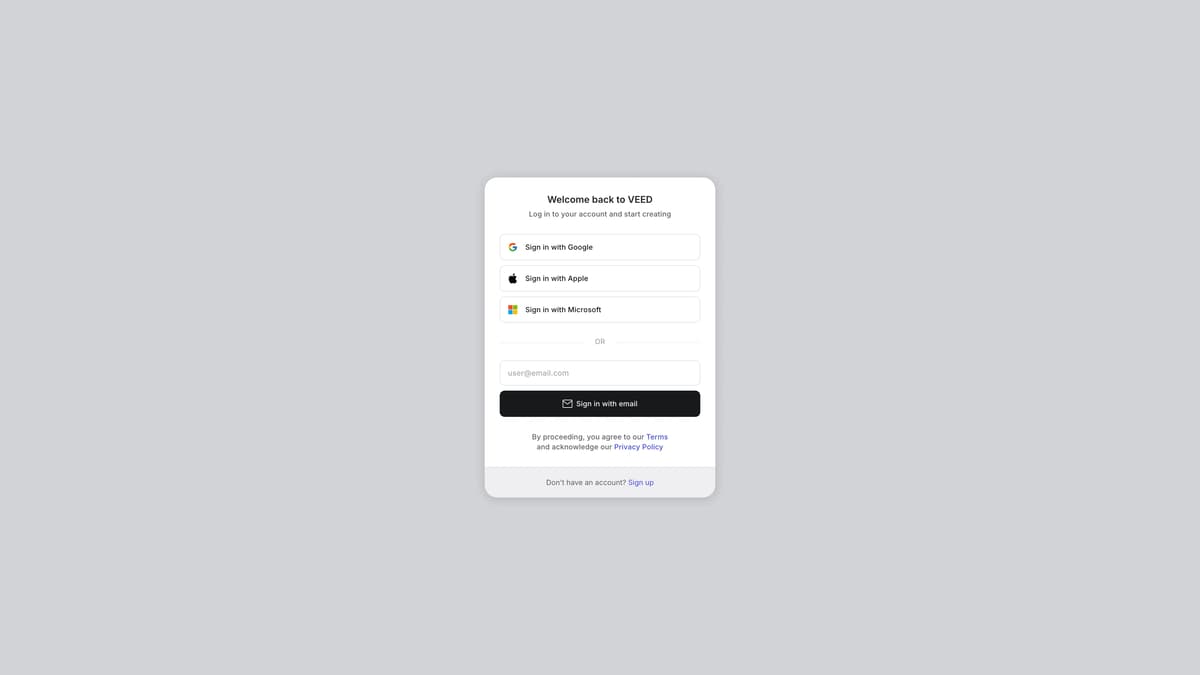
AI Slides to Video Presentation Maker Introduction
Engage audiences instantly by transforming dull slides into dynamic videos with the VEED AI Slides to Video Presentation Maker. Simply upload your slides or PDFs, choose a video type, and VEED AI does the rest. Videos significantly enhance message retention compared to text alone, with 95% vs. 10%, as reported by Forbes. This tool simplifies the process, making it ideal for students, educators, or professionals who want to capture interest and communicate more effectively. No editing skills are required, making it accessible for users of all levels. Turn tedious presentations into captivating visuals with ease.
AI Slides to Video Presentation Maker Key Features
Transform Slides into Videos
Effortlessly convert traditional, static slides into dynamic, engaging videos. Simply upload your slides or PDFs, and VEED's AI will handle the rest, creating visually appealing videos that capture attention and enhance message retention.
Automated Professional-Quality Videos
Achieve professional-level video content without any editing skills required. VEED utilizes advanced AI to seamlessly transform your pre-existing slides into polished videos, saving time and effort while ensuring high-quality results.
Increased Engagement
Video content significantly boosts viewer engagement compared to text. According to Forbes, videos have a 95% retention rate. By turning slides into videos, messages delivered become more memorable and impactful, addressing the common issue of disengaged audiences.
User-Friendly Process
A straightforward workflow designed for ease of use. Upload your slides, select the type of video, and let VEED handle the conversion process. This simplified approach ensures that creating engaging video content is accessible to everyone.
Versatile Application
Ideal for various settings, from educational presentations to corporate reports. The ability to quickly transform slides into videos makes it suitable for educators, business professionals, and content creators looking to enhance their presentations with minimal effort.
AI Slides to Video Presentation Maker Use Cases
Effortless Lecture Recaps: Professors and teachers can easily convert their lecture slides into engaging video summaries. By uploading their slides and selecting the type of video, VEED AI transforms academic content into dynamic videos, enhancing student engagement and information retention.
Corporate Training Simplified: HR teams can quickly turn training PDFs into pro-level videos, making onboarding and continuous education more interactive and memorable. VEED AI’s slide-to-video feature ensures messages are retained better compared to text-only materials.
Marketing Presentations Revamped: Marketers can breathe life into their traditional presentations by transforming slides into compelling videos. This helps in capturing and maintaining client interest, making the information more persuasive and memorable.
Conference and Event Highlights: Event organizers can create engaging highlights reels from their slide decks. VEED AI makes it easy to compile professional-looking videos that summarize sessions and retain audience engagement long after the event.
Educational Content for Online Platforms: Online educators and course creators can transform their screencasts and slides into polished video lessons without any video-editing skills. VEED AI’s intuitive process enables educators to focus on content quality while delivering it in a more captivating format.
AI Slides to Video Presentation Maker User Guides
Step 1: Visit the VEED website at https://www.veed.io/slides-to-video.
Step 2: Upload your slides or PDFs by selecting the appropriate option.
Step 3: Choose the type of video you want to create from the available options.
Step 4: Click 'Convert' and let VEED AI transform your slides into a professional video.
Step 5: Download or share your new video once the conversion is complete.
AI Slides to Video Presentation Maker Frequently Asked Questions
What is the AI Slides to Video Presentation Maker by VEED?
How do I use the AI Slides to Video Presentation Maker?
Can I create videos without editing using the AI Slides to Video Presentation Maker?
What formats can I upload to the AI Slides to Video Presentation Maker?
How quickly does the AI Slides to Video Presentation Maker generate videos?
Does the AI Slides to Video Presentation Maker increase audience engagement?
Do I need any video making skills to use the AI Slides to Video Presentation Maker?
What type of videos can I create with the AI Slides to Video Presentation Maker?
Is the AI Slides to Video Presentation Maker suitable for old-school slides?
Is there any cost associated with using the AI Slides to Video Presentation Maker?
AI Slides to Video Presentation Maker alternatives
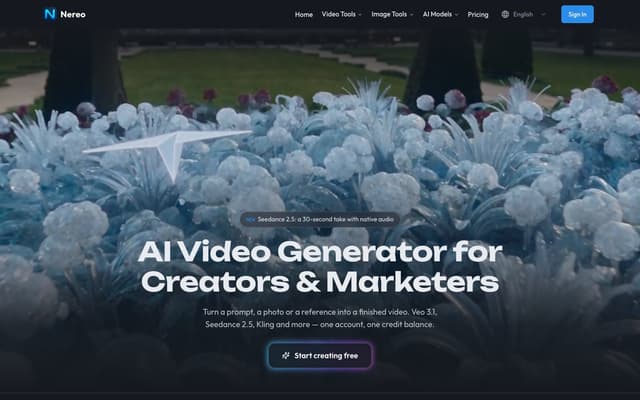
Nereo
Generate video from a prompt, a photo or a reference using Veo 3.1, Seedance, Kling and other models on a single account and one credit balance.
AI Video Generator · Freemium, from $28/mo
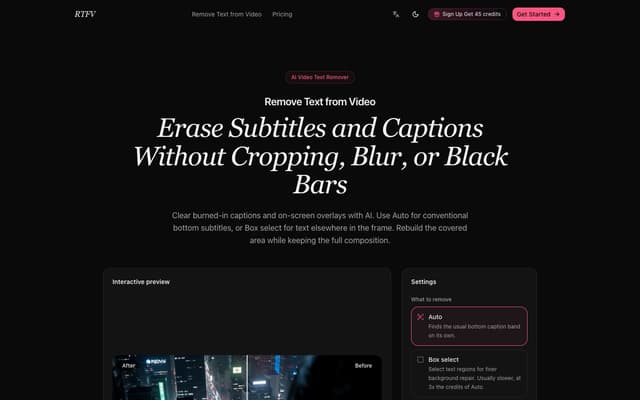
RTFV
Remove burned-in subtitles, captions and on-screen text from a video online; AI rebuilds the covered area from neighbouring frames instead of cropping or blurring it.
AI Video Editor · Freemium, from $4.90/mo
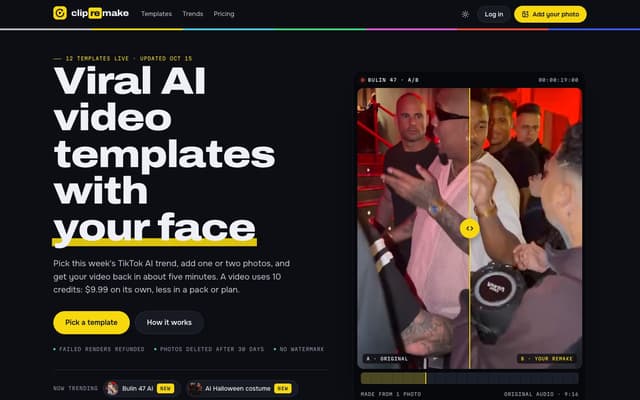
ClipRemake
Remake viral TikTok and Reels trends with your face: pick a template, add one or two photos and get a 9:16 video in about five minutes.
AI Video Generator
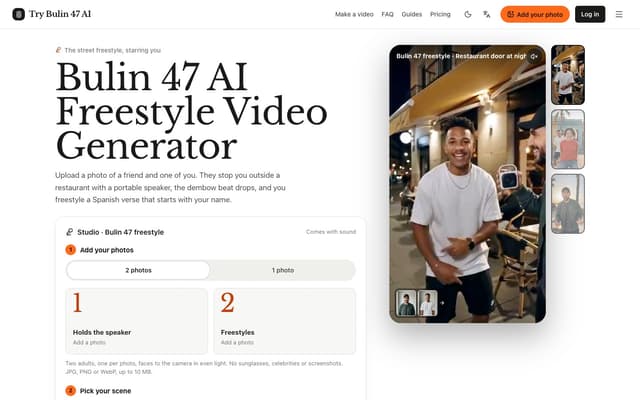
Try Bulin 47 AI
Turn your photos into freestyle videos with a personalized Spanish verse and dembow music.
Image to Video
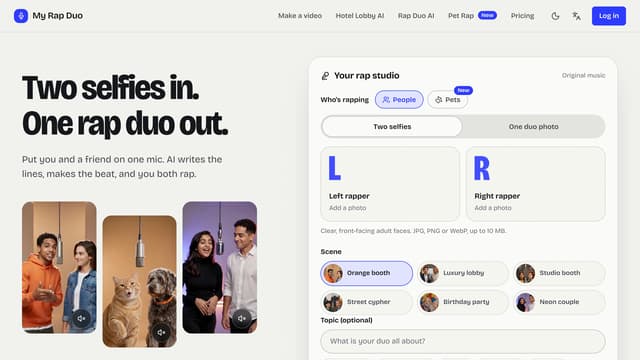
My Rap Duo
Upload two selfies and get a rap duo video where you both spit original AI-written verses over a brand-new beat.
AI Rap Generator
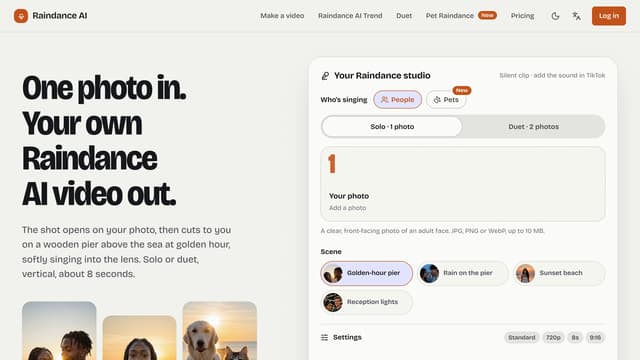
Raindance AI
Turn one photo into a vertical Raindance-trend clip of you singing on a golden-hour pier — solo, duet or with your pet.
AI Video Generator