DanceRemake Introduction
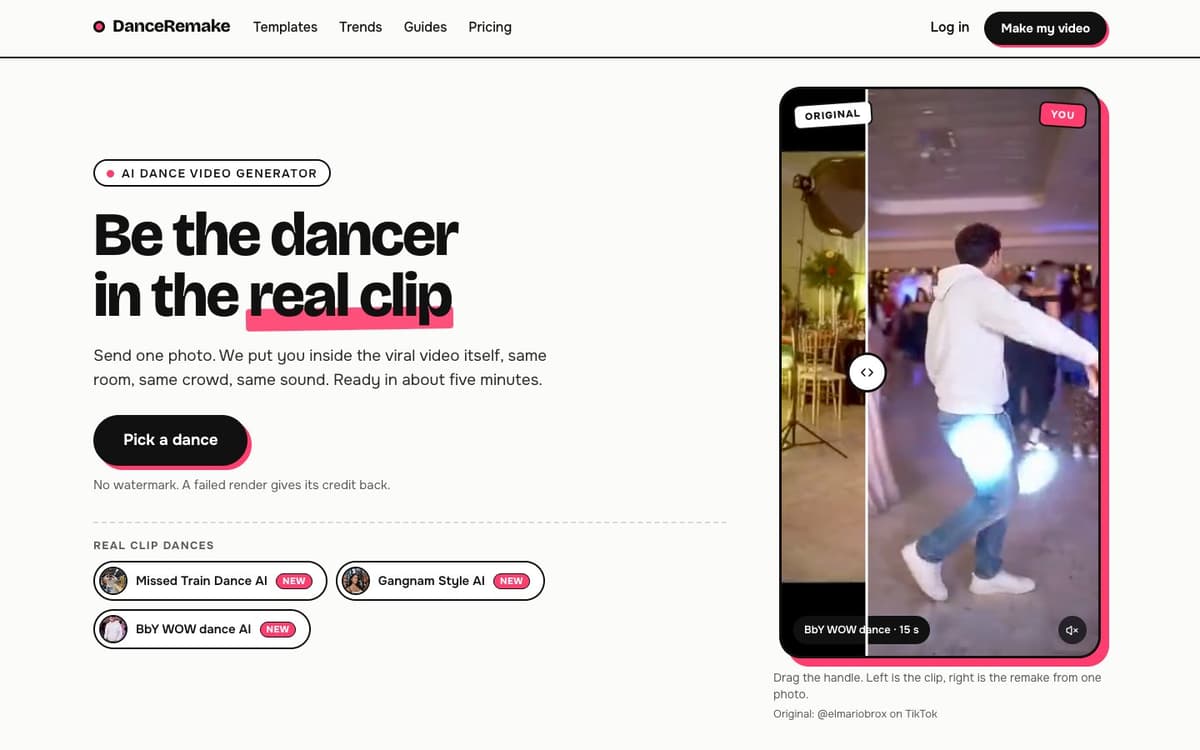
DanceRemake is an AI dance video generator built around the dance trends people are posting right now. Each of its 14 dances is a ready-made template: "Real clip" dances re-film the actual viral video with you in the dancer's place, in the same room, with the same moves and the clip's sound, while "New take" dances film a fresh scene in the trend's style. You upload a clear photo of a consenting adult (some dances take two or three people), and a watermark-free MP4 is ready in about five minutes. A trends page tracks which dances are rising or fading, and guides take individual dances apart shot by shot. DanceRemake is an independent service and is not affiliated with TikTok, the artists or the creators of the original clips.
DanceRemake Key Features
14 Dance Templates
Missed Train Dance, Gangnam Style, BbY WOW, Hop Hop Hop, No Scrubs, the AI elf dance, Thriller and more. Each has one fixed length and format, so there are no models or settings to choose.
Real Clip Dances
The original viral video is re-filmed with your face and look in the dancer's place: the same setting, camera and timing, with the clip's own sound or silent.
Solo, Duo and Trio
Most dances need one photo. Some take friends: two for Hop Hop Hop, up to three for Gangnam Style and No Scrubs, with AI dancers filling any empty place.
Trend Clock and Guides
A trends page marks each dance as rising, peaking, seasonal or fading, and step-by-step guides explain the shots, the cast and how to post.
Ready to Post
Download an MP4 with no watermark, 8 to 15 seconds long. Failed renders return their credits automatically, and photos are deleted after 30 days.
DanceRemake Use Cases
- Join a TikTok, Reels or Shorts dance trend without learning or filming the routine.
- Make a group dance video with two or three friends from separate photos.
- Create a birthday, hen-party or holiday dance clip starring one person.
DanceRemake User Guides
-
Choose a dance on the templates page.
-
Add a clear, front-facing photo of a consenting adult, plus friends where the dance takes them.
-
Pick the trend sound or no song, sign in with Google or email, and pay with credits.
-
Download the finished MP4 from My videos about five minutes later.
DanceRemake Pricing
Paid credits; one video uses 10 credits. One-time credit packs that never expire: 10 credits for $9.99, 30 for $24.99, 60 for $44.99, 100 for $69.99, 200 for $119.99 and 500 for $249.99. Monthly plans start at $19.99 and yearly plans at $199.99.
DanceRemake Frequently Asked Questions
Is DanceRemake free?
How many photos do I need?
Can I upload my own dance video?
Whose photos can I use?
DanceRemake alternatives
Tiny Desk AI
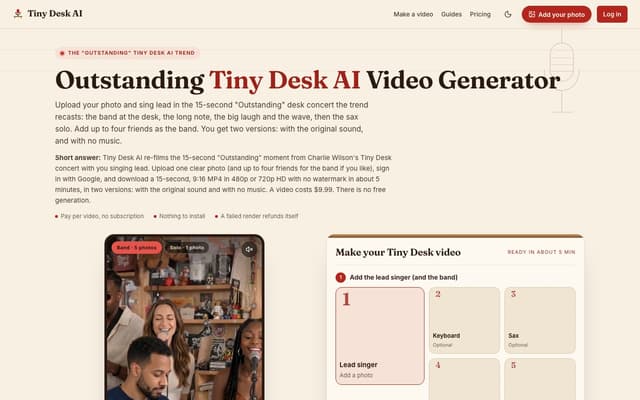
Upload one photo, plus up to four bandmates, and star in the 15-second 9:16 "Outstanding" Tiny Desk concert moment, with or without the original sound.
AI Music Video Generator · Paid, from $9.99
My AI Rap Video
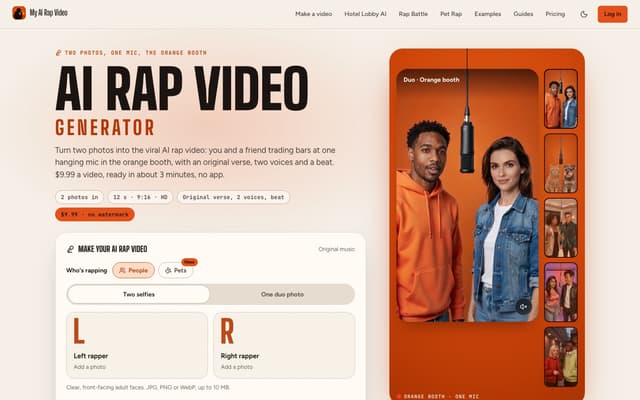
Turn two photos into the viral AI rap video: two people or two pets trade bars at one hanging mic, with an original verse, two AI voices and a beat.
AI Rap Generator · Paid, from $9.99

Nereo
Generate video from a prompt, a photo or a reference using Veo 3.1, Seedance, Kling and other models on a single account and one credit balance.
AI Video Generator · Freemium, from $28/mo
ClipRemake
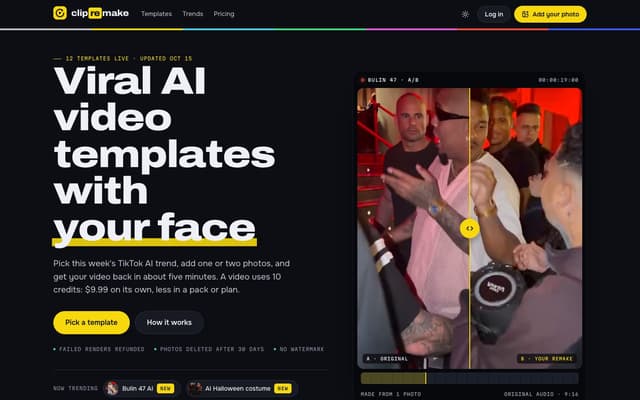
Remake viral TikTok and Reels trends with your face: pick a template, add one or two photos and get a 9:16 video in about five minutes.
AI Video Generator
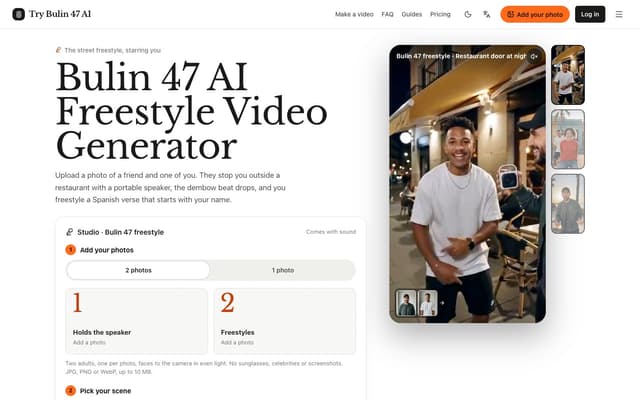
Try Bulin 47 AI
Turn your photos into freestyle videos with a personalized Spanish verse and dembow music.
Image to Video
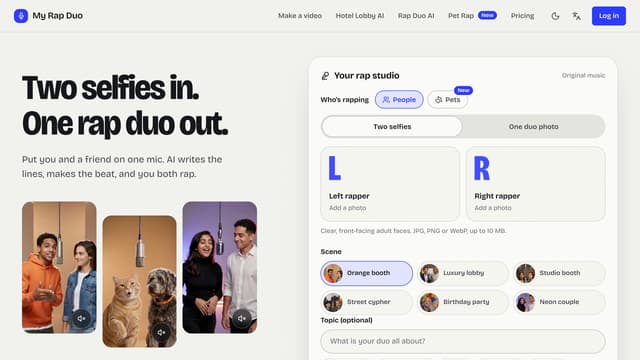
My Rap Duo
Upload two selfies and get a rap duo video where you both spit original AI-written verses over a brand-new beat.
AI Rap Generator