Sweet Kudos Introduction
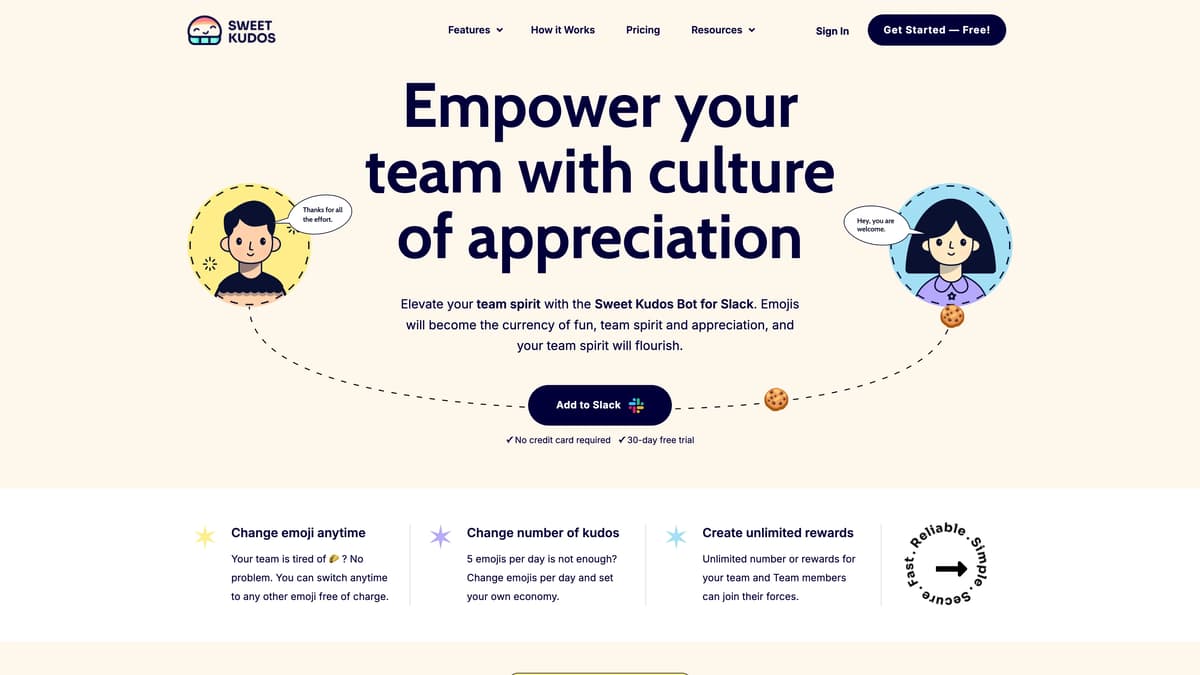
Sweet Kudos is a Slack-integrated tool designed to boost team morale through recognition and rewards. Imagine using emojis as currency to give 'Kudos'—it's like high-fiving your colleague for a job well done, but digitally. This platform offers a customizable emoji economy, allowing teams to set their Kudos limits and reward systems. With features like leaderboards for friendly competition and analytics for insights into team dynamics, it’s practical yet fun. The bot also celebrates birthdays and work anniversaries, adding a personal touch to professional environment. Sweet Kudos is ideal for nurturing a positive workplace culture without getting bogged down in complexity.
Sweet Kudos Key Features
Employee Recognition
Enables team members to appreciate each other using Kudos in Slack. It's like using virtual high-fives to boost morale and promote a positive workplace culture.
Rewards System
Provides a customizable rewards setup where emojis act as currency. This unique approach motivates employees by turning recognition into something tangible and valued.
Celebrations
Automates birthday and work anniversary reminders. Just like having a personal assistant, it ensures important dates are never missed, increasing recognition and inclusivity.
Reporting Analytics
Offers insights into team dynamics through an analytics dashboard. It's like having a bird's eye view of the team's engagement and connectivity, aiding strategic decision-making.
Leaderboards
Showcases top Kudos receivers and givers, fostering friendly competition. Imagine a game-like environment that encourages more active participation in team appreciation.
Sweet Kudos Use Cases
Boosting Team Morale: A startup uses Sweet Kudos during weekly meetings to recognize exceptional contributions. The employee recognition feature transforms appreciation into engaging competitions via leaderboards, uplifting the team's spirit.
Celebrating Anniversaries: An HR team automates work anniversary recognition with the Celebrations feature. Automatic notifications on Slack ensure no milestone goes unnoticed, reinforcing a sense of belonging and motivation.
Building a Reward Culture: A marketing firm implements the Rewards system, encouraging staff to exchange Kudos for benefits. This innovative approach helps sustain high motivation, directly contributing to productivity.
Insightful Team Analytics: Team leaders in a tech company use the Reporting Analytics feature to analyze team dynamics. The insights gathered inform strategic decisions, enhancing team cohesion and efficiency.
Customizable Recognition: A digital agency customizes its Kudos economy, setting unique emoji rewards for various achievements. This flexibility invigorates team interaction and fosters a personalized environment of appreciation.
Sweet Kudos User Guides
Step 1: Add Sweet Kudos to Slack via the provided link.
Step 2: Choose your preferred Emoji and set daily Kudos limits.
Step 3: Use Kudos Emoji to recognize and show appreciation to team members.
Step 4: Review analytics to understand team interactions and recognition patterns.
Step 5: Customize rewards and manage user roles within the platform.
Sweet Kudos Frequently Asked Questions
How do you add Sweet Kudos to Slack?
What is the main function of Sweet Kudos?
How does the Kudos economy work in Sweet Kudos?
Can you change the emoji used in Sweet Kudos?
What types of rewards can you create with Sweet Kudos?
How are birthdays and anniversaries celebrated in Sweet Kudos?
What insights does the reporting analytics feature of Sweet Kudos provide?
How does Sweet Kudos ensure data privacy and security?
Does using Sweet Kudos require a credit card?
How can user roles be managed in Sweet Kudos?
Sweet Kudos alternatives
Poteto Playground
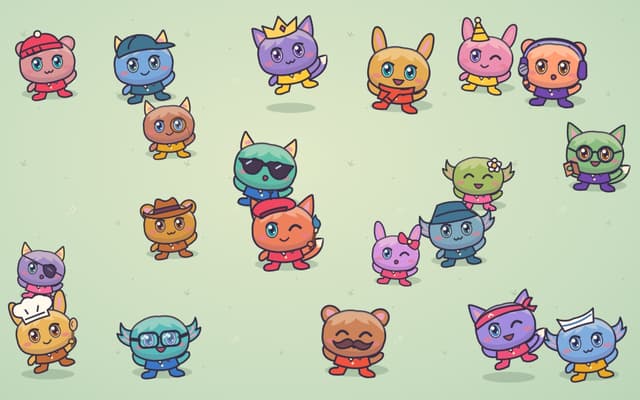
A playful one-page site from OpenAI's Tibo: tap costumed potatoes to read their jokes, and the lucky one sends you to ChatGPT.
Fun Tools · Free

RankBuddy
An AI SEO agent that audits your website, maps competitors, builds the content plan and drafts articles, with nothing published until you sign off.
AI SEO Assistant · Freemium, from $29/mo
Novastart
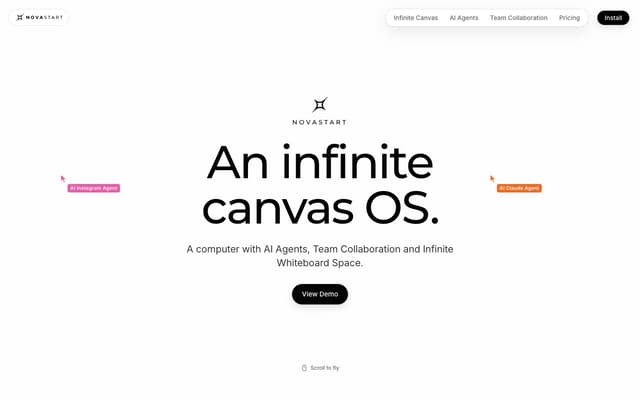
An infinite-canvas desktop OS where your apps, your teammates and up to 10 AI agents share one zoomable workspace.
AI Productivity Tools · Freemium, from $10/mo
Crowd Before
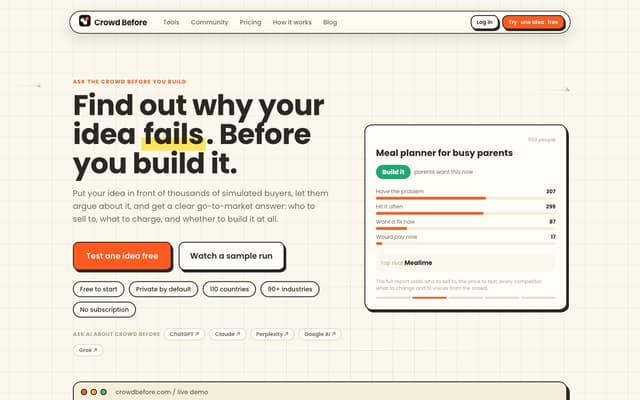
Run a startup idea past up to 5,000 simulated buyers and get a plain verdict: build it, narrow it or stop, plus who to sell to, what to charge and who you are up against.
Research Tool · Freemium, from $4.99
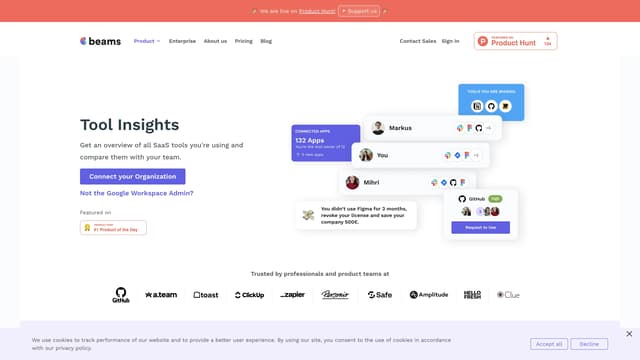
SaaS tool insights by beams
SaaS tool insights by beams offers a complete overview of your team's SaaS tools, helps reduce costs and streamline operations by identifying underused licenses and overlapping tools.
AI Analytics Assistant
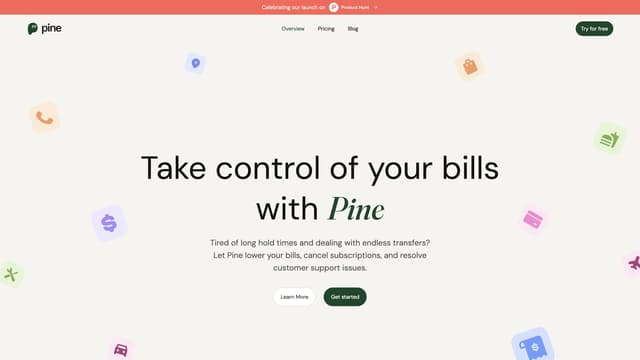
PineAI
PineAI's assistant handles bill negotiations, customer support calls, and subscription cancellations, saving you time and reducing costs by using AI-powered strategies.
AI Consulting Assistant