Octokit Introduction
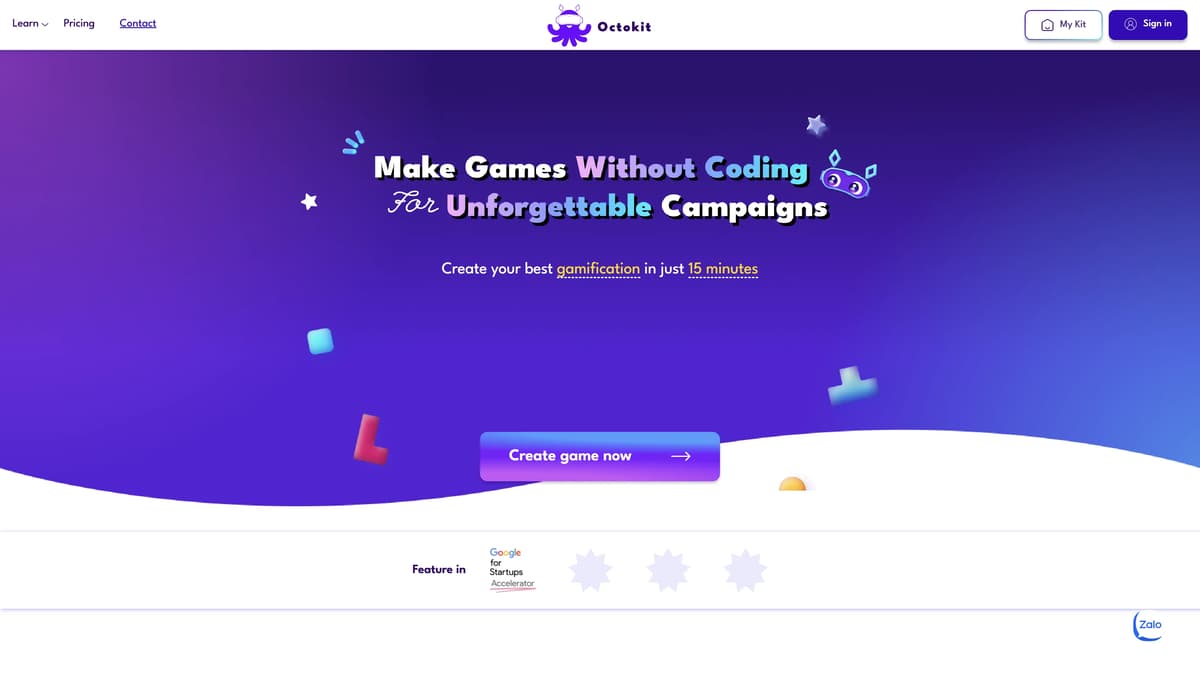
Octokit is a web-based tool that democratizes the creation of mini-games and augmented reality filters without any coding required. Aimed at non-tech users, it offers an intuitive drag-and-drop interface complemented by a library of over 500 pre-made templates. This makes it perfect for marketing campaigns, events, and educational purposes. Key features include robust gamification controls, auto CMS for effortless management, and one-click publishing to launch creations seamlessly. By simplifying the gamification process, Octokit enables brands and agencies to rapidly deploy engaging interactive content, paving the way for more dynamic marketing strategies.
Octokit Key Features
No-Code Game and AR Filter Creation
Allows users to create games and AR filters without any coding knowledge. This is made possible by a drag-and-drop interface, making the process accessible for everyone, from marketing professionals to event organizers.
Extensive Template Library
Provides over 500 pre-made templates for AR filters and minigames. This ensures quick setup for various campaigns, saving time and reducing creative workload while maintaining high-quality outputs.
Full Setting Control for Gamification
Offers comprehensive control including flexible login options, authentication methods, automated email communication, leaderboards, countdowns, and more. This level of control helps create engaging and interactive marketing campaigns efficiently.
Auto CMS System
Facilitates easy management of giveaway vouchers, game history, and user data. Simplifies the administrative tasks associated with running a game or AR campaign, allowing users to focus on the creative and strategic aspects.
Built-In Data Analytics Tools
Integrated tools for monitoring campaign performance. Users can track real-time data to measure the success of their campaigns, enabling them to make informed decisions and improve future strategies.
Octokit Use Cases
Boosting Event Engagement with AR Filters: An event organizer uses Octokit to create immersive AR filters quickly using the drag-and-drop interface. The filters enhance attendee engagement, making the event more interactive and memorable, with data analytics measuring real-time success.
Enhancing Brand Campaigns with Gamification: A marketing team for a new product launch utilizes Octokit's pre-made templates and customization options to design unique mini-games. The games create buzz on social media, driving user interaction and providing valuable campaign performance insights.
Educational Tools for Interactive Learning: A teacher employs Octokit to design quiz games and interactive AR filters for students. These engaging tools foster a more dynamic learning environment, making lessons fun and improving retention rates with ease of setup and deployment.
Efficient Gamification for Agencies: Marketing agencies leverage Octokit's vast library and one-click publishing to create and deploy engaging mini-games and AR filters for client campaigns. This reduces development time, ensures client satisfaction, and tracks campaign analytics effortlessly.
Personalized Marketing Campaigns for Small Businesses: A small business owner uses Octokit to craft personalized mini-games and AR filters that align with their branding. These tools attract and retain customers, promoting products cost-effectively and tracking engagement through built-in analytics.
Octokit User Guides
Step 1: Visit the Octokit website and sign up for an account to get started.
Step 2: Choose from over 500 pre-made templates for AR filters or mini-games to jump-start your project.
Step 3: Utilize the drag-and-drop interface to customize your game or AR filter without any coding experience.
Step 4: Adjust gamification settings, including login methods, leaderboards, and countdowns for an engaging experience.
Step 5: Publish your AR filter or mini-game with one click and use the built-in analytics tools to track campaign performance.
Octokit Frequently Asked Questions
What is Octokit?
Who can use Octokit?
How do you create games with Octokit?
What makes Octokit easy to use?
What types of templates does Octokit offer?
Can Octokit analyze campaign performance?
How do you launch an AR filter or game with Octokit?
Does Octokit have email and user data management features?
Can Octokit handle different authentication methods?
What is the vision of Octokit?
Octokit alternatives
Poteto Playground
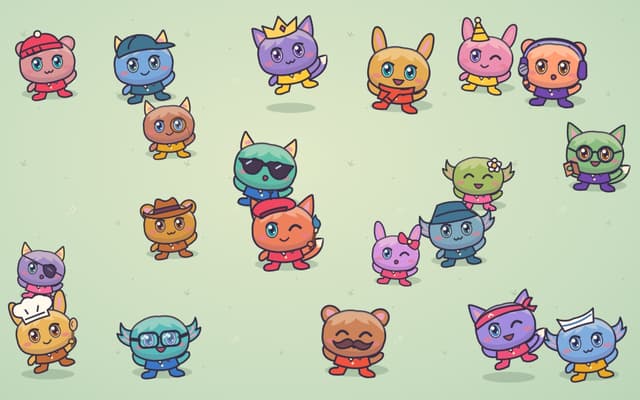
A playful one-page site from OpenAI's Tibo: tap costumed potatoes to read their jokes, and the lucky one sends you to ChatGPT.
Fun Tools · Free
Huxly
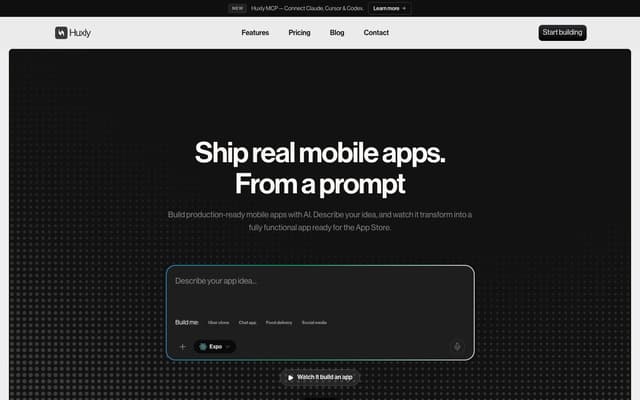
Describe a mobile app in plain language and get production-ready Expo, Flutter or SwiftUI code, previewed in the browser and shippable to the App Store and Google Play.
AI App Builder · Freemium, from $25/mo
Agentplace
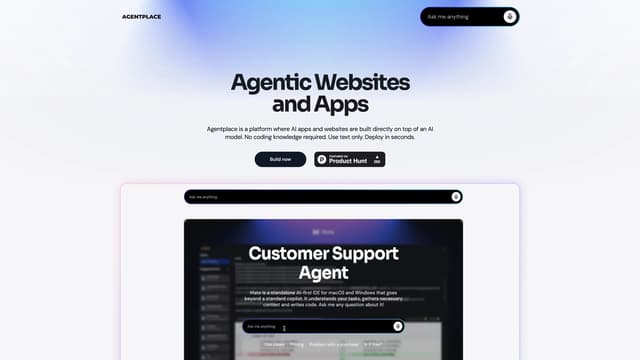
Agentplace lets you create AI-powered websites and apps with dynamic interfaces and voice interaction, all without coding. Simply describe your vision in text, and launch instantly.
AI Website Builder

Nfig
Nfig enables AI agents to browse, click, and perform tasks on any website using natural language commands, simplifying web automation and unlocking new use cases with its easy-to-integrate API.
No-Code&Low-Code

Toolhouse
Toolhouse is a cloud platform that equips AI with actions and knowledge, deploying efficient solutions in one click and saving developers weeks of coding with its universal 3-line SDK.
No-Code&Low-Code
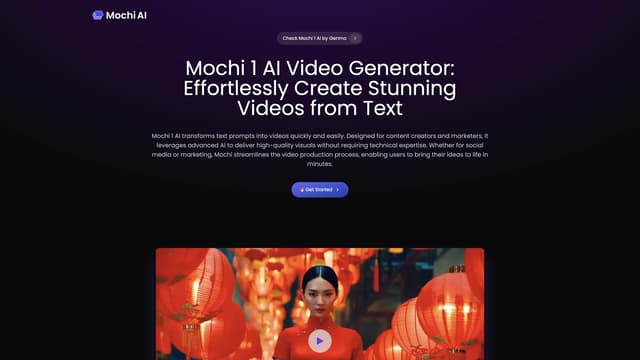
Mochi AI
Mochi 1 AI instantly creates high-quality videos from text prompts with customizable options, making it perfect for marketers and content creators aiming for professional results without technical skills.
AI Content Generator