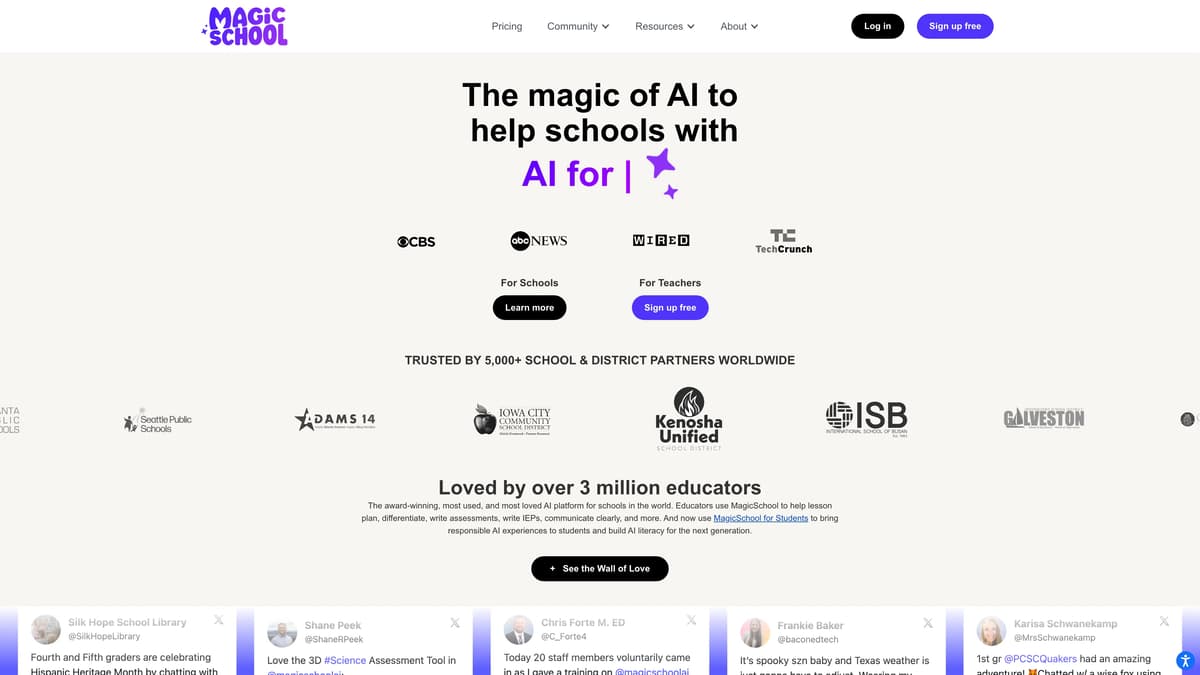
Magic School AI Introduction
Magic School AI is a versatile platform crafted specifically for educational environments, aiming to simplify teachers' workloads and enrich students' learning experiences. With over 70 AI tools, it assists educators in lesson planning, assessment writing, and clear communication, all while promoting sustainability and reducing burnout. Imagine a digital assistant that saves over 10 hours a week, allowing teachers to focus more on their students. For students, it offers 40+ responsible AI tools that enhance learning without stifling creativity, much like providing a compass instead of a map. The platform's integration with systems like Google Classroom ensures seamless functionality alongside comprehensive training resources to foster AI literacy. With a robust focus on safety and privacy, it complies with FERPA and state laws, making it a trustworthy partner in the educational journey.
Magic School AI Key Features
Simplified Lesson Planning
With over 70 AI tools, educators effortlessly streamline lesson planning and assessment writing, freeing up valuable time for direct student interaction.
Time-Saving Efficiency
Saving over 10 hours a week, Magic School AI eases the workload, helping educators focus on where it truly matters—inspiring and teaching students.
AI Literacy for Students
MagicSchool for Students builds responsible AI usage and literacy, preparing the next generation with skills for tomorrow’s tech-driven world.
Seamless Integration
Easily exports to platforms like Google Classroom and Microsoft Word, ensuring compatibility with existing educational infrastructures and smooth workflow transitions.
Privacy and Safety
Engineered with strict FERPA compliance, prioritizing the privacy and safety of educators and students in a school-friendly environment.
Magic School AI Use Cases
Efficient Lesson Planning: Teachers utilize MagicSchool's 70+ AI tools to streamline lesson plans, saving precious hours to focus on student interaction, thus effortlessly enhancing educational quality.
Personalized Education: With MagicSchool, educators craft differentiated learning materials quickly, addressing diverse student needs and promoting inclusive educational practices efficiently.
Streamlined Communication: Educators leverage MagicSchool to write clear, concise communication, fostering effective collaboration with parents and staff, ensuring a well-informed and supportive school community.
Privacy-Conscious Student Interaction: By adhering to FERPA standards, schools use MagicSchool to manage student information responsibly, ensuring a secure environment for both teaching and learning.
AI Literacy for Students: MagicSchool's student-focused tools develop AI competencies, preparing the next generation with essential skills for future academic and career success.
Magic School AI User Guides
Step 1: Sign up for MagicSchool using the 100% free signup option on their website.
Step 2: Access over 70 AI tools to help with lesson planning, creating assessments, and more.
Step 3: Use the interface to safely and quickly perform tasks without needing complex prompts.
Step 4: Integrate with your LMS for seamless data export, like to Google Forms and MS Word.
Step 5: Explore training resources to enhance your AI skills and classroom strategies.
Magic School AI Frequently Asked Questions
What is Magic School AI?
How can Magic School AI help teachers?
What AI tools does Magic School provide for students?
How can I integrate Magic School AI with my LMS?
Is Magic School AI safe to use regarding student data?
How user-friendly is the Magic School AI interface?
Can Magic School AI help busy teachers save time?
What kind of training does Magic School AI offer?
How does Magic School AI address AI biases?
How widespread is the use of Magic School AI?
Magic School AI alternatives
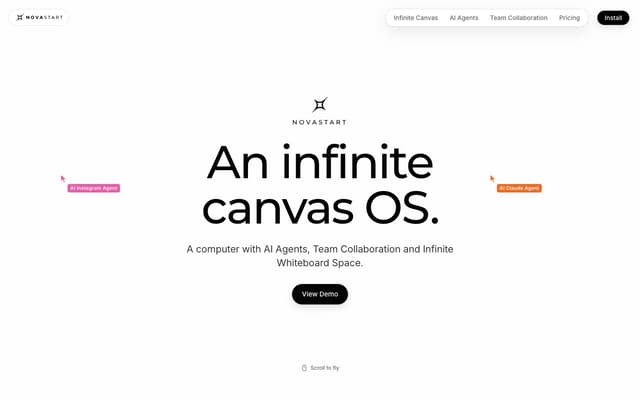
Novastart
An infinite-canvas desktop OS where your apps, your teammates and up to 10 AI agents share one zoomable workspace.
AI Productivity Tools · Freemium, from $10/mo
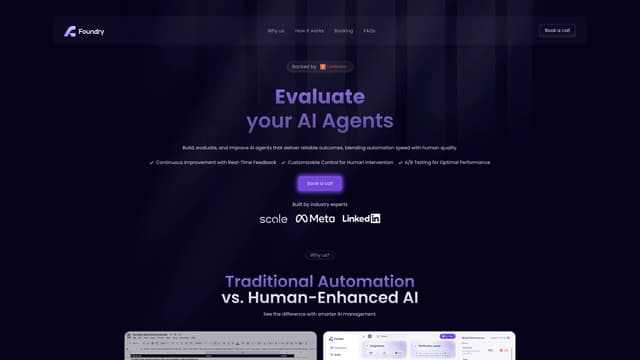
Foundry AI
Foundry AI lets businesses build, evaluate, and improve AI agents for tasks like customer support and sales, with real-time feedback and continuous improvement for reliable outcomes.
AI Developer Tools
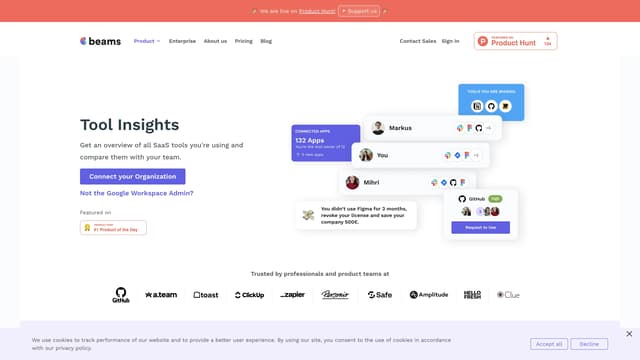
SaaS tool insights by beams
SaaS tool insights by beams offers a complete overview of your team's SaaS tools, helps reduce costs and streamline operations by identifying underused licenses and overlapping tools.
AI Analytics Assistant
TwinMind
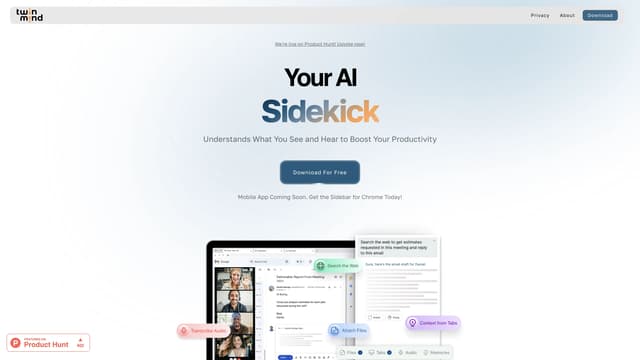
TwinMind is an AI sidebar that enhances productivity by understanding your browser tabs and meetings, offering real-time answers, transcriptions, and smart writing assistance with robust privacy features.
Transcription
Visualping
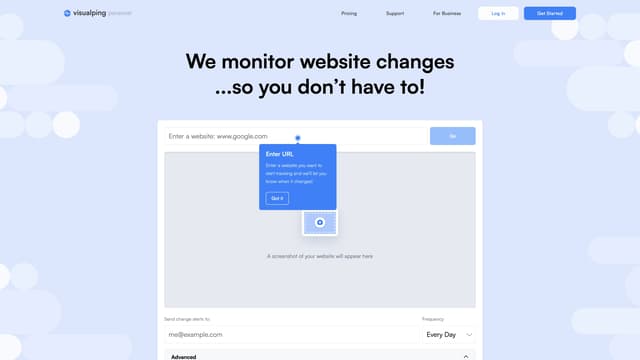
Visualping is your go-to tool for monitoring website changes, offering email alerts with highlighted updates. Ideal for tracking social media, job listings, discounts, and much more.
Web Scraping

Peaches: AI To-Do List
Peaches is an AI-powered productivity assistant that organizes and prioritizes your tasks, tracks progress with charts, and boosts motivation with gamification, all through a simple and intuitive interface.
Speech-to-Text