Stacktape Introduction
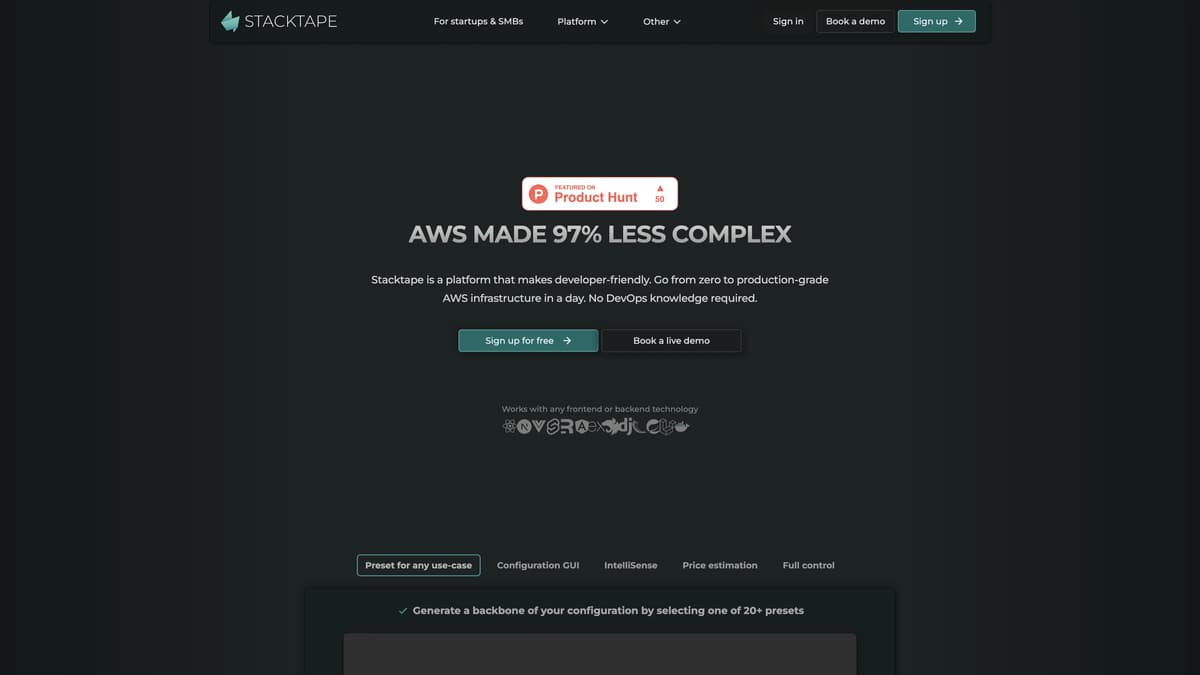
Stacktape is a game-changer for developers who dread the complexity of AWS. It simplifies the process, making it 97% easier to go from zero to a production-grade AWS infrastructure in just a day, without needing DevOps expertise. Using the Interactive Config Editor, configuring infrastructure becomes intuitive, fitting virtually any use-case with just a few clicks. This platform supports popular AWS resources including Lambda functions, Fargate containers, and EC2 containers, allowing flexibility without the headache of Kubernetes. Imagine having the control and power of a full DevOps team but without the steep learning curve or cost. Stacktape melds usability, speed, and cost-effectiveness, achieving a fine balance that makes deploying infrastructure not just manageable but enjoyable.
Stacktape Key Features
Simplified AWS Setup
Configure AWS infrastructure in a day without DevOps knowledge, cutting the complexity of deployment and allowing even newcomers to get started quickly.
Interactive Config Editor
With just a few clicks, set up infrastructure for any scenario, balancing the ease of GUI with the long-term benefits of IaC, making deployment both simple and powerful.
Flexible Compute Platform
Choose between Lambda functions, Fargate containers, or EC2 containers for the best compute platform for your needs, providing the right tool for every job.
Cost Efficiency
Leverages AWS ECS, which is free to use, avoiding the additional costs associated with Kubernetes, enabling cost-effective deployments.
Extensive AWS Integration
Supports most commonly used AWS resources, ensuring reliability and consistency while maximizing AWS features for streamlined operations.
Stacktape Use Cases
Startup Launch: A small startup wants to take their new app from development to production rapidly. Using Stacktape's Interactive Config Editor, they can configure and deploy their AWS infrastructure within a day, without needing a DevOps team. This significantly reduces their time-to-market and lowers initial costs.
Educational Platform Deployment: An online educational platform requires a scalable backend to handle fluctuating user loads. With Stacktape, they can leverage AWS's auto-scaling features and deploy using AWS Lambda and EC2 containers. This ensures reliable performance and cost-efficiency, even during peak usage times.
Prototype Development: A solo developer is building a prototype for a new application. Stacktape's presets allow the developer to quickly set up the necessary backend infrastructure using AWS services. They can focus on writing code instead of managing complex DevOps, moving swiftly from idea to MVP.
Enterprise Migration: A medium-sized enterprise needs to migrate their existing infrastructure to AWS. Using Stacktape, they can create a production-grade environment efficiently while maintaining full control via Infrastructure as Code (IaC). This ensures a smooth transition with minimal disruption and optimal configuration.
Event-Driven Architecture: A company developing an event-driven application uses Stacktape to configure AWS services like Lambda, Fargate, and DynamoDB. This streamlined setup supports their event-driven architecture, providing a robust and scalable solution while keeping operational costs low.
Stacktape User Guides
Step 1: Sign up on the Stacktape website using your email to create an account.
Step 2: Choose one of the 20+ configuration presets that best suits your project.
Step 3: Use the Stacktape Interactive Config Editor to customize your infrastructure with a few clicks.
Step 4: Deploy your AWS infrastructure directly from the Stacktape platform without needing DevOps knowledge.
Step 5: Monitor and manage your deployment using the various monitoring tools provided by Stacktape.
Stacktape Frequently Asked Questions
What is Stacktape?
How does Stacktape work?
Is Stacktape limited to AWS?
Do I need DevOps knowledge to use Stacktape?
Can Stacktape deploy different compute platforms?
Why doesn't Stacktape use Kubernetes?
How fast can I deploy using Stacktape?
What technologies does Stacktape support?
Can I configure Stacktape using a GUI?
Is Stacktape cost-efficient?
Stacktape alternatives
Is Software Solved?
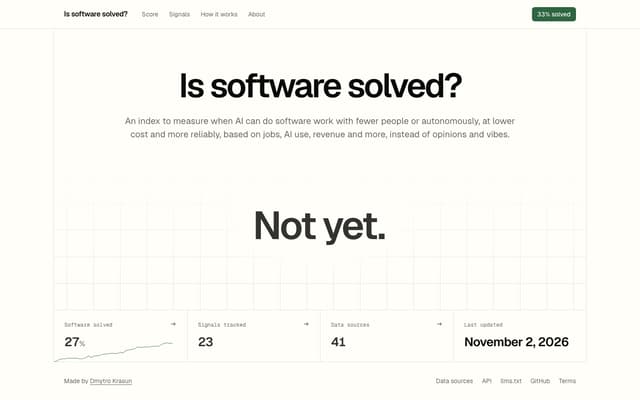
A free public index that scores how close AI is to doing software work on its own, from 28 signals such as jobs, AI usage, revenue, security and outages.
Research Tool · Free

Subvocal
Smart glasses from The Subvocal Company that read silently mouthed words with radio sensing and type them on your computer, now on preorder.
Speech-to-Text · Paid, from $499
Arc UI
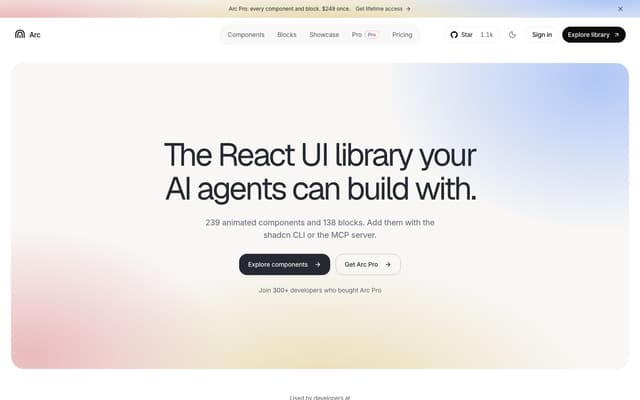
A library of 239 animated React components and 138 blocks for shadcn and Next.js, added with the shadcn CLI or by an AI agent through its MCP server.
AI Developer Tools · Freemium, from $149/year
Novastart
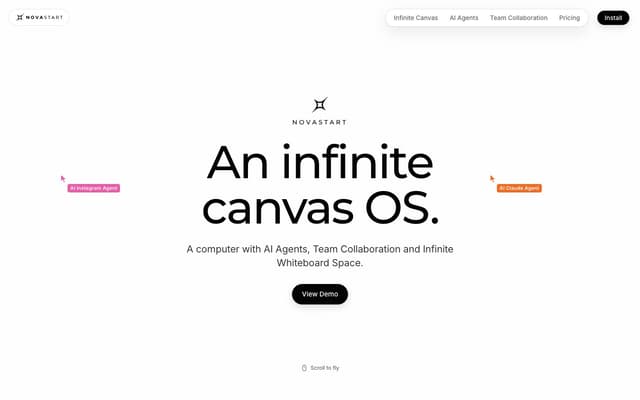
An infinite-canvas desktop OS where your apps, your teammates and up to 10 AI agents share one zoomable workspace.
AI Productivity Tools · Freemium, from $10/mo
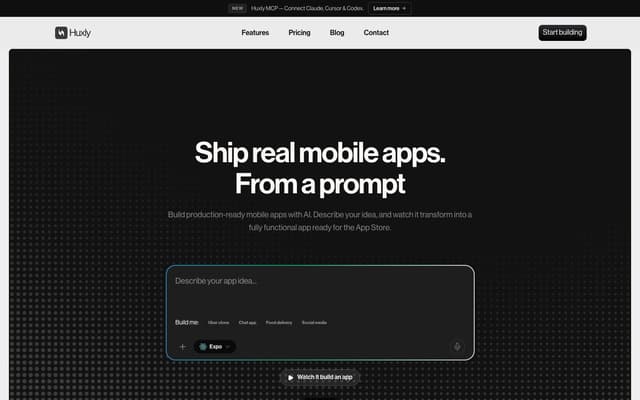
Huxly
Describe a mobile app in plain language and get production-ready Expo, Flutter or SwiftUI code, previewed in the browser and shippable to the App Store and Google Play.
AI App Builder · Freemium, from $25/mo
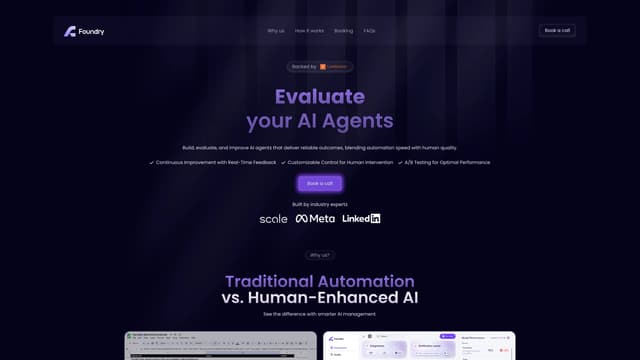
Foundry AI
Foundry AI lets businesses build, evaluate, and improve AI agents for tasks like customer support and sales, with real-time feedback and continuous improvement for reliable outcomes.
AI Developer Tools