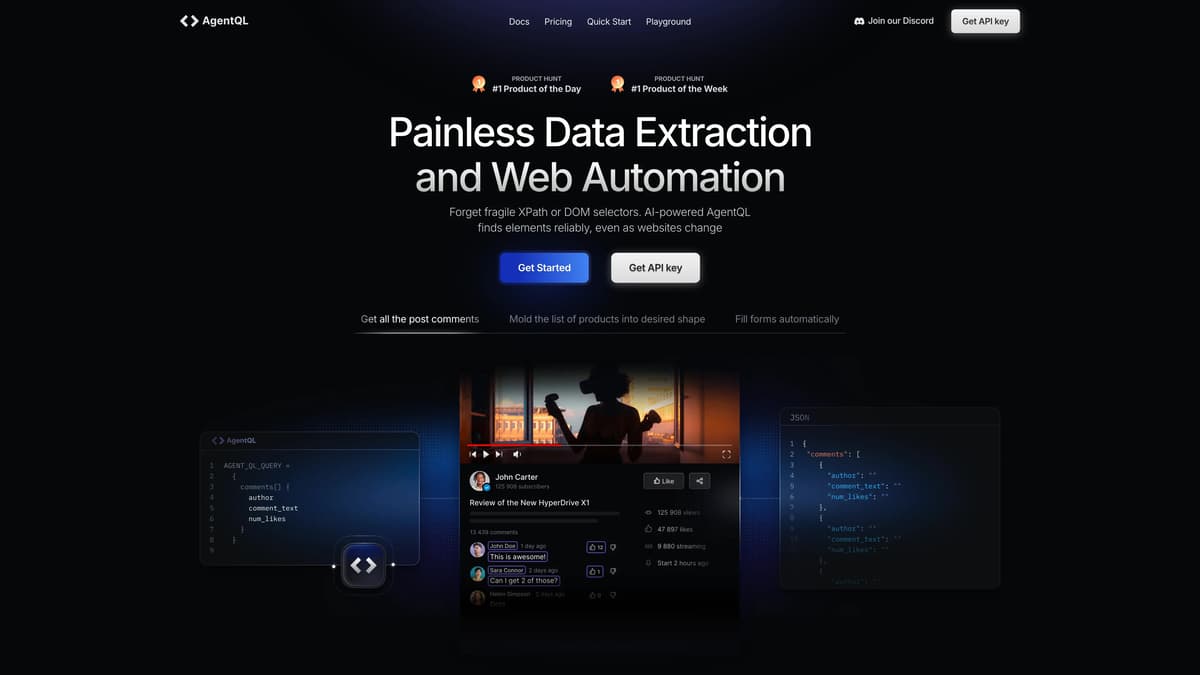
AgentQL Introduction
AgentQL redefines web data extraction with its AI-powered semantic selectors, allowing seamless navigation of changing websites without relying on fragile XPath or DOM selectors. By using natural language to pinpoint web elements, it affords a straightforward, transparent experience minus the 'black box' mystery. From boosting data scraping efficiency to enhancing automation and E2E testing, AgentQL is like having a smart assistant who finds exactly what is needed, even on a cluttered desk. Users can integrate easily with a Chrome extension and SDK, making it an adaptable tool for developers aiming to streamline their workflows.
AgentQL Key Features
Intelligent Element Selection
AgentQL's semantic selector locates web elements based on their meaning, bypassing the fragility of XPath. Like a skilled detective, it finds the clues even as websites evolve.
Natural Language Queries
Forget coding labyrinths. Use straightforward natural language to interact with AgentQL, making data extraction as simple as chatting with a friend.
Precise and Controlled Output
Retrieve data in precisely the format you need, ensuring versatility and efficiency, akin to tailoring a suit that fits just right.
Deterministic AI
Built without AI's typical black-box mystery, AgentQL offers predictable results, providing users confidence akin to using a reliable map in unfamiliar terrain.
Seamless Integration and Automation
With easy Chrome extension installation and SDK use, AgentQL automates tasks efficiently, turning repetitive chores into a well-oiled machine operation.
AgentQL Use Cases
Effortless Data Extraction: A market researcher uses AgentQL's semantic selector to quickly gather product details from a leading e-commerce site, ensuring accuracy even as the site layout changes, boosting data-driven insights.
Streamlined Testing Processes: A software tester automates end-to-end testing using AgentQL, reducing manual effort and increasing productivity with reliable, deterministic selectors that adapt to website updates.
Enhanced Web Automation: A digital marketer easily automates repetitive tasks like extracting and updating pricing information, using natural language queries in AgentQL to maintain workflow efficiency without worrying about changing web elements.
Seamless Content Organization: A data analyst organizes web content by requesting specific elements using natural language, achieving a structured data output that aligns with organizational needs without complex code.
Innovative Research Tools: An academic researcher leverages AgentQL to extract necessary publication data across multiple sites, minimizing errors caused by DOM shifts, leading to more robust and comprehensive literature reviews.
AgentQL User Guides
Step 1: Install the AgentQL Chrome extension to start extracting data effortlessly.
Step 2: Obtain a secure API key to unlock AgentQL's powerful features.
Step 3: Write your first AgentQL query to identify web elements using natural language.
Step 4: Install the AgentQL SDK for advanced automation capabilities using simple commands.
AgentQL Frequently Asked Questions
What is AgentQL primarily used for?
How does AgentQL find web elements?
Do I need programming skills to use AgentQL?
How is AgentQL different from other automation tools?
What do I need to start with AgentQL?
How can I extract data using AgentQL?
Can AgentQL be used for testing applications?
How do I install the AgentQL SDK?
What if a website changes its layout?
Is AgentQL suitable for both beginners and advanced users?
AgentQL alternatives
Foundry AI
Foundry AI lets businesses build, evaluate, and improve AI agents for tasks like customer support and sales, with real-time feedback and continuous improvement for reliable outcomes.
AI Developer Tools
Nfig
Nfig enables AI agents to browse, click, and perform tasks on any website using natural language commands, simplifying web automation and unlocking new use cases with its easy-to-integrate API.
No-Code&Low-Code
Toolhouse
Toolhouse is a cloud platform that equips AI with actions and knowledge, deploying efficient solutions in one click and saving developers weeks of coding with its universal 3-line SDK.
No-Code&Low-Code
Visualping
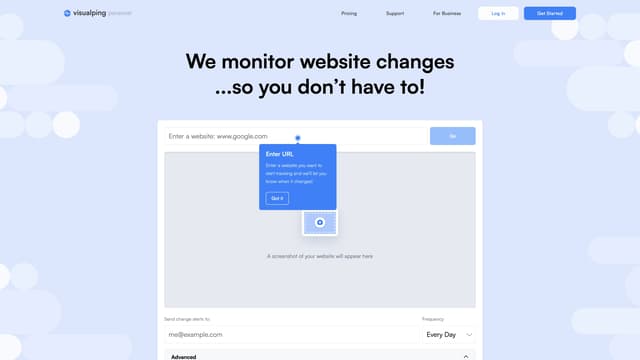
Visualping is your go-to tool for monitoring website changes, offering email alerts with highlighted updates. Ideal for tracking social media, job listings, discounts, and much more.
Web Scraping
Bright Data
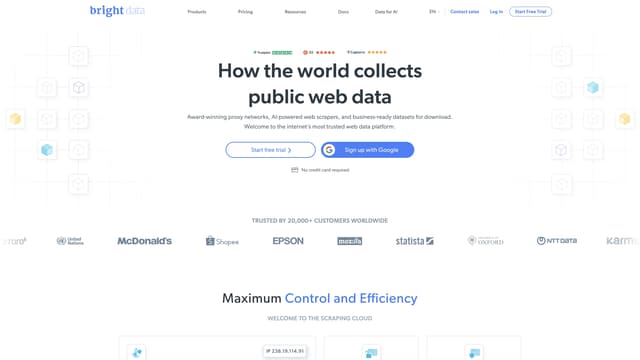
Bright Data provides award-winning proxy networks, AI-powered web scrapers, and business-ready datasets, offering ethical, compliant, and secure web data collection for over 20,000 customers worldwide.
AI Data Mining
Vocera
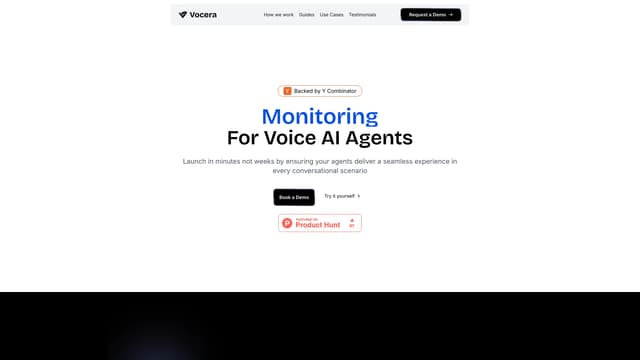
Vocera provides automated end-to-end testing and monitoring for AI voice agents, simulating realistic interactions to save time and ensure reliability in production.
AI Monitor & Report Builder