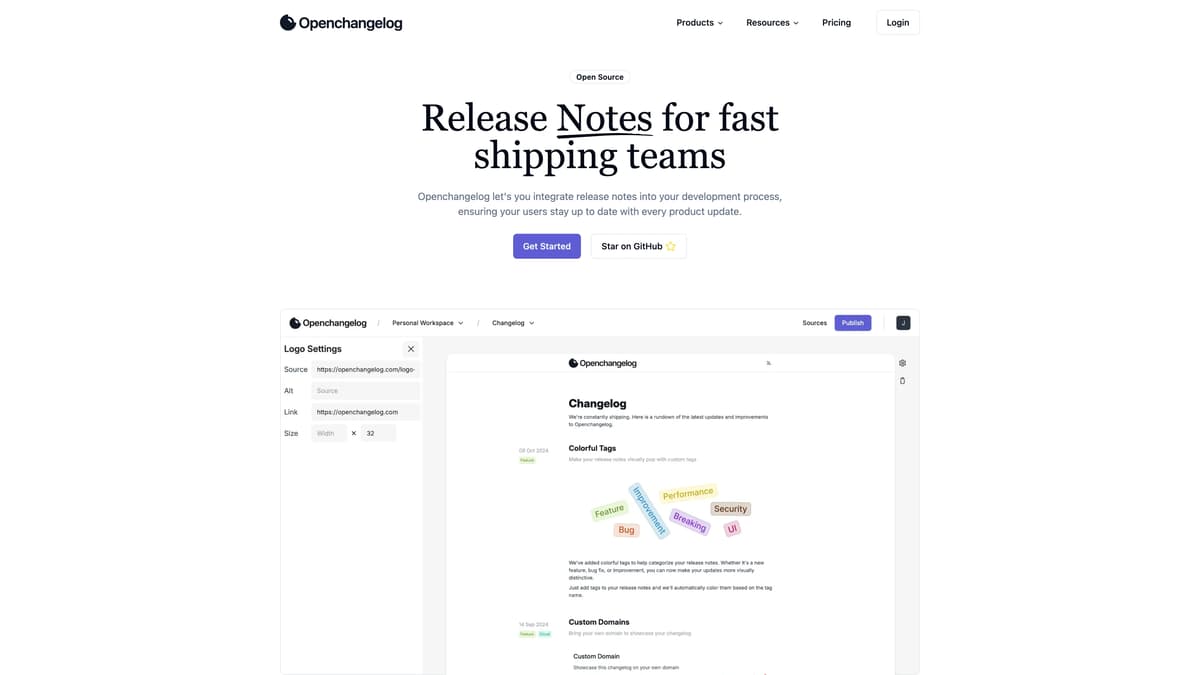
Openchangelog Introduction
Openchangelog is all about making your development process more transparent and efficient. Imagine never having to worry about users missing out on your latest updates because Openchangelog integrates seamlessly with GitHub, turning your Markdown release notes into a slick web page in no time. It supports different themes (light, dark, or your system preference) to match your brand's look. Plus, for those internal notes you want to keep private, password protection has got you covered. Automatic RSS feeds ensure your users stay updated without any extra work from you. Looking to the future, exciting features like searchability, analytics, and Gitlab integration are on the horizon. Openchangelog brings clarity to your development updates, making it easier for your users to stay informed. Think of it as giving your changelog a stylish makeover that also boosts user engagement.
Openchangelog Key Features
GitHub Integration
Integrates seamlessly with GitHub, ensuring all your release notes are automatically imported and displayed beautifully, saving developers from manual updates and confusion.
Light, Dark, and System Themes
Allows users to switch between light, dark, and system themes, offering a personalized viewing experience that aligns with their preferences and brand image.
Automatic RSS Feed
Generates an RSS feed automatically from your changelog updates, enabling users to stay up-to-date with the latest product changes without any extra effort.
Password Protection for Internal Changelogs
Secures sensitive information by allowing password protection for internal changelogs, ensuring only authorized personnel access crucial updates.
Next.js Embed
Easily embeds the changelog into Next.js projects, offering developers a hassle-free integration for better visibility and user engagement.
Openchangelog Use Cases
Boosting User Engagement with Real-time Updates: Product and development teams can use Openchangelog's GitHub integration to automatically update their changelog website whenever a new release is pushed. This feature ensures users are always aware of the latest upgrades and improvements, reducing user frustration and increasing engagement.
Secure Internal Communication for Development Teams: Teams working on internal projects can benefit from the password protection feature. By keeping sensitive changelogs secure, internal communication is streamlined, and confidentiality is maintained, ensuring that only authorized personnel can access the information.
Personalizing Brand Experience with Custom Domains: Companies looking to maintain brand consistency can utilize custom domains to host their changelog. This feature allows them to align the changelog's appearance with their brand identity, enhancing the professional look of product updates.
Enhancing Visibility with RSS Feeds: For content creators and bloggers, integrating Openchangelog's RSS feed functionality means that their followers are automatically notified of new updates. This seamless communication keeps the audience informed and engaged without having to manually check for updates.
Optimizing User Experience with Theme Customization: Developers can offer their users a personalized experience by allowing them to switch between light, dark, and system themes. This flexibility caters to user preferences, making the changelog more accessible and visually appealing, regardless of individual device settings.
Openchangelog User Guides
Step 1: Sign up on Openchangelog and create your account.
Step 2: Integrate your GitHub repository to sync your CHANGELOG.md.
Step 3: Choose your preferred theme: Dark, Light or System based.
Step 4: Customize your domain or use a provided subdomain to publish changelogs.
Step 5: Enable automatic RSS feeds to keep users updated with new releases.
Openchangelog Frequently Asked Questions
What is Openchangelog?
How does Openchangelog integrate with GitHub?
Can I customize the appearance of my changelog on Openchangelog?
Does Openchangelog support custom domains?
Is it possible to protect changelogs with a password on Openchangelog?
Does Openchangelog generate an RSS feed for updates?
How do I get started with Openchangelog?
Can I embed my Openchangelog on other platforms?
What other features are planned for Openchangelog?
Is Openchangelog open source?
Openchangelog alternatives

Novastart
An infinite-canvas desktop OS where your apps, your teammates and up to 10 AI agents share one zoomable workspace.
AI Productivity Tools · Freemium, from $10/mo
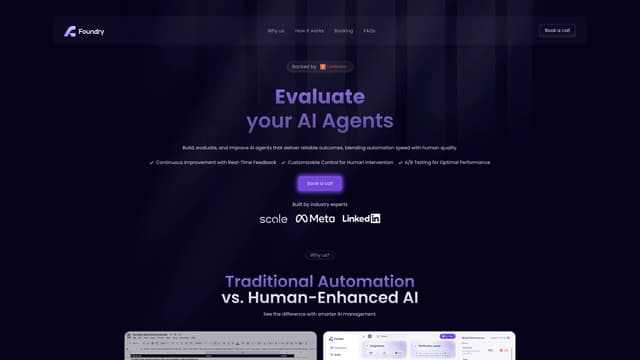
Foundry AI
Foundry AI lets businesses build, evaluate, and improve AI agents for tasks like customer support and sales, with real-time feedback and continuous improvement for reliable outcomes.
AI Developer Tools
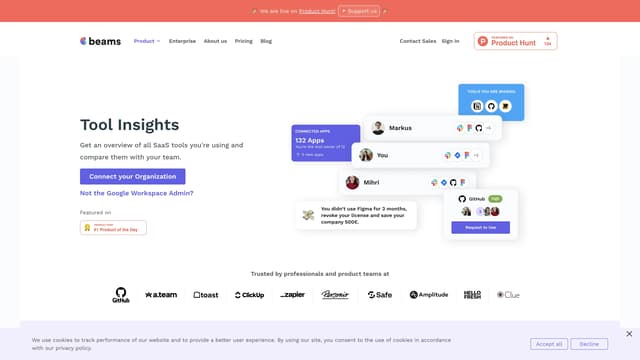
SaaS tool insights by beams
SaaS tool insights by beams offers a complete overview of your team's SaaS tools, helps reduce costs and streamline operations by identifying underused licenses and overlapping tools.
AI Analytics Assistant

Nfig
Nfig enables AI agents to browse, click, and perform tasks on any website using natural language commands, simplifying web automation and unlocking new use cases with its easy-to-integrate API.
No-Code&Low-Code

Toolhouse
Toolhouse is a cloud platform that equips AI with actions and knowledge, deploying efficient solutions in one click and saving developers weeks of coding with its universal 3-line SDK.
No-Code&Low-Code

TwinMind
TwinMind is an AI sidebar that enhances productivity by understanding your browser tabs and meetings, offering real-time answers, transcriptions, and smart writing assistance with robust privacy features.
Transcription