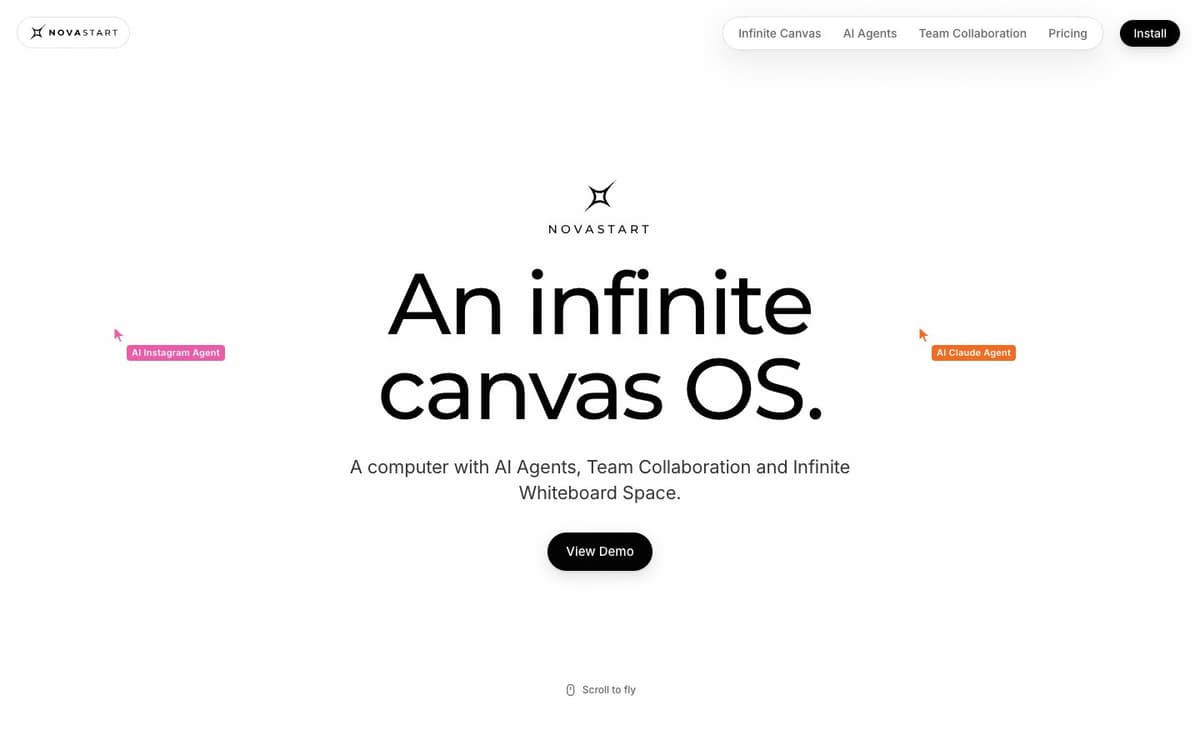
Novastart Introduction
Novastart replaces the traditional desktop with an infinite whiteboard. Apps open as windows you can place anywhere on the canvas, zoom into for detailed work and zoom out of to see several projects at once, and saved canvases keep every app, position and tab where you left it. On the same canvas you can run up to 10 AI agents per task, each with its own mouse and keyboard, and watch them work while you keep using your own pointer — you can type a correction mid-run, pause everything or take a window back. Teams share the canvas instead of a screen: every person gets their own cursor, can use a teammate's apps as if they were their own, and the room stays intact when people leave and come back. Novastart is installed as an app and is offered on Free, Pro and Team plans.
Novastart Key Features
Infinite Canvas Desktop
Every desktop app sits on a zoomable, pannable whiteboard, so you can work inside one window or pull back to see whole projects side by side.
Saved Canvases
Separate canvases for work, study, travel, finances or research keep every app, window position and tab exactly as you left it.
Up to 10 AI Agents
Run as many as 10 agents on a task, each with its own mouse and keyboard, and watch them open and drive windows on the canvas.
Step In Any Time
Pause mid-click, type a correction without restarting the run, or take any window back under your own control.
Shared Team Canvas
Teammates join the same canvas with their own coloured cursors, can drive each other's windows live, chat in the OS and see each other's agents.
Novastart Use Cases
- Keep separate canvases for work, a move, a trip or a research project and switch between them instantly.
- Delegate a multi-part task, such as planning a trip, to several agents and supervise them on one screen.
- Replace screen sharing in a meeting with a canvas every participant can actually click in.
- Lay out a spreadsheet, notes and reference windows side by side and zoom in on whichever you need.
Novastart User Guides
-
Go to novastart.com and install the Novastart app.
-
Open the apps you need from the dock; they land as windows on a blank canvas.
-
Arrange and zoom the canvas, then save it as a named space for that project.
-
Ask an agent for a task and add more agents to the run, stepping in or pausing as needed.
-
On the Team plan, invite teammates into the canvas so everyone works with their own cursor.
Novastart Pricing
Free plan: all apps, limited to 1 folder, 2 canvases and 4 windows, no team collaboration. Pro is $10 per month with unlimited folders, canvases and windows. Team is $20 per month and adds team collaboration. AI agent use is $0.02 per use on every plan, with credits from $25. Prices checked October 16, 2026.
Novastart Frequently Asked Questions
What is Novastart?
How many AI agents can run at once?
Can I interrupt an agent?
What does the free plan include?
How are AI agents billed?
Do my canvases persist?
Novastart alternatives

Subvocal
Smart glasses from The Subvocal Company that read silently mouthed words with radio sensing and type them on your computer, now on preorder.
Speech-to-Text · Paid, from $499
Foundry AI
Foundry AI lets businesses build, evaluate, and improve AI agents for tasks like customer support and sales, with real-time feedback and continuous improvement for reliable outcomes.
AI Developer Tools
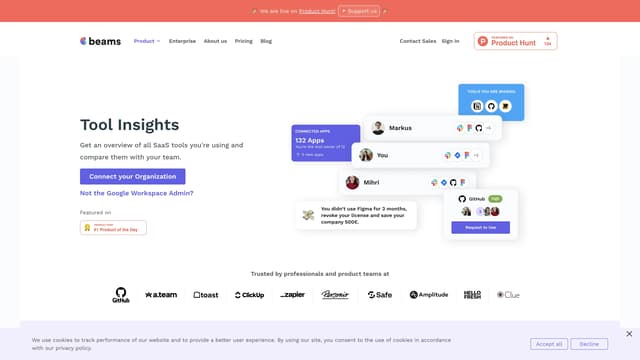
SaaS tool insights by beams
SaaS tool insights by beams offers a complete overview of your team's SaaS tools, helps reduce costs and streamline operations by identifying underused licenses and overlapping tools.
AI Analytics Assistant
Nfig
Nfig enables AI agents to browse, click, and perform tasks on any website using natural language commands, simplifying web automation and unlocking new use cases with its easy-to-integrate API.
No-Code&Low-Code
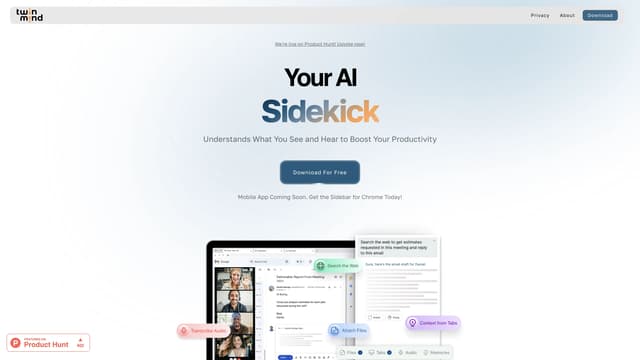
TwinMind
TwinMind is an AI sidebar that enhances productivity by understanding your browser tabs and meetings, offering real-time answers, transcriptions, and smart writing assistance with robust privacy features.
Transcription
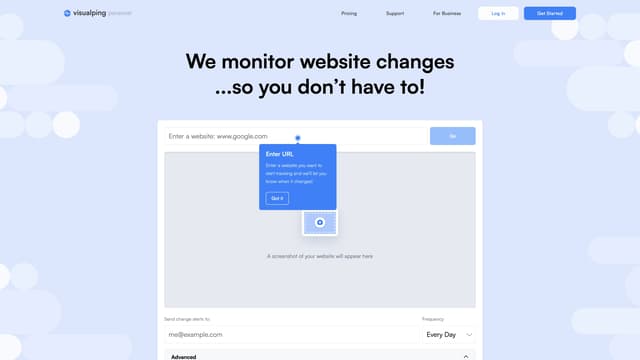
Visualping
Visualping is your go-to tool for monitoring website changes, offering email alerts with highlighted updates. Ideal for tracking social media, job listings, discounts, and much more.
Web Scraping