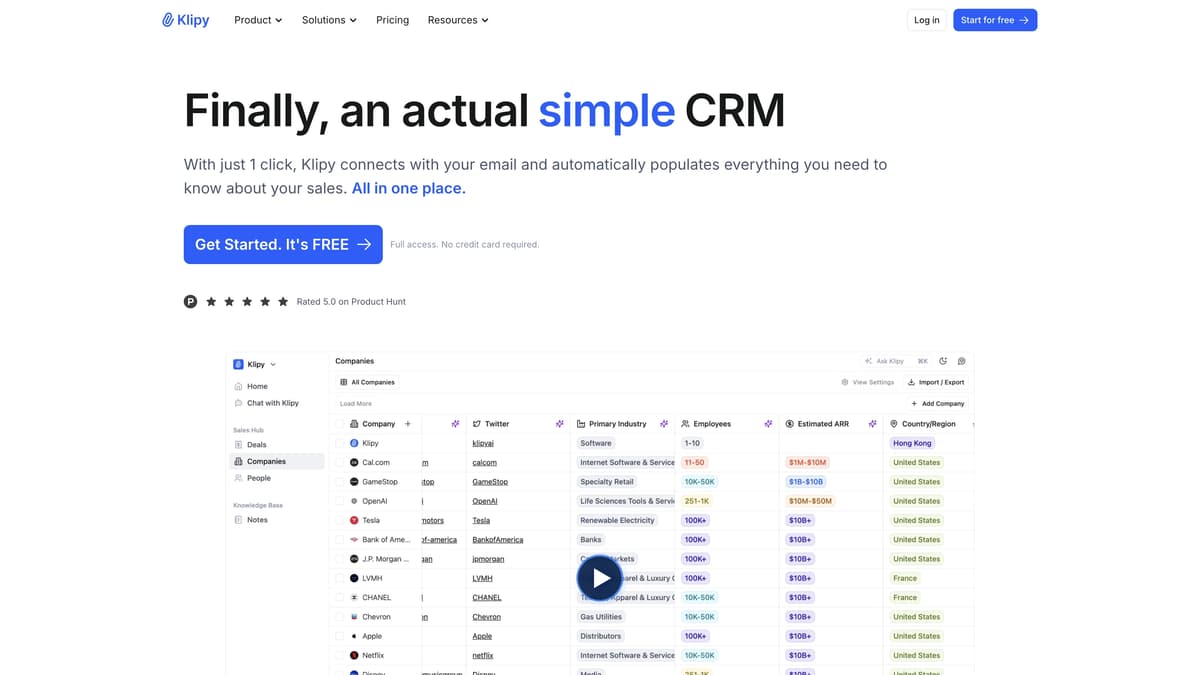
Klipy Introduction
Klipy positions itself as a straightforward CRM solution designed for seamless integration and efficiency. It connects with your email in one click, automatically updating sales details, much like having a personal assistant organizing your workbench. Ideal for small businesses and startups, it consolidates emails, deals, and tasks into a single platform, resembling a digital Swiss army knife for sales management. Enhanced with AI, it automates mundane processes, freeing up time for creative pursuits. Klipy, praised for its user-centric design, offers a practical alternative to more complex CRMs, ensuring a balance between functionality and simplicity.
Klipy Key Features
Simple Email Integration
With a single click, Klipy connects to your email account, capturing important sales details and streamlining your CRM process, much like a personal assistant organizing your inbox.
Automated CRM Setup
Setting up Klipy takes only 10 minutes, providing a continuously updated sales pipeline. It ensures no valuable conversation detail is lost, acting like an ever-alert digital secretary.
All-In-One Platform
Klipy combines records, deals, tasks, and more into one place, eliminating the chaos of scattered tabs. Visualizing all moving parts of your business becomes as intuitive as glancing at a clean dashboard.
Real-Time Team Collaboration
Klipy enhances teamwork by synchronizing notes and records across the team, ensuring everyone is aligned, akin to a shared digital workspace where everyone is always on the same page.
Secure Data Management
Data security is a top priority with regular audits and certifications, offering peace of mind akin to having a digital vault for your sensitive business information.
Klipy Use Cases
Email Integration Simplified: A startup founder effortlessly connects their email to Klipy, automatically capturing key sales signals. This integration ensures no important detail is missed, elevating business growth.
One-Click Sales Automation: A small business owner utilizes Klipy's automatic sales admin feature to streamline operations. With records created automatically, they focus on client relationships and closing deals.
Unified Team Collaboration: A marketing agency leverages Klipy’s collaboration feature to synchronize notes and interactions. This real-time sharing boosts team efficiency and accelerates project delivery.
Centralized Data Management: A consultancy firm employs Klipy's all-in-one platform to store contacts, deals, and notes. This single source of truth eliminates data scatter, enhancing decision-making speed.
Secure, Automated CRM Setup: A tech startup sets up their pipeline in just 10 minutes with Klipy’s security features, ensuring both ease of use and data protection, maintaining client trust.
Klipy User Guides
Step 1: Connect your email to Klipy with a single click.
Step 2: Klipy automatically captures and updates key sales data.
Step 3: Visualize your deals and tasks on a unified platform.
Step 4: Collaborate with your team using shared notes and records.
Step 5: Automate admin tasks to focus on growth and efficiency.
Klipy Frequently Asked Questions
What is Klipy and why should you use it?
How do you set up Klipy?
Can Klipy track all your sales information?
How does Klipy simplify collaboration?
Is Klipy suitable for small businesses?
Can Klipy work with Gmail and Outlook?
How secure is your data with Klipy?
Does Klipy offer real-time deal visualization?
What makes Klipy different from other CRMs?
Can you try Klipy without a credit card?
Klipy alternatives

Subvocal
Smart glasses from The Subvocal Company that read silently mouthed words with radio sensing and type them on your computer, now on preorder.
Speech-to-Text · Paid, from $499
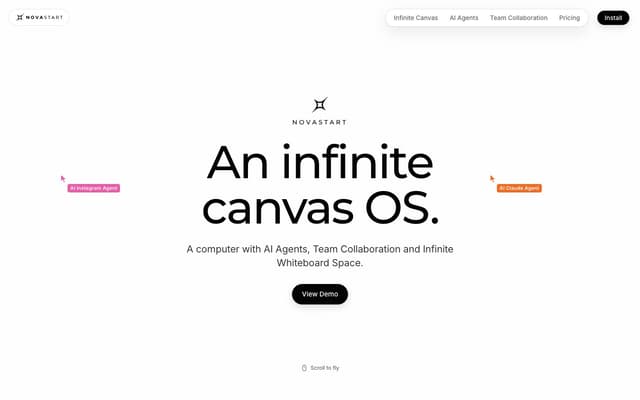
Novastart
An infinite-canvas desktop OS where your apps, your teammates and up to 10 AI agents share one zoomable workspace.
AI Productivity Tools · Freemium, from $10/mo

Foundry AI
Foundry AI lets businesses build, evaluate, and improve AI agents for tasks like customer support and sales, with real-time feedback and continuous improvement for reliable outcomes.
AI Developer Tools
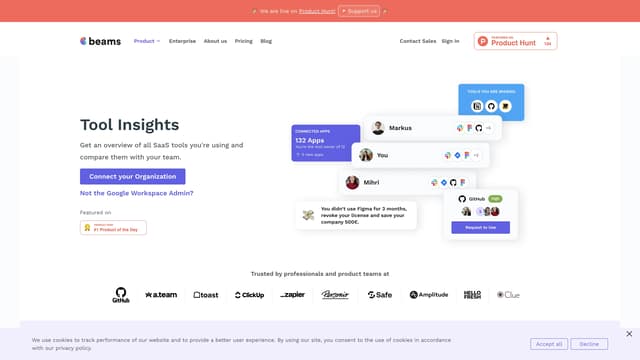
SaaS tool insights by beams
SaaS tool insights by beams offers a complete overview of your team's SaaS tools, helps reduce costs and streamline operations by identifying underused licenses and overlapping tools.
AI Analytics Assistant
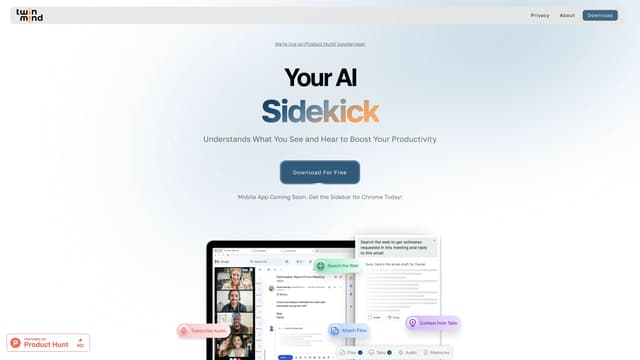
TwinMind
TwinMind is an AI sidebar that enhances productivity by understanding your browser tabs and meetings, offering real-time answers, transcriptions, and smart writing assistance with robust privacy features.
Transcription
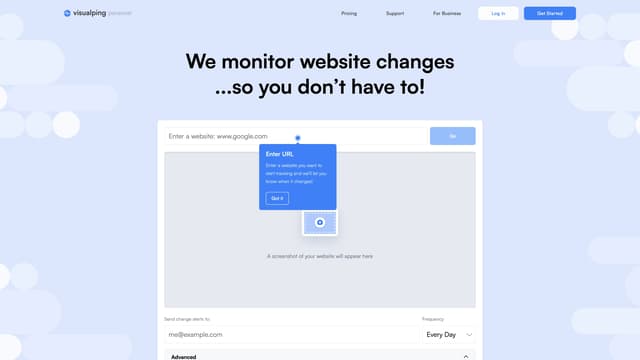
Visualping
Visualping is your go-to tool for monitoring website changes, offering email alerts with highlighted updates. Ideal for tracking social media, job listings, discounts, and much more.
Web Scraping