Instant SEO Audit Introduction
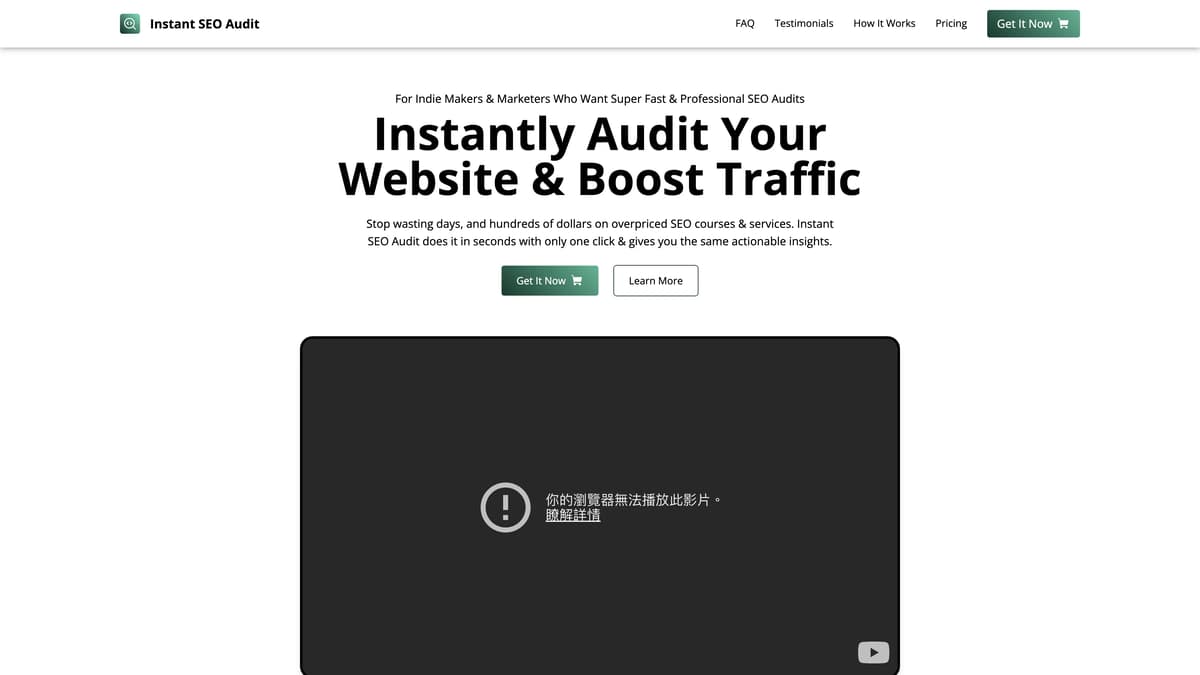
Instant SEO Audit is a handy Chrome extension designed to make SEO assessments quick and easy. With just one click, it runs a thorough audit of your webpage, delivering actionable insights within seconds. Perfect for indie makers and marketers, it eliminates the need for expensive courses or hiring professionals. The tool generates detailed reports that can be saved as PDFs, offering clear recommendations to boost your site's traffic. It's a time-saver, cost-effective, and surprisingly efficient, making website optimization accessible to everyone.
Instant SEO Audit Key Features
One-Click Audit
Effortlessly audit any website's SEO with just one click. Perfect for indie makers and marketers who need quick and professional assessments without the hefty costs.
Super Fast & Efficient
Complete an SEO audit in mere seconds, regardless of the website size or complexity. Get instant, actionable insights to boost your traffic without any hassle.
Save Report as PDF
Easily save your SEO audit reports as PDFs. Share them with clients or your team, or keep them for future reference. It's as easy as a single click.
Unlimited Audits
With a one-time payment, perform unlimited audits for an unlimited number of websites. Use it as often as you need, making it perfect for continuous SEO monitoring and improvement.
Instant SEO Audit Use Cases
Single-Page Website Audit for Indie Makers: Indie makers who build single-page websites can use Instant SEO Audit’s one-click audit feature to get an immediate SEO score and actionable steps. With just one click, they can save time and money, boosting their online visibility quickly.
Client Audit Reports for Freelancers: Freelancers managing SEO for multiple clients can leverage the extension to perform fast, efficient audits on various client websites. Exporting the results as PDFs helps them professionally share detailed reports and recommendations, helping build trust and transparency with their clients.
Batch Mode for Large Websites: Developers or marketers handling large websites will soon benefit from the anticipated batch mode feature. By inputting a URL, the tool will audit all pages across the site, offering comprehensive SEO insights without the time-consuming manual labor typically involved.
Real-Time Analysis for E-commerce Owners: E-commerce store owners looking to optimize their product pages can use Instant SEO Audit to instantly check SEO scores and improve on-page elements. This leads to better search engine rankings and, ultimately, more traffic and sales.
Transparency for Marketing Teams: Marketing teams aiming for seamless communication and strategy alignment can utilize the instant reports feature. They can generate detailed SEO audits and share them promptly within the team, ensuring everyone is on the same page regarding SEO improvements and strategies.
Instant SEO Audit User Guides
Step 1: Go to the website you want to audit.
Step 2: Click on the Instant SEO Audit extension icon in your browser.
Step 3: The extension will start the audit; wait for it to complete.
Step 4: Download the .HTML report file once the audit is done.
Step 5: Optionally, save the report as a PDF for easy sharing.
Instant SEO Audit Frequently Asked Questions
What is Instant SEO Audit?
How do I use Instant SEO Audit?
What kind of audits does Instant SEO Audit perform?
Can Instant SEO Audit work on any website?
Is there a limit to how many websites I can audit?
How long does an Instant SEO Audit take?
Does Instant SEO Audit use AI?
Can I save the SEO audit report?
Is Instant SEO Audit a subscription service?
How does Instant SEO Audit improve my SEO?
Instant SEO Audit alternatives
Novastart
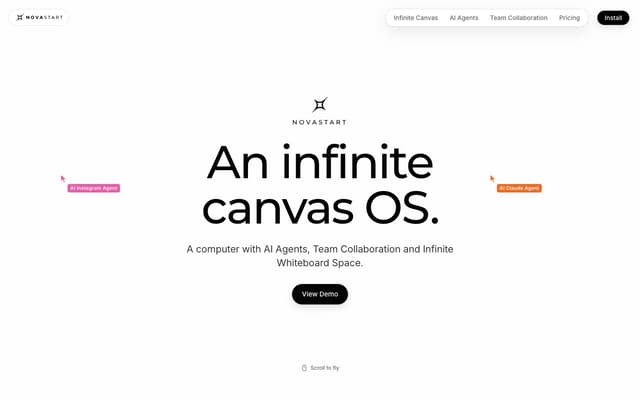
An infinite-canvas desktop OS where your apps, your teammates and up to 10 AI agents share one zoomable workspace.
AI Productivity Tools · Freemium, from $10/mo

RankBuddy
An AI SEO agent that audits your website, maps competitors, builds the content plan and drafts articles, with nothing published until you sign off.
AI SEO Assistant · Freemium, from $29/mo
Foundry AI
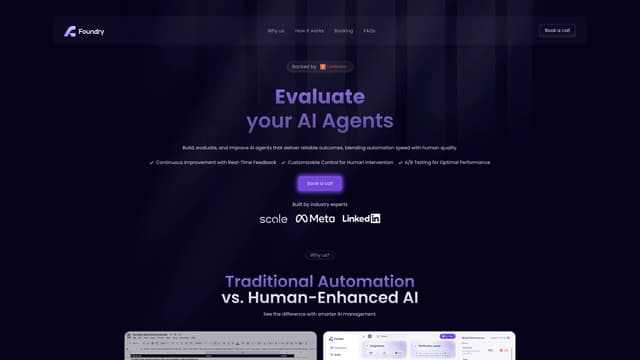
Foundry AI lets businesses build, evaluate, and improve AI agents for tasks like customer support and sales, with real-time feedback and continuous improvement for reliable outcomes.
AI Developer Tools
SaaS tool insights by beams
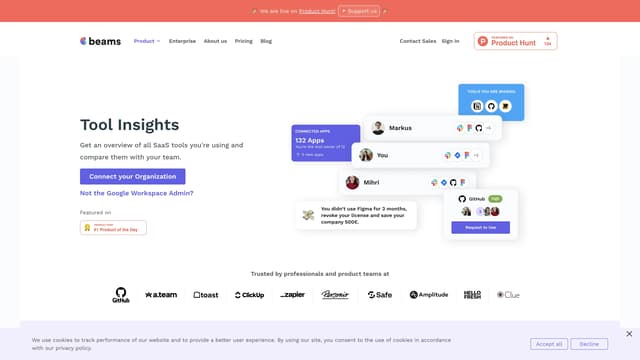
SaaS tool insights by beams offers a complete overview of your team's SaaS tools, helps reduce costs and streamline operations by identifying underused licenses and overlapping tools.
AI Analytics Assistant
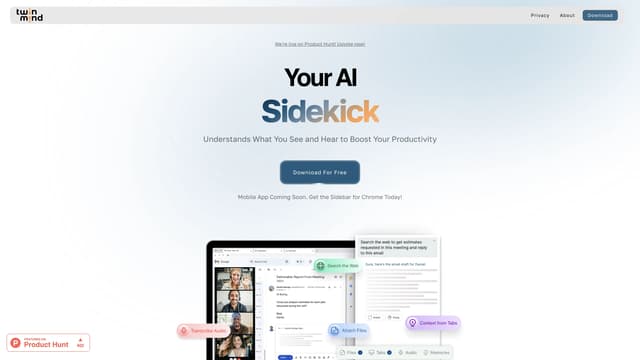
TwinMind
TwinMind is an AI sidebar that enhances productivity by understanding your browser tabs and meetings, offering real-time answers, transcriptions, and smart writing assistance with robust privacy features.
Transcription
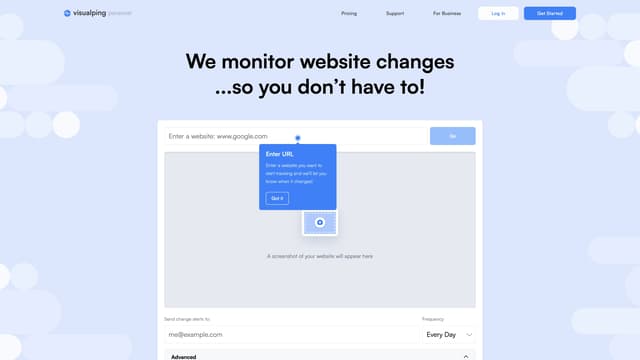
Visualping
Visualping is your go-to tool for monitoring website changes, offering email alerts with highlighted updates. Ideal for tracking social media, job listings, discounts, and much more.
Web Scraping