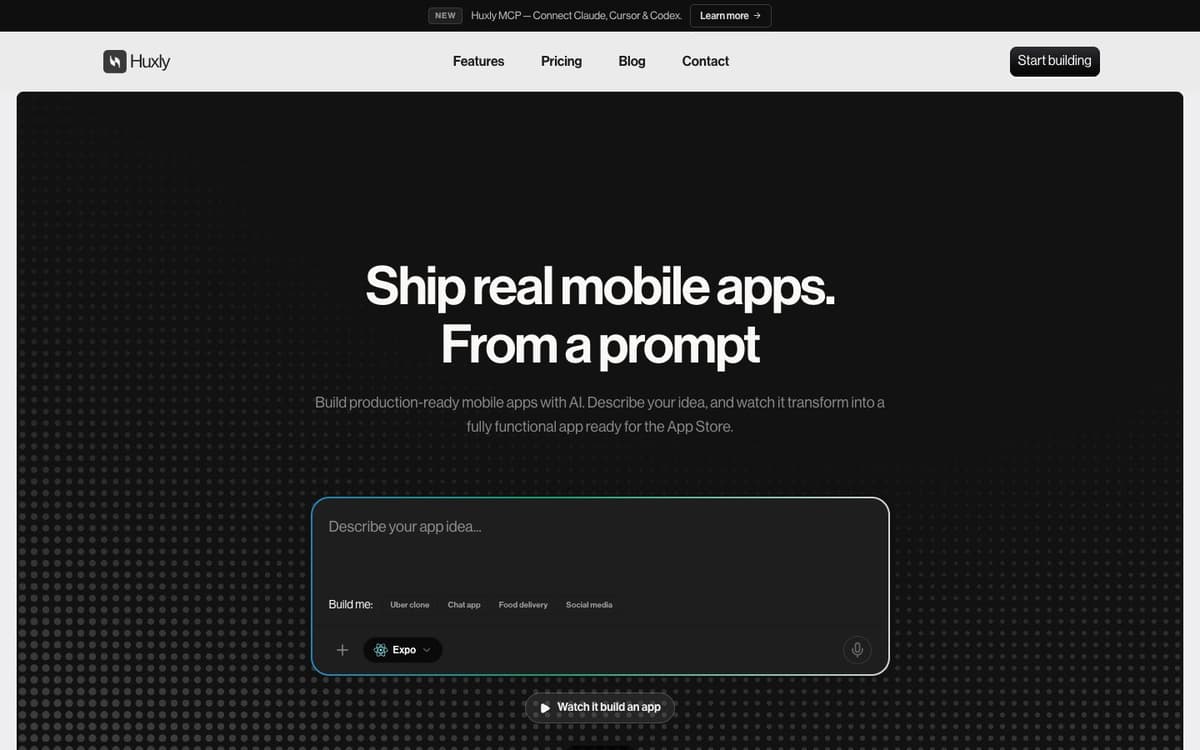
Huxly Introduction
Huxly is an AI mobile app builder that turns a written description into a working iOS or Android app. You choose the stack — Expo (React Native), Flutter or SwiftUI — and Huxly writes idiomatic code for that framework, generating backend and edge functions for auth, payments, webhooks and secrets and deploying them to your own Netlify, Render or Railway account so your keys stay yours. The app runs live in the browser as you build, and Swift projects stream a real iPhone simulator so gestures, navigation and system UI behave as they would on device. A Figma frame can be pasted in and comes back as working screens with components, navigation and state wired up, and starter templates cover e-commerce, productivity, education, finance and AI apps. Signed builds, TestFlight betas and store submissions to the App Store and Google Play run from the same chat, and source code can be exported or pushed to GitHub. A Huxly MCP server connects Claude, ChatGPT, Cursor or Codex to a project so inference runs on your own AI subscription.
Huxly Key Features
Three Native Stacks
Start a project in SwiftUI, React Native (Expo) or Flutter, and Huxly writes idiomatic code for the framework you pick.
Live Preview and Cloud iOS Simulator
Watch the app run in your browser while you build, with Swift builds streamed from a real iPhone simulator at full fidelity.
Backend and Edge Functions
Auth, payments, webhooks and secrets are generated with the app and deployed to your own Netlify, Render or Railway account.
Figma to App
Paste a Figma frame and get working screens with components, navigation and state wired up in your chosen framework.
Ship to the Stores
Signed builds, TestFlight betas and App Store or Google Play submissions happen from the same chat that built the app.
Huxly MCP Connector
Connect Claude, ChatGPT, Cursor or Codex to your project so your own AI writes, builds and tests it, with inference on your subscription instead of Huxly credits.
Huxly Use Cases
- Build and publish a first mobile app without writing the boilerplate yourself.
- Turn a Figma design into working screens in React Native, Flutter or SwiftUI.
- Prototype an app idea and test it on a real device through TestFlight.
- Add a backend with auth and Stripe payments that deploys to your own hosting account.
- Drive an app project from Claude or Cursor through the Huxly MCP server.
Huxly User Guides
-
Go to huxly.app and start building, or pick a starter template.
-
Choose your framework — Expo, Flutter or SwiftUI — and describe the app in plain English.
-
Watch the live preview, or open the cloud iOS simulator for a Swift build, and keep refining by chat.
-
Paste a Figma frame if you have a design, and let Huxly wire up the screens.
-
Export the code or push to GitHub, then submit signed builds to the App Store and Google Play from the chat.
Huxly Pricing
Free plan: $0 forever with limited AI models and 5 one-time messages, including backend integration, Expo and Flutter, real-time preview, Figma to code and store submission. Developer is $25 per month for 100 credits and premium AI models. Max is $99 per month for 500 credits and adds SwiftUI, priority builds and priority support. Yearly billing saves 20%, a limited lifetime option is offered, and one-time top-up credits never expire. Prices checked October 16, 2026.
Huxly Frequently Asked Questions
Do I need coding experience?
Which framework should I pick?
Can I export or publish the app?
Is there a free plan?
What happens when I run out of credits?
Where does the backend run?
Huxly alternatives
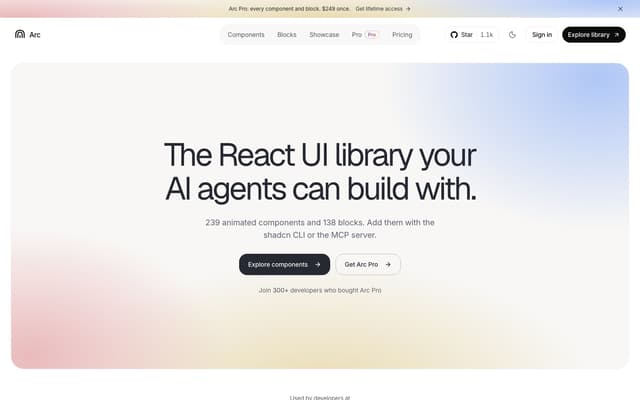
Arc UI
A library of 239 animated React components and 138 blocks for shadcn and Next.js, added with the shadcn CLI or by an AI agent through its MCP server.
AI Developer Tools · Freemium, from $149/year
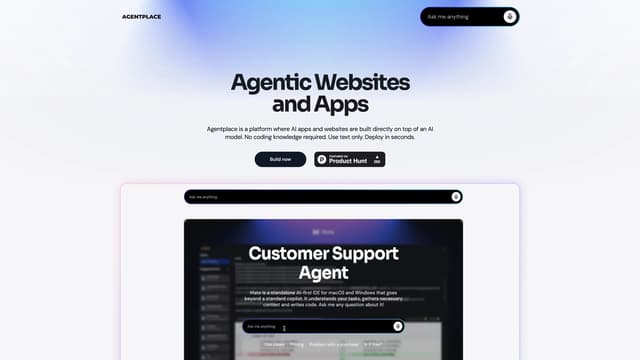
Agentplace
Agentplace lets you create AI-powered websites and apps with dynamic interfaces and voice interaction, all without coding. Simply describe your vision in text, and launch instantly.
AI Website Builder
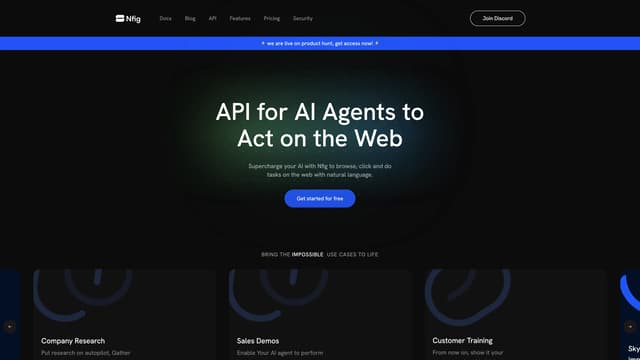
Nfig
Nfig enables AI agents to browse, click, and perform tasks on any website using natural language commands, simplifying web automation and unlocking new use cases with its easy-to-integrate API.
No-Code&Low-Code
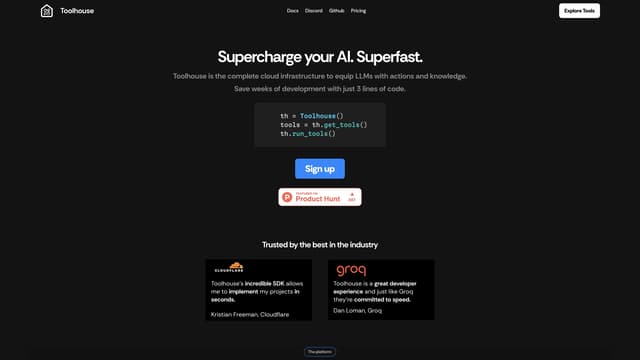
Toolhouse
Toolhouse is a cloud platform that equips AI with actions and knowledge, deploying efficient solutions in one click and saving developers weeks of coding with its universal 3-line SDK.
No-Code&Low-Code
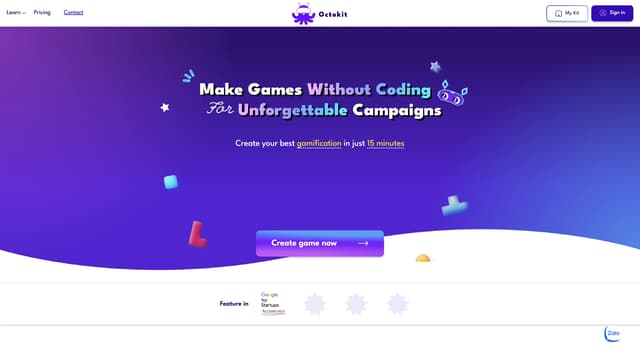
Octokit
Octokit is a no-code tool for creating AR filters and mini-games, perfect for gamified marketing campaigns, with an intuitive drag-and-drop interface and extensive template library.
No-Code&Low-Code
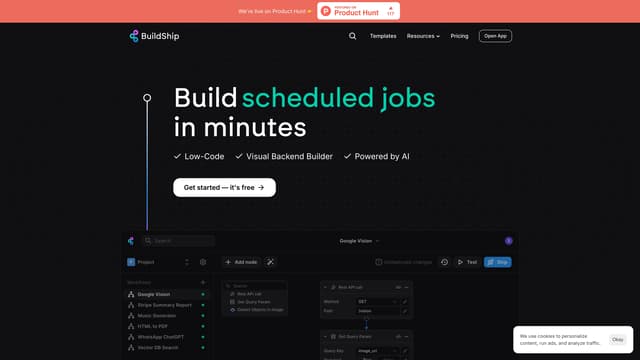
BuildShip
BuildShip is a visual low-code backend builder that uses AI to create and automate scalable workflows and APIs effortlessly, featuring an infinite canvas, real-time triggers, and enterprise-grade capabilities.
AI DevOps Assistant