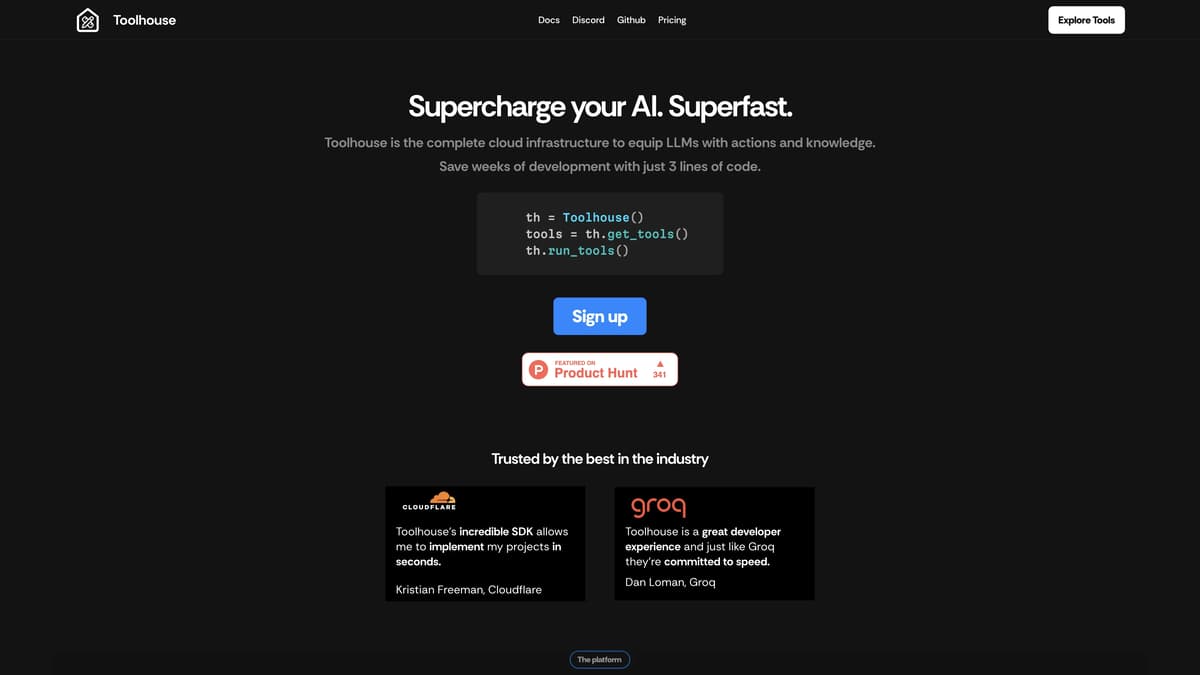
Toolhouse Introduction
Toolhouse is a revolutionary platform designed to streamline the deployment of AI applications. With just three lines of code, developers can equip large language models (LLMs) with actions and knowledge, significantly reducing development time. Its cloud infrastructure optimizes response times and token usage, making deployments efficient and cost-effective. The Tool Store offers a variety of pre-built functions, similar to installing apps on a phone, which simplifies the integration process. Its universal SDK ensures compatibility across all major frameworks, eliminating the need for boilerplate code. In essence, Toolhouse provides a fast, secure, and straightforward solution for AI application development.
Toolhouse Key Features
Optimized Cloud Infrastructure
Toolhouse provides a low-latency cloud that decreases inference times and optimizes token usage. This helps users save money and ensures quick response times, making LLM applications more efficient and scalable.
Universal SDK
With just 3 lines of code, Toolhouse's SDK eliminates boilerplate, integrates with all major LLM frameworks, and simplifies development. This saves developers weeks of time and reduces complexity, offering a streamlined coding experience.
Tool Store
The Tool Store allows users to install tools into their LLMs just like installing apps on a phone. This feature lets users deploy functionalities like semantic search and code execution without having to write and maintain integration code, significantly speeding up development.
High-Performance Tools
Toolhouse's tools are optimized for performance, security, and usability. They include production-ready functions for tasks such as internet access and data storage, ensuring reliable and efficient AI operations with minimal effort.
Observability & Evaluation
Toolhouse offers built-in observability and continuous evaluation of tools, providing developers with insights into LLM inputs and tool responses. This helps maintain high performance and reliability, making it easier to troubleshoot and optimize AI applications.
Toolhouse Use Cases
Accelerating AI Development with Minimal Effort: Toolhouse enables AI developers to save weeks of development time by providing a universal SDK that integrates tools with just three lines of code. This streamlined process allows developers to focus on innovation rather than boilerplate tasks, drastically improving productivity.
Enhancing E-commerce with Intelligent Search: E-commerce platforms can utilize the Toolhouse App Store to deploy semantic search functionalities quickly. These tools optimize product searches, helping customers find exactly what they need more efficiently, thereby increasing customer satisfaction and sales.
Securing AI-driven Healthcare Applications: Healthcare applications often require stringent data security. Toolhouse offers secure, low-latency storage solutions that ensure patient data is handled safely, maintaining privacy while allowing AI algorithms to access necessary information for improved healthcare services.
Optimizing Customer Support Platforms: Customer support platforms benefit from Toolhouse's ability to build and optimize prompts across LLMs. By integrating prebuilt components like RAG and email send functions, support systems can respond faster and more accurately to customer inquiries, enhancing user experience and operational efficiency.
Streamlining Financial Analysis Tools: Financial analysts can leverage Toolhouse's low-latency cloud infrastructure to perform rapid data analysis and interpretation. The platform's caching and optimized responses help reduce costs and speed up analytics, making financial insights more timely and actionable.
Toolhouse User Guides
Step 1: Initialize the SDK by creating an instance of Toolhouse using 'th = Toolhouse()'.
Step 2: Obtain the necessary tools for your AI application by calling 'tools = th.get_tools()'.
Step 3: Deploy the tools and run them with your LLM using 'th.run_tools()'.
Step 4: Use Tool Store to install any additional tools by selecting them like installing apps on your phone.
Step 5: Optimize your applications with Toolhouse’s features such as low-latency cloud, secure data storage, and observability tools to monitor executions.
Toolhouse Frequently Asked Questions
What is Toolhouse?
How do you use Toolhouse?
What languages does Toolhouse SDK support?
How does Toolhouse improve latency?
How do you install tools in Toolhouse?
What benefits does Toolhouse's SDK offer?
Is Toolhouse compatible with major LLMs?
Are tools on the Tool Store safe?
Does Toolhouse ensure data privacy?
What's the pricing model for Toolhouse?
Toolhouse alternatives
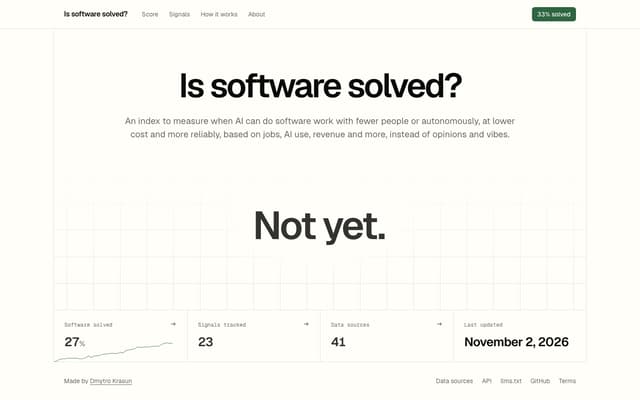
Is Software Solved?
A free public index that scores how close AI is to doing software work on its own, from 28 signals such as jobs, AI usage, revenue, security and outages.
Research Tool · Free
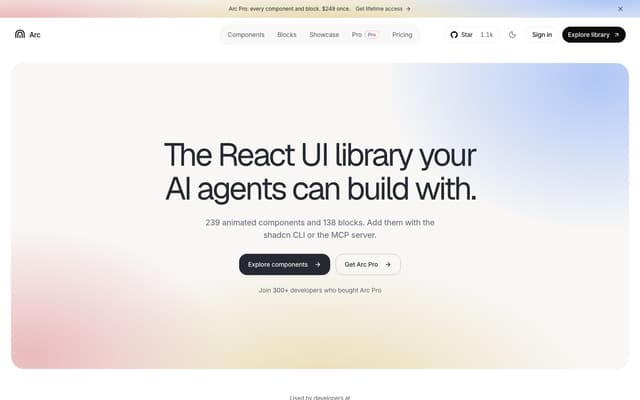
Arc UI
A library of 239 animated React components and 138 blocks for shadcn and Next.js, added with the shadcn CLI or by an AI agent through its MCP server.
AI Developer Tools · Freemium, from $149/year
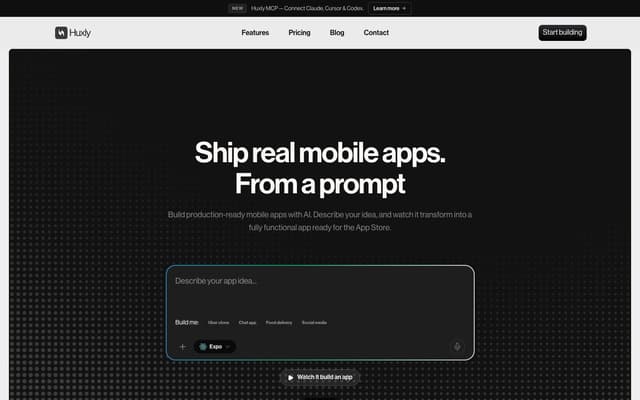
Huxly
Describe a mobile app in plain language and get production-ready Expo, Flutter or SwiftUI code, previewed in the browser and shippable to the App Store and Google Play.
AI App Builder · Freemium, from $25/mo
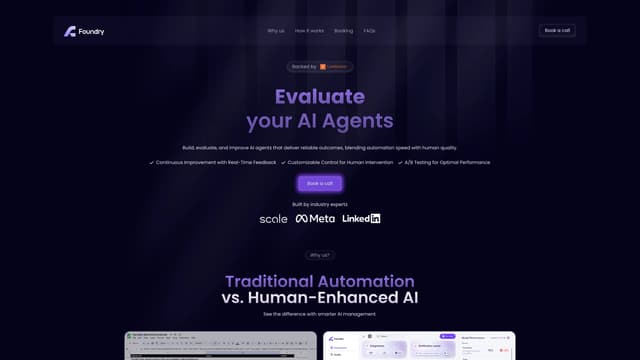
Foundry AI
Foundry AI lets businesses build, evaluate, and improve AI agents for tasks like customer support and sales, with real-time feedback and continuous improvement for reliable outcomes.
AI Developer Tools
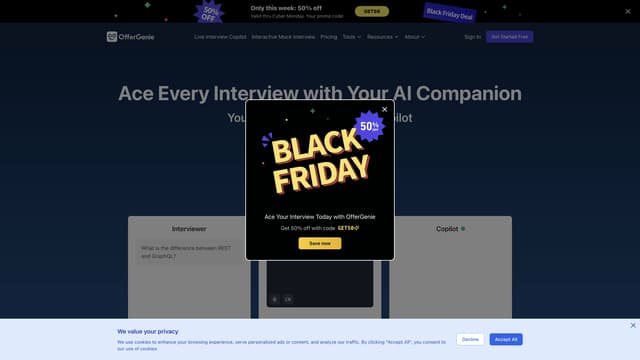
OfferGenie
OfferGenie is an AI-powered interview assistant that enhances your interview preparation with real-time guidance, resume optimization, and interactive mock interviews, ensuring you impress every prospective employer.
AI Speech Recognition
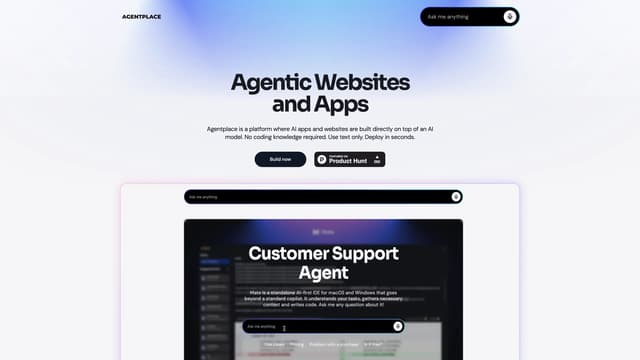
Agentplace
Agentplace lets you create AI-powered websites and apps with dynamic interfaces and voice interaction, all without coding. Simply describe your vision in text, and launch instantly.
AI Website Builder