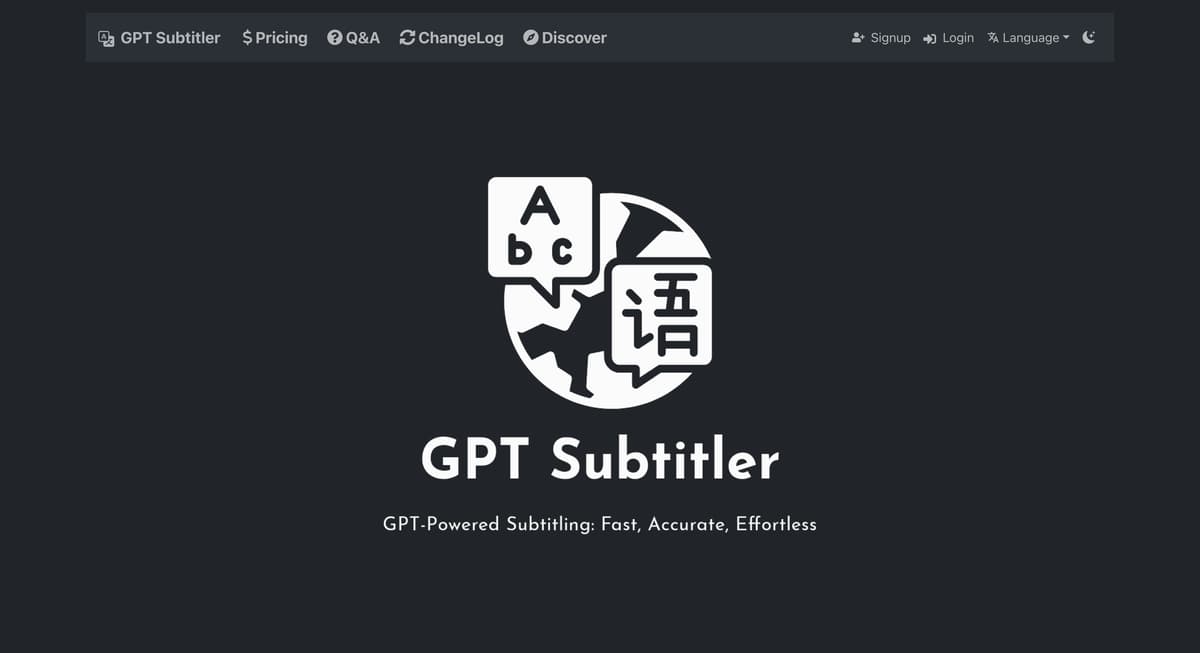
GPT Subtitler Introduction
GPT Subtitler combines the power of GPT for translation with Whisper's audio transcription capabilities to provide a seamless experience in subtitling and transcribing audio content. Imagine needing to translate a foreign film or a business meeting recording quickly; GPT Subtitler is like a skilled interpreter and fast typist rolled into one, making such tasks effortless. Its real strength lies in its ability to offer accurate subtitles and transcriptions, saving users time and ensuring clarity. This tool is particularly beneficial for content creators, educators, and businesses aiming to reach a broader audience without language barriers.
GPT Subtitler Key Features
AI Subtitle Translation
Effortlessly translates subtitles using advanced AI techniques. Ideal for content creators aiming to reach a global audience without the hassle of manual translations.
Audio Transcription
Converts spoken words into text with remarkable accuracy. Picture this as having a virtual assistant that transcribes interviews or lectures swiftly, saving students and journalists precious hours.
Powered by GPT and Whisper
Harnesses the combined strengths of GPT and Whisper technologies. Think of it as having two high-tech brains working in tandem to ensure both translation and transcription tasks are completed seamlessly.
Multilingual Support
Navigates multiple languages fluently, making it a valuable tool for bridging communication gaps across diverse languages, whether in business meetings or online webinars.
User-Friendly Interface
Designed with simplicity in mind, making it accessible to those with minimal tech experience. It's like having a high-tech tool that doesn’t require a manual to operate.
GPT Subtitler Use Cases
Cross-Language Business Meetings: International teams use GPT Subtitler to instantly translate meeting subtitles, bridging language gaps and facilitating clearer communication across diverse linguistic backgrounds.
Content Creator Accessibility: YouTubers utilize GPT Subtitler for accurate subtitle generation and translation, enhancing global reach and improving engagement with non-native speakers.
Educational Lecture Transcription: Students and educators rely on GPT Subtitler to transcribe lectures, making content accessible for review and aiding those with hearing impairments.
Multilingual Podcast Production: Podcast producers leverage the product to transcribe and translate episodes, allowing them to cater to a wider international audience with minimal effort.
Event Recording and Sharing: Event organizers employ GPT Subtitler to provide real-time translation and transcription, ensuring that recorded content is easily sharable and understandable by attendees worldwide.
GPT Subtitler User Guides
Step 1: Visit the GPT Subtitler website to access the main interface.
Step 2: Upload your video or audio file for transcription or translation.
Step 3: Select the desired language for subtitle translation using the provided options.
Step 4: Initiate the transcription process by clicking the 'Start' button.
Step 5: Download your newly transcribed or translated file once the process is complete.
GPT Subtitler Frequently Asked Questions
What is GPT Subtitler?
How does GPT Subtitler work?
Can GPT Subtitler translate subtitles?
Is audio transcription possible with GPT Subtitler?
How do I start using GPT Subtitler?
What file formats does GPT Subtitler support?
Is GPT Subtitler suitable for beginners?
Can GPT Subtitler handle noisy audio?
Is there a fee to use GPT Subtitler?
Does GPT Subtitler require an internet connection?
GPT Subtitler alternatives
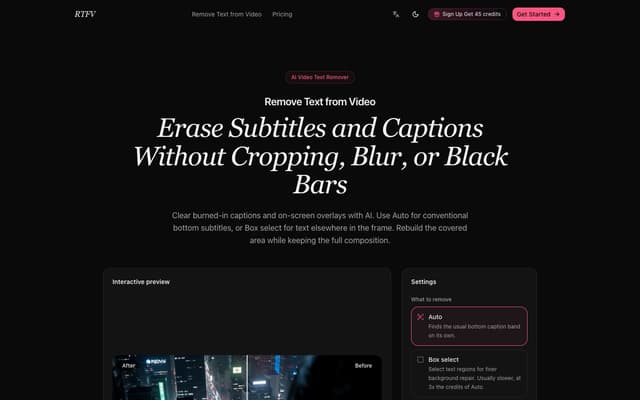
RTFV
Remove burned-in subtitles, captions and on-screen text from a video online; AI rebuilds the covered area from neighbouring frames instead of cropping or blurring it.
AI Video Editor · Freemium, from $4.90/mo
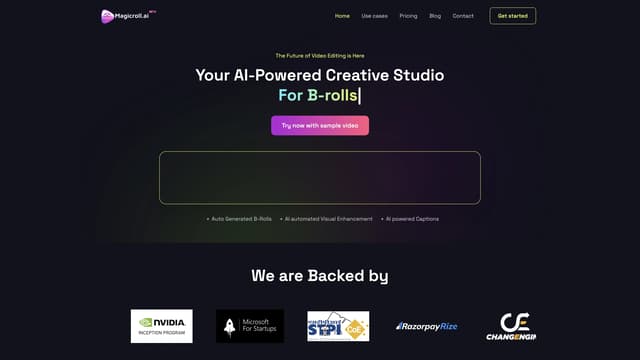
Magicroll.ai
Magicroll.ai is an AI-powered tool that creates viral shorts with automatic B-Roll, motion graphics, and captions, making professional video editing fast, easy, and accessible to everyone.
Captions or Subtitle
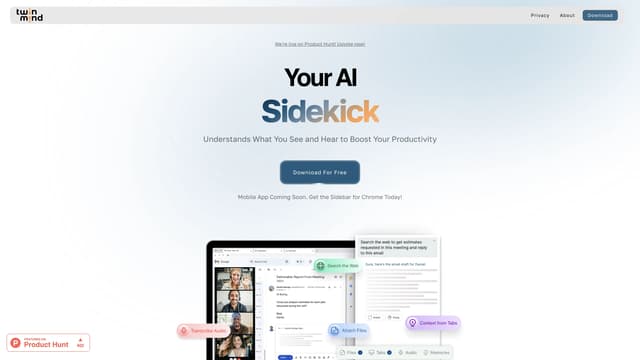
TwinMind
TwinMind is an AI sidebar that enhances productivity by understanding your browser tabs and meetings, offering real-time answers, transcriptions, and smart writing assistance with robust privacy features.
Transcription
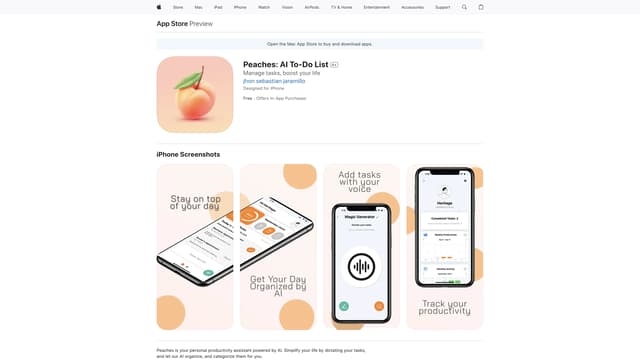
Peaches: AI To-Do List
Peaches is an AI-powered productivity assistant that organizes and prioritizes your tasks, tracks progress with charts, and boosts motivation with gamification, all through a simple and intuitive interface.
Speech-to-Text
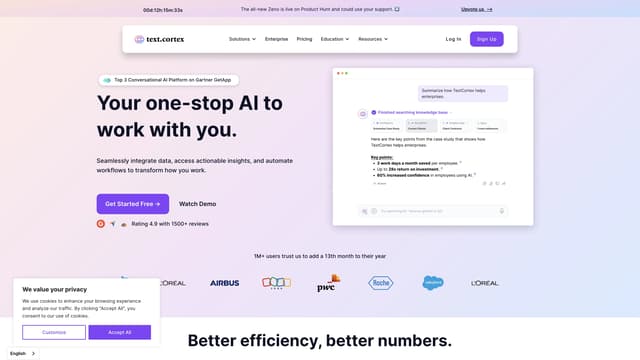
TextCortex
TextCortex is an AI knowledge assistant that integrates data, automates workflows, and enhances productivity, saving businesses up to 3-7 days of productivity per employee each month.
Translate
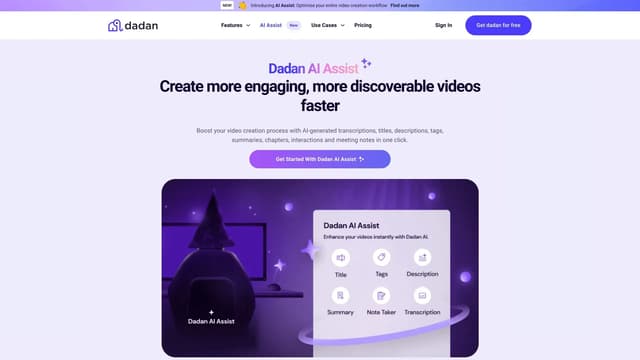
Dadan AI Assist
Dadan AI Assist simplifies video creation with auto-generated transcriptions, SEO data, chapters, and interactive elements, enhancing engagement and discoverability while saving time.
Transcription