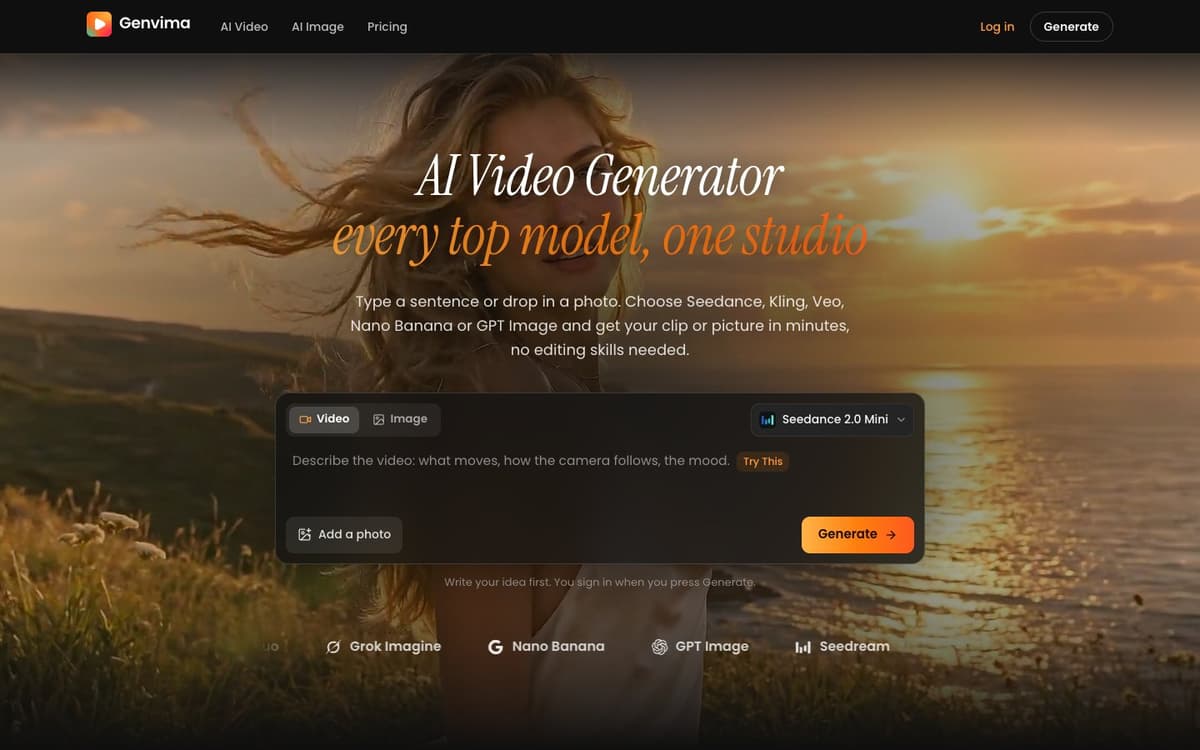
Genvima Introduction
Genvima brings the AI video models people ask for by name into one browser studio: Seedance 2.5, Kling 4.0 and Veo 3.1 lead a list of 13, next to 15 image models that include Nano Banana, GPT Image 2.6, Seedream 5.5 and FLUX. One credit balance pays for all of them, so the same prompt can be tried on several models without a second account or an API key. A video can start from a sentence, from a photo used as the first frame, from up to nine reference images that keep a face, an outfit or a product the same across shots, or from a start frame and an end frame. Clips render at up to 1080p, 11 of the 13 video models add sound in the same pass, and images go up to 4K. Downloads come without a watermark and can be used commercially. Six one-photo tools cover headshots, product photos, outfits, hairstyles, interior design and figurines, and a Tiny Desk AI template turns one to five photos into a 15 second desk-concert clip. The Generate button shows the price of the chosen model and settings before you press it, and a failed generation gets its credits back. Genvima opened in November 2026.
Genvima key facts
| Pricing | Paid, from $9.99 |
|---|---|
| Free tier | No, every generation is paid with credits |
| Platforms | Web app for desktop and phone browsers |
| Sign-up | Needed to generate: Google, or email and password |
| AI models | 13 video models (Seedance, Kling, Veo, Wan and more), 15 image models (Nano Banana, GPT Image, Seedream, FLUX) |
We tried Genvima
Tested on Nov 11, 2026
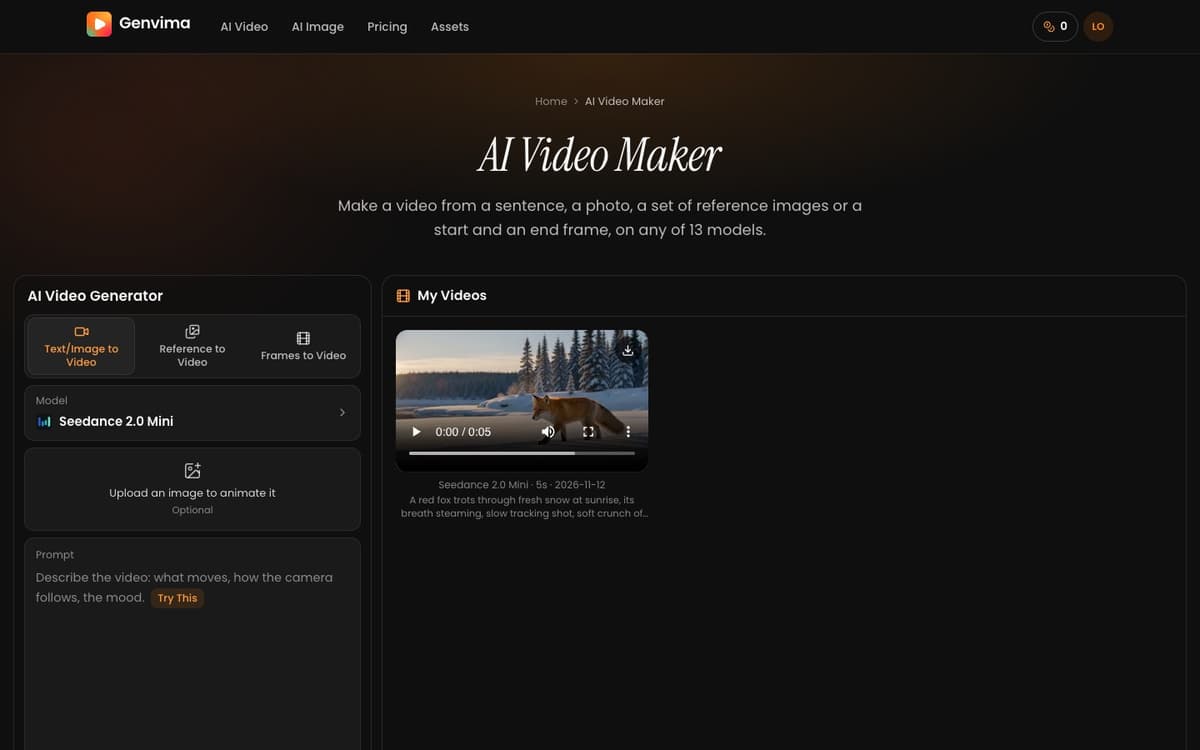
On November 11, 2026, we typed a prompt about a red fox trotting through fresh snow at sunrise into the video generator, chose Seedance 2.0 Mini at 5 seconds, 480p and 16:9 with sound, and pressed Generate. The clip was ready 109 seconds later, 19 credits were charged, and it appeared under My Videos with a download button, as the screenshot shows. A second run that started from a photo as the first frame took 166 seconds and returned a 5 second clip at 496 by 864 pixels with an audio track; its first frame matched the photo. Both runs used Seedance 2.0 Mini. We have not timed the other models yet.
Genvima Key Features
Seedance, Kling and Veo in One Place
13 video models and 15 image models share one credit balance, so the same prompt can be run on Seedance 2.5, Kling 4.0 or Veo 3.1 without a second account.
Keep a Face, Outfit or Product Consistent
Start from text, a first-frame photo, a start and end frame, or up to nine reference images. Seven of the models also take reference videos and audio clips.
Sound and 1080p Out of the Box
11 of the 13 video models generate ambience, effects, music or speech with the clip, at up to 1080p, with no watermark on the download.
One-Photo Image Tools
The headshot, product photo, outfit, hairstyle, interior design and figurine tools take one upload and a style pick instead of a written prompt.
Price Shown Before You Generate
The Generate button shows the cost in credits for the chosen model, length and resolution. A generation that fails gets its credits back.
Tiny Desk AI Template
One to five photos become a 15 second desk-concert clip, with the people in the photos as the singer and the band.
Genvima Use Cases
Short-form creators: try one idea on several video models and keep the take that fits TikTok, Reels or Shorts.
Small shops and marketers: turn a product photo into scenes, ads and short clips without a studio shoot.
People who need a headshot: make a business portrait from a selfie with the headshot tool.
Designers: draft posters, slides and layouts that carry text with GPT Image 2.6 or Seedream 5.5.
Genvima User Guides
-
Open the site and choose Video or Image in the prompt box.
-
Write what you want to see, or add a photo to animate or edit.
-
Pick a model and, for a video, its length, resolution and shape.
-
Press Generate and sign in with Google or with an email address and password.
-
If your balance is too low, buy a credit pack or a plan; your prompt and photos are kept.
-
Wait for the result on the same page, then download it there or from Assets.
Genvima Pricing
Paid in credits; no free tier. Monthly plans: Pro $29.90 (800 credits), Max $49.90 (1,800), Ultra $99.90 (4,000). Yearly plans: Lite $100 (2,400 credits), Pro $288 (9,600), Max $360 (21,600). One-time packs from $19.90 (350 credits) to $499 (19,900), plus a $9.99 pack (120 credits) offered when you run out. Pack credits never expire.
Genvima limitations
- There is no free tier or trial: you need to buy credits before the first generation.
- A clip runs 5 to 15 seconds, so a longer video means generating several clips and joining them in an editor.
- Our timing test covers Seedance 2.0 Mini only; larger models, longer clips and higher resolutions take longer.
- The site is in English only and opened in November 2026, so it has little public track record yet.
Genvima Frequently Asked Questions
Is Genvima free?
How long does a video take?
Do downloads have a watermark?
Do credits expire?
Which model is the cheapest to start with?
Genvima alternatives
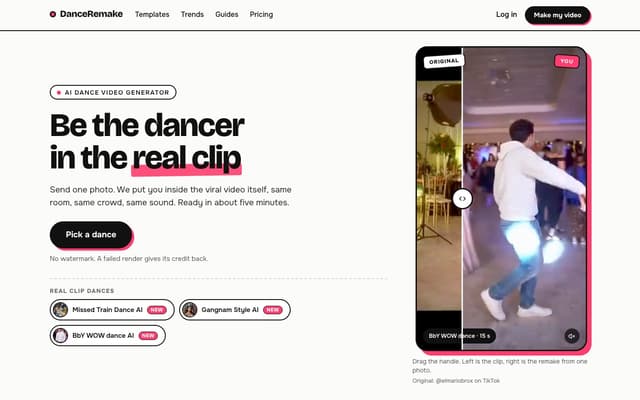
DanceRemake
Put yourself into viral dance videos: pick one of 14 dance trends, add a photo and get the clip with you dancing in it in about five minutes.
AI Video Generator · Paid, from $9.99
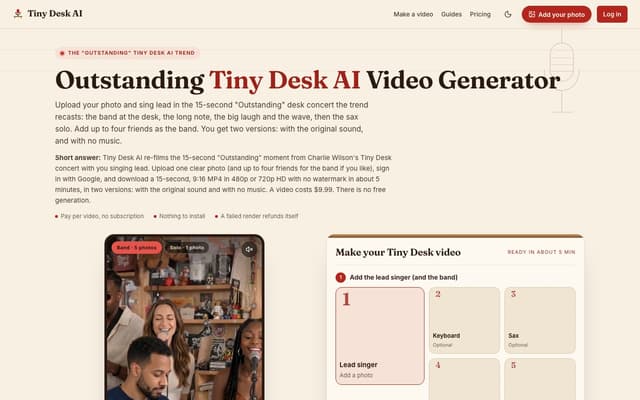
Tiny Desk AI
Upload one photo, plus up to four bandmates, and star in the 15-second 9:16 "Outstanding" Tiny Desk concert moment, with or without the original sound.
AI Music Video Generator · Paid, from $9.99
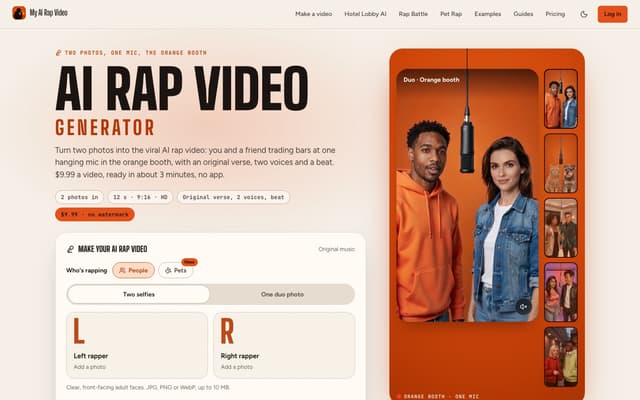
My AI Rap Video
Turn two photos into the viral AI rap video: two people or two pets trade bars at one hanging mic, with an original verse, two AI voices and a beat.
AI Rap Generator · Paid, from $9.99
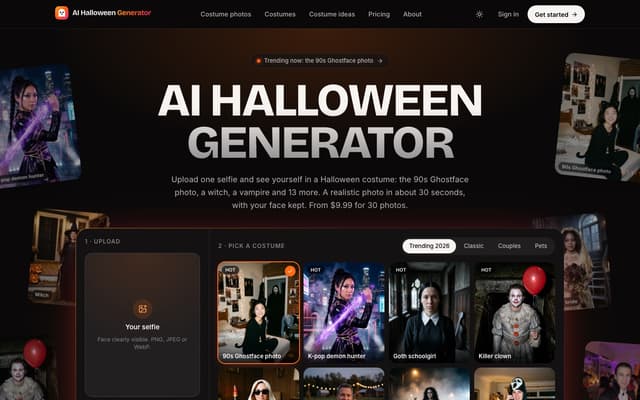
AI Halloween Generator
Turn one selfie into a realistic photo of you in a Halloween costume, from the viral 90s Ghostface photo to a witch, vampire or zombie, with your face kept.
AI Photo & Image Generator · Paid, from $9.99

Nereo
Generate video from a prompt, a photo or a reference using Veo 3.1, Seedance, Kling and other models on a single account and one credit balance.
AI Video Generator · Freemium, from $28/mo
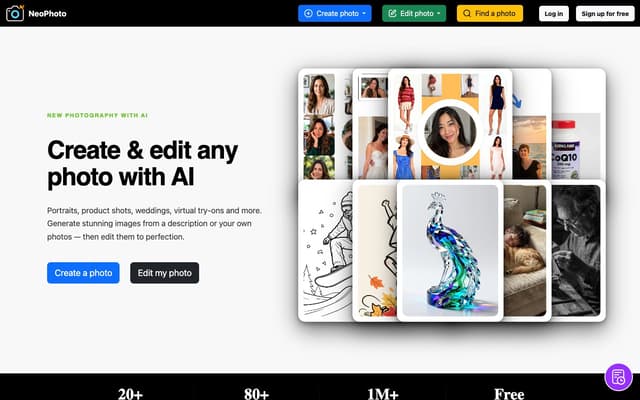
NeoPhoto
Create photorealistic images from a description or your own reference photos, then edit them with AI tools for background removal, object erasing, filling, expanding, upscaling and restoration.
AI Photo & Image Generator · Freemium