Follow Introduction
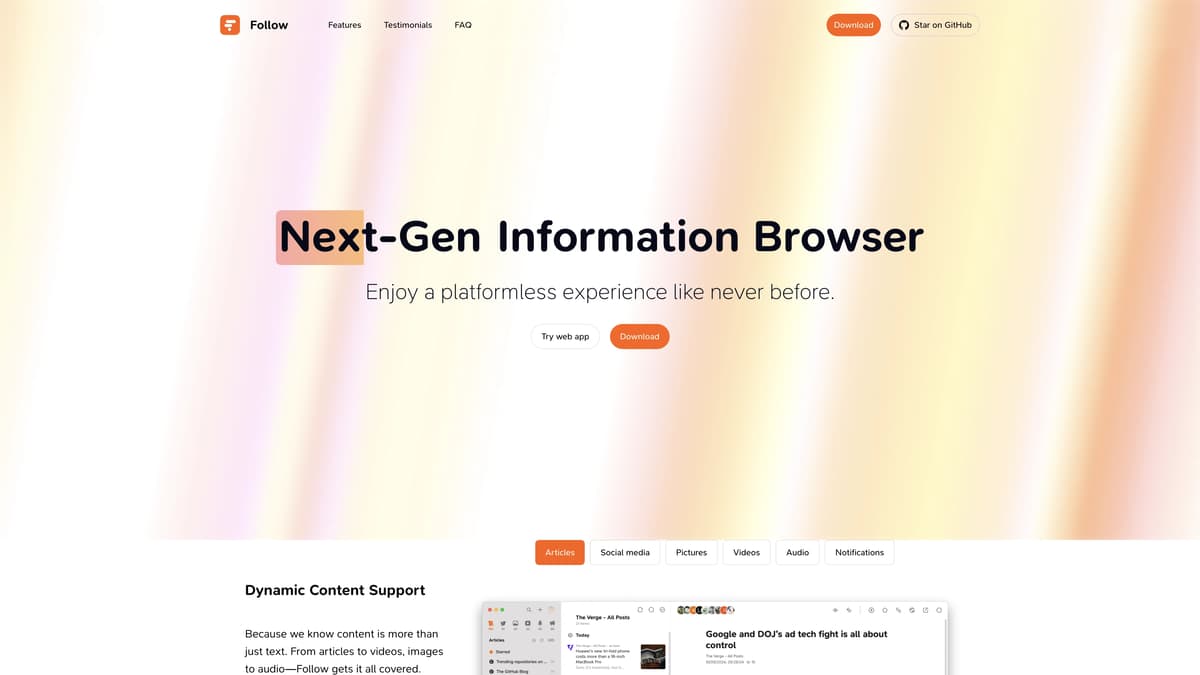
Follow is a revolutionary information subscription platform that promises to change how users engage with content online. It's not just another RSS reader; it integrates with services like RSSHub and RSS3 to expand the variety of available subscription sources. One of its standout features is the use of AI for tasks such as translation, summarization, and personalized content recommendations. Imagine having a private assistant that highlights key information twice a day and builds a custom knowledge base just for you. Follow also incorporates blockchain technology to incentivize active users and content creators through a system of Power Tokens. This makes it easier to support and reward high-quality content. Moreover, Follow is designed as a social platform where users can share their subscriptions and discover new ones. The app is available on multiple platforms, including Windows, macOS, and Linux, with mobile versions coming soon. Essentially, Follow aims to be your all-in-one tool for information consumption, blending efficiency with community engagement.
Follow Key Features
Advanced AI Assistance
From translation to summaries, Follow's AI offers daily reports that highlight key information, streamlining your browsing and keeping you on top of your subscriptions.
Personalized Knowledge Base
Follow builds a custom AI-driven knowledge base tailored to your subscriptions, making it easier to organize and retrieve information exactly when you need it.
Comprehensive Content Support
Whether it's articles, videos, images, or audio, Follow consolidates all your favorite content into one platform, giving you a seamless, all-in-one browsing experience.
Blockchain-Powered Rewards
Engage actively and provide quality content to earn Power Tokens. This unique feature integrates blockchain technology to reward users and creators, adding real value to your interactions.
Robust Social Features
Follow isn’t just about content consumption; it’s a community. You can follow others, share your subscriptions, and discover new content, making information exchange more interactive and dynamic.
Follow Use Cases
Efficient Content Curation for Students: A college student uses Follow to streamline the process of gathering articles, videos, and social media updates related to their research topic. The AI-powered summaries quickly highlight key points, saving hours typically spent on sifting through multiple sources.
Real-Time Market Monitoring for Investors: An investor relies on Follow's dynamic content support and AI daily reports to stay updated on market trends and news. The personalized AI knowledge base helps them make informed decisions quickly, enhancing investment strategies.
Multi-Language News Digest for Expats: An expatriate uses Follow to subscribe to news feeds from their home country. The AI translation feature ensures they stay informed in their native language, bridging the gap caused by language barriers and allowing them to engage with relevant content effortlessly.
Enhanced Creative Collaboration for Bloggers: A blogger collaborates with their peers on Follow by sharing subscription lists and commenting on curated content. The platform's social features and Power Token tipping support incentivize content sharing and provide a community-driven experience.
Personalized Learning Hub for Lifelong Learners: A lifelong learner creates a customized information hub on Follow, subscribing to educational articles, podcasts, and videos. The AI recommendations introduce new learning materials aligned with their interests, continuously expanding their knowledge base.
Follow User Guides
Step 1: Download and install Follow from https://follow.is/download.
Step 2: Create an account using your email and set up your profile.
Step 3: Add subscriptions by pasting RSS feed URLs or selecting from the suggested feeds.
Step 4: Customize your feed by categorizing and prioritizing your subscriptions.
Step 5: Utilize AI features like translation, summarization, and daily reports for better content management.
Follow Frequently Asked Questions
How do I get started with Follow?
What makes Follow different from other RSS readers?
Can I use Follow on my mobile device?
How does Follow's AI summarize content?
What is the role of $POWER tokens in Follow?
How do I customize my subscriptions on Follow?
Can I connect with other users on Follow?
Is Follow available on desktop?
How does Follow integrate blockchain technology?
How can Follow help me manage information overload?
Follow alternatives
Visualping
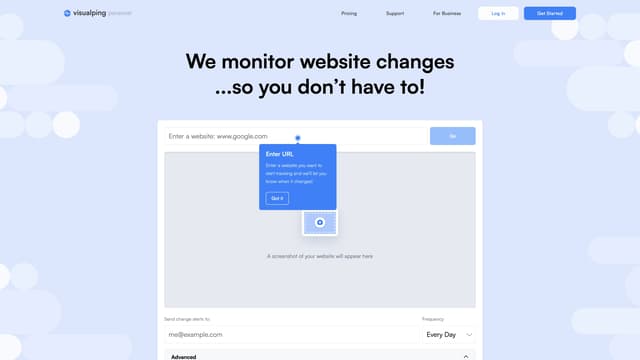
Visualping is your go-to tool for monitoring website changes, offering email alerts with highlighted updates. Ideal for tracking social media, job listings, discounts, and much more.
Web Scraping

Mochi AI
Mochi 1 AI instantly creates high-quality videos from text prompts with customizable options, making it perfect for marketers and content creators aiming for professional results without technical skills.
AI Content Generator

Postiz
Postiz is an all-in-one social media management tool that uses AI to streamline content creation, scheduling, and analytics, helping you grow and engage your audience across multiple channels.
AI Content Generator
WordLimit AI
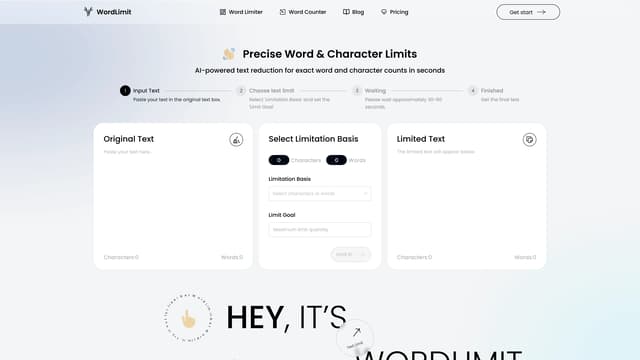
WordLimit AI shortens text to exact word or character counts in seconds, preserving core information and your unique writing style, perfect for academic and professional use.
Summarizer
ReadPo
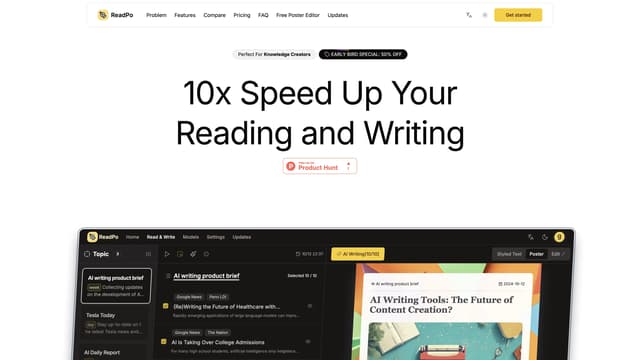
ReadPo is an AI-powered assistant designed for writers, offering fast content collection, curation, and creation with a unique Syntopical Reading method.
Summarizer

Blurbs
Blurbs is an AI-moderated chat platform that fosters genuine connections and combats loneliness by creating safe, empathetic online spaces for meaningful conversations.
AI Social Media Assistant