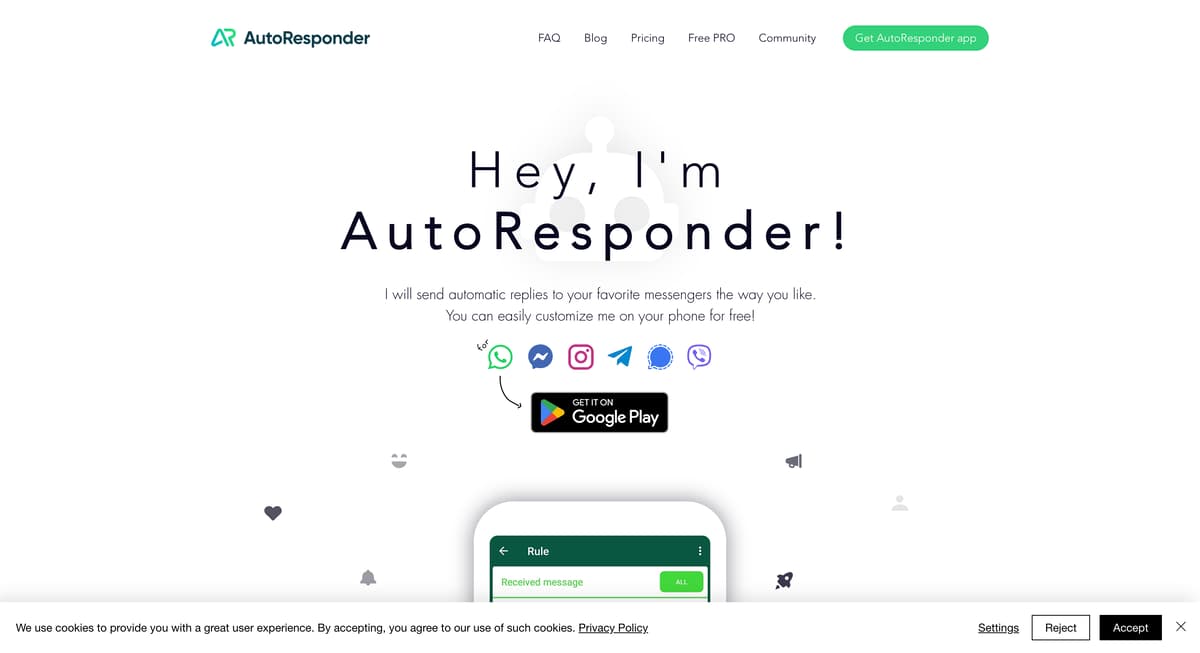
AutoResponder Introduction
AutoResponder is an ingenious tool designed to manage your messaging platforms by automating replies, making it a perfect assistant for busy individuals or businesses. It supports multiple apps like WhatsApp, Facebook Messenger, and Instagram, providing versatile connectivity options. The flexibility to create unlimited custom rules allows users to tailor responses specifically to their needs, much like setting up event-triggered notifications on a smartphone. Whether for maintaining customer engagement or staying organized in social interactions, AutoResponder effectively reduces the manual effort involved. It transforms the way messages are handled, akin to having a virtual personal assistant, keeping conversations flowing without constant supervision.
AutoResponder Key Features
Automatic Messaging
AutoResponder sends automated replies on popular messengers like WhatsApp and Telegram. It's like having a personal assistant that responds for you, saving time and reducing manual effort.
Unlimited Customization
Users can set unlimited custom rules for messages, providing flexibility to handle different scenarios from out-of-office replies to frequent inquiries. Imagine configuring your app to manage conversations effortlessly, much like setting up a playlist for any mood.
Seamless Integration
AutoResponder connects with web servers, ChatGPT/GPT-4, or Dialogflow AI, and can trigger actions with Tasker. This integration means it can serve as a bridge between your messages and complex workflows, transforming simple replies into sophisticated operations.
Multi-Platform Support
Supports a diverse range of platforms including WhatsApp, Facebook Messenger, Instagram, Telegram, Signal, and Viber. It's like having a universal remote for all your messaging needs, ensuring you're covered no matter the app.
Popularity and Ease of Use
With over 5 million downloads for its WhatsApp version alone, this tool is tried and tested. Its popularity means a wide user base trusts it to streamline their communication, much like referencing a well-loved cookbook for your favorite recipes.
AutoResponder Use Cases
Efficient Business Communication: Small business owners use AutoResponder to manage their customer messages on WhatsApp, allowing them to automatically send personalized replies and reduce manual workload.
Social Media Engagement: Influencers leverage AutoResponder for Instagram to automatically respond to followers’ direct messages, ensuring timely engagement and freeing up time for content creation.
E-commerce Support: Online store managers integrate AutoResponder with Facebook Messenger to instantly reply to customer inquiries, enhancing user experience and maintaining a professional brand image.
24/7 Customer Support: Companies connect AutoResponder to their Telegram accounts, providing round-the-clock customer service without needing a dedicated team.
Family Communication: Busy parents use AutoResponder on Viber to set automatic replies, keeping family members informed even amidst hectic schedules.
AutoResponder User Guides
Step 1: Download AutoResponder from Google Play Store and install it on your phone.
Step 2: Open the app and select the messenger platform you want to automate replies for.
Step 3: Create custom rules by selecting specific keywords or triggers for automated replies.
Step 4: Connect to ChatGPT, Dialogflow, or Tasker for advanced customization and actions.
Step 5: Test the rules and make adjustments until the automated replies work as desired.
AutoResponder Frequently Asked Questions
What is AutoResponder?
How do I customize AutoResponder?
Can AutoResponder send unlimited messages?
How does AutoResponder connect with other services?
Is AutoResponder available for WhatsApp?
Can AutoResponder be used with Facebook Messenger?
Does AutoResponder support Instagram DMs?
Is AutoResponder compatible with Telegram?
Can AutoResponder integrate with Signal?
Does AutoResponder work with Viber?
AutoResponder alternatives
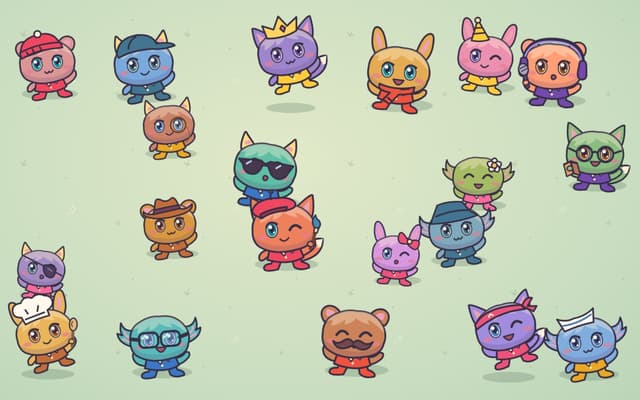
Poteto Playground
A playful one-page site from OpenAI's Tibo: tap costumed potatoes to read their jokes, and the lucky one sends you to ChatGPT.
Fun Tools · Free
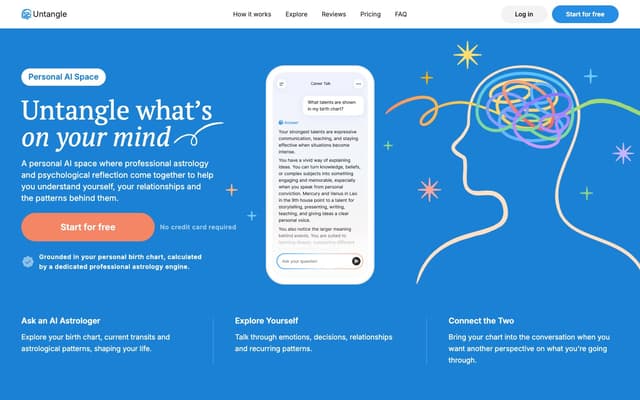
Untangle
A personal AI chat that combines professional astrology with psychological reflection, grounded in a birth chart calculated from your birth date, time and place.
Life Assistant · Freemium
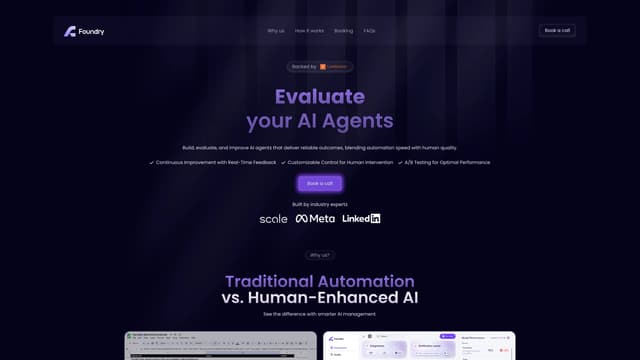
Foundry AI
Foundry AI lets businesses build, evaluate, and improve AI agents for tasks like customer support and sales, with real-time feedback and continuous improvement for reliable outcomes.
AI Developer Tools
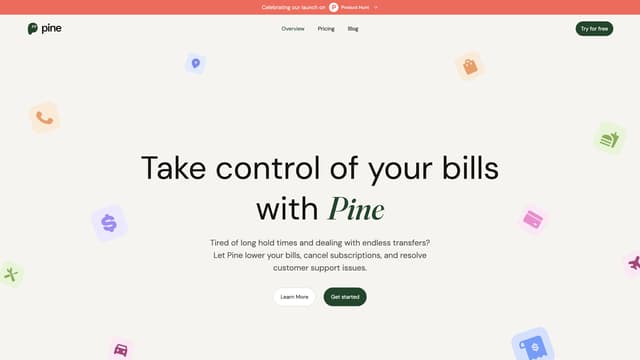
PineAI
PineAI's assistant handles bill negotiations, customer support calls, and subscription cancellations, saving you time and reducing costs by using AI-powered strategies.
AI Consulting Assistant
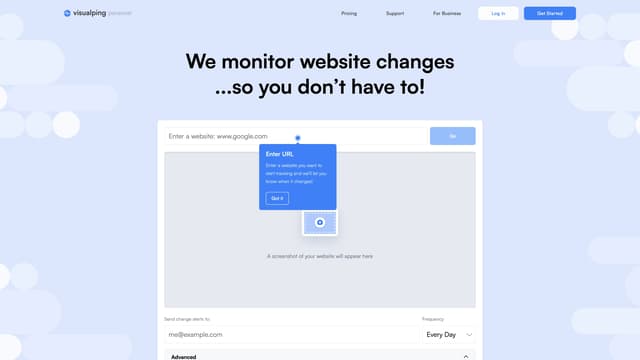
Visualping
Visualping is your go-to tool for monitoring website changes, offering email alerts with highlighted updates. Ideal for tracking social media, job listings, discounts, and much more.
Web Scraping
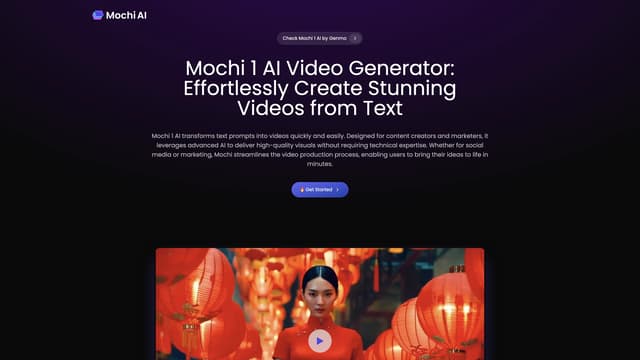
Mochi AI
Mochi 1 AI instantly creates high-quality videos from text prompts with customizable options, making it perfect for marketers and content creators aiming for professional results without technical skills.
AI Content Generator