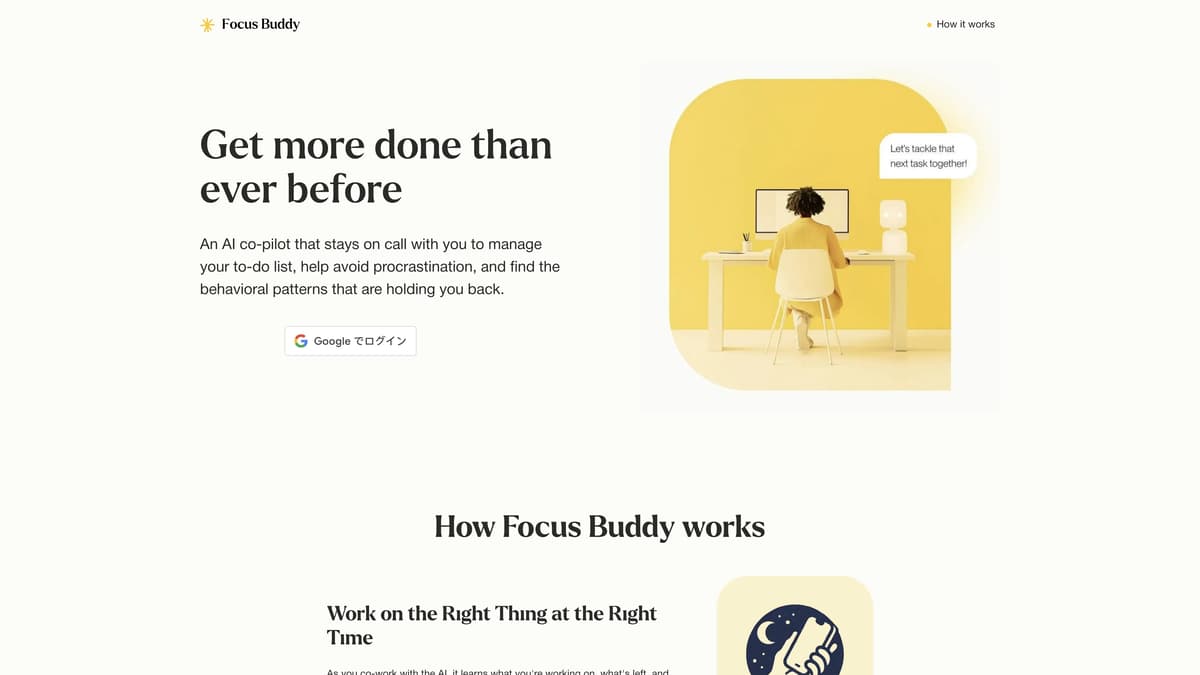
Focus Buddy Introduction
Focus Buddy is an AI-powered productivity tool designed to help you get more done. It works by staying on calls with you, keeping your to-do list updated, and offering insights into your work habits. The seamless voice-first to-do list ensures you never miss a task, while the 24/7 focus coach provides real-time accountability. Users have found it particularly useful for coding sessions, essay writing, and event planning. By understanding your burnout patterns and peak productivity times, Focus Buddy provides personalized weekly insights. This makes the journey to becoming more productive tangible and achievable. Imagine having a coach that's always available to help you tackle procrastination and stay focused—Focus Buddy does just that.
Focus Buddy Key Features
Work on the Right Thing at the Right Time
Automatically learns and updates your to-do list, ensuring no high-priority task is overlooked. Great for focusing on the most critical tasks during intense work sessions.
Check-Ins that Hold You Accountable
Provides real-time check-ins to discuss concerns, beat perfectionism, and overcome starting barriers. Perfect for addressing procrastination and maintaining momentum.
Insights Into How You Work
Learns your work patterns, identifying burnout signs, distractions, and peak productivity times. Offers weekly insights to help you fine-tune your workflow for maximum efficiency.
Available 24x7
Always ready to co-work, no matter the time. This flexibility ensures support is available whenever productivity or accountability is needed.
Anonymous and Affordable
Offers a free version for general use with an affordable personalized option. This accessibility ensures everyone can benefit from enhanced productivity support.
Focus Buddy Use Cases
Coding Marathons: For developers, Focus Buddy offers fixed timeboxed coding sessions, helping maintain a steady workflow and ensuring high-priority bugs are tackled on time.
Event Planning: Event planners use Focus Buddy's real-time management to prevent oversight of critical details, ensuring that all tasks are tracked and executed flawlessly.
Essay Writing: Students benefit from accountability check-ins, making essay writing less daunting and preventing overthinking, leading to more focused and productive writing sessions.
Burnout Prevention: Freelancers use Focus Buddy to monitor burnout patterns through weekly insights, helping them balance workloads and maintain peak productivity without stress.
Doctor Appointments: Busy professionals find it easier to schedule and attend appointments, as Focus Buddy breaks the process into manageable steps and provides gentle nudges, reducing procrastination.
Focus Buddy User Guides
Step 1: Visit focusbuddy.ai and sign in with your Google account.
Step 2: Start a coworking call with your AI buddy by clicking on 'Start Session'.
Step 3: During the call, talk through your tasks and let the AI co-pilot keep your to-do list up-to-date.
Step 4: Engage in check-ins with the AI coach to stay accountable and tackle any distractions.
Step 5: Review the weekly insights provided by the AI to understand your productivity patterns and improve.
Focus Buddy Frequently Asked Questions
What is Focus Buddy?
How does Focus Buddy keep my to-do list updated?
What kind of insights does Focus Buddy provide?
How does the check-in feature work in Focus Buddy?
Can Focus Buddy help me overcome procrastination?
Is Focus Buddy available 24/7?
How does Focus Buddy ensure I work on the right tasks?
Is Focus Buddy free to use?
Can I use Focus Buddy for any type of task?
How do I start using Focus Buddy?
Focus Buddy alternatives
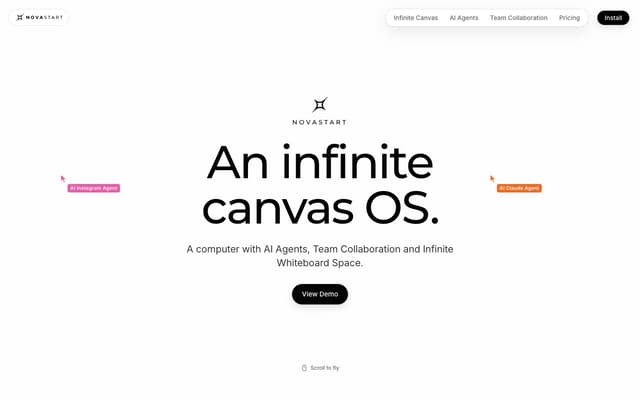
Novastart
An infinite-canvas desktop OS where your apps, your teammates and up to 10 AI agents share one zoomable workspace.
AI Productivity Tools · Freemium, from $10/mo
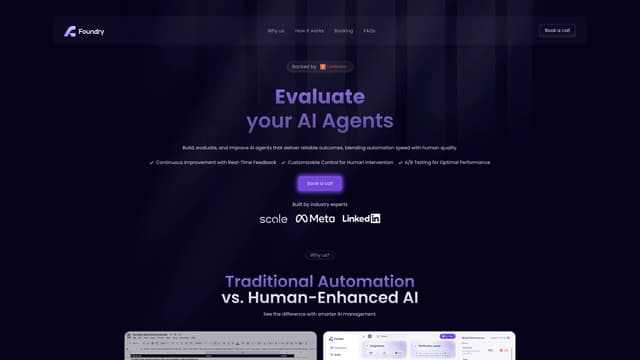
Foundry AI
Foundry AI lets businesses build, evaluate, and improve AI agents for tasks like customer support and sales, with real-time feedback and continuous improvement for reliable outcomes.
AI Developer Tools
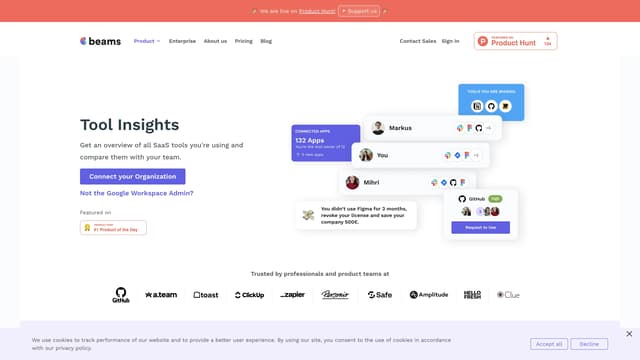
SaaS tool insights by beams
SaaS tool insights by beams offers a complete overview of your team's SaaS tools, helps reduce costs and streamline operations by identifying underused licenses and overlapping tools.
AI Analytics Assistant
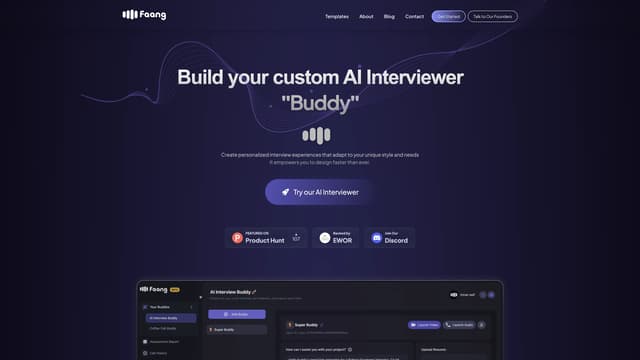
Faang AI
Faang AI's custom AI Interviewer helps you practice job interviews with personalized feedback, real-time conversational AI, and multiple interactive templates, significantly improving your interview skills.
AI Interview Assistant
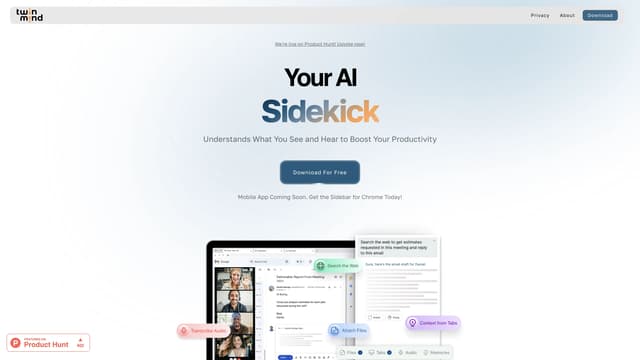
TwinMind
TwinMind is an AI sidebar that enhances productivity by understanding your browser tabs and meetings, offering real-time answers, transcriptions, and smart writing assistance with robust privacy features.
Transcription
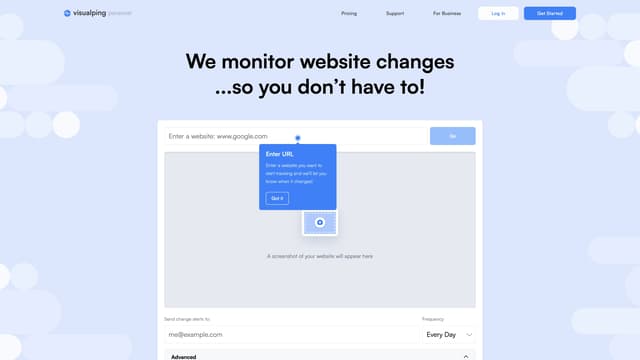
Visualping
Visualping is your go-to tool for monitoring website changes, offering email alerts with highlighted updates. Ideal for tracking social media, job listings, discounts, and much more.
Web Scraping