
FastBots Introduction
FastBots is an innovative AI chatbot platform designed to enhance customer service by leveraging custom data for chatbot training. Users can effortlessly build chatbots capable of engaging with customers across multiple platforms such as websites, WhatsApp, and Instagram. The service supports a variety of data formats, including PDFs, CSVs, and YouTube videos, making it versatile for different needs. FastBots offers multilingual support, automated lead collection, and seamless integration with over 5000 apps via tools like Zapier. These features make it an invaluable tool for businesses aiming to improve efficiency and customer engagement without extensive technical expertise.
FastBots Key Features
AI-Powered Custom Chatbots
FastBots empowers businesses to create AI customer service chatbots trained on their specific data. These chatbots can be easily integrated into websites and social media channels, providing 24/7 support for customer inquiries and tasks, reducing the need for human intervention.
Multi-Channel Integration
With FastBots, chatbots can operate across multiple platforms such as websites, WhatsApp, Messenger, Instagram, and Slack. This allows businesses to offer consistent and comprehensive support and engagement across all customer touchpoints, ensuring no queries go unanswered regardless of the medium used.
Data Import and Customization
Users can import a variety of data formats, including websites, documents, and videos, into their chatbots within minutes. FastBots also offers extensive customization options such as welcome messages, chat icons, and color schemes, ensuring the chatbot aligns perfectly with the brand's identity and tone.
Automated Data Retraining
FastBots offers automated data retraining to keep chatbots updated with the latest information from frequently changing websites. This ensures the chatbot always provides accurate and timely information, which is crucial for dynamic industries such as e-commerce and news.
Multilingual Support and Translation
Supporting around 95 languages, FastBots facilitates global customer engagement. It automatically translates conversations, breaking language barriers and making it easier for businesses to communicate with international clients effectively and efficiently.
FastBots Use Cases
Scenario Title 1: 24/7 Customer Support: A retail business can use FastBots to set up a custom AI chatbot that offers 24/7 customer support. By importing their product catalog and company policies, the chatbot can handle customer queries round the clock, resolving issues and providing information instantly. This reduces workload on human staff and enhances customer satisfaction.
Scenario Title 2: Sales Assistant: An e-commerce company can deploy a FastBots-trained chatbot to act as a sales assistant. By integrating the chatbot with product details and sales scripts, it can engage with potential customers, guide them through product selections, answer questions, and assist in closing sales, thus boosting conversion rates and sales efficiency.
Scenario Title 3: Lead Generation: A marketing agency can utilize FastBots to create a chatbot that collects lead information from website visitors. With the automatic lead collection feature, the chatbot can prompt users to enter their contact details, which are then automatically sent to the agency's CRM through Zapier integration, streamlining lead management and increasing the number of qualified leads.
Scenario Title 4: Employee Onboarding: A large corporation can use FastBots to onboard new employees efficiently. The chatbot, integrated with the company’s training materials and FAQs, can provide new hires with necessary information, answer their questions, and guide them through the onboarding process. This results in a smoother onboarding experience and reduces the need for extensive training sessions.
Scenario Title 5: Website Content Updates: An online news portal can ensure their chatbot always provides the latest information by using FastBots' automated data retraining feature. The chatbot can regularly revisit the portal to update itself with new articles and changes, allowing it to provide accurate and up-to-date responses to user inquiries about the latest news and stories.
FastBots User Guides
Step 1: Sign up for a free account at https://app.fastbots.ai/ without needing a credit card.
Step 2: Import data by adding any website, DOCX, TXT, PDF, CSV files, or YouTube videos into your chatbot.
Step 3: Customize your bot with a welcome message, chat icon, and color scheme to match your branding.
Step 4: Embed the chatbot on your website or share the link to start using it.
Step 5: Access chat history, manage leads, and use integrations with platforms like Zapier, WhatsApp, Messenger, Instagram, and Slack.
FastBots Frequently Asked Questions
What is FastBots?
How do I get started with FastBots?
How do I train a FastBots chatbot?
Can I customize my FastBots chatbot?
How secure is the data used in FastBots?
Does FastBots support multiple languages?
What platforms does FastBots integrate with?
Can I use FastBots on multiple websites?
How can I review chat history in FastBots?
What happens if I run out of message credits on FastBots?
FastBots alternatives
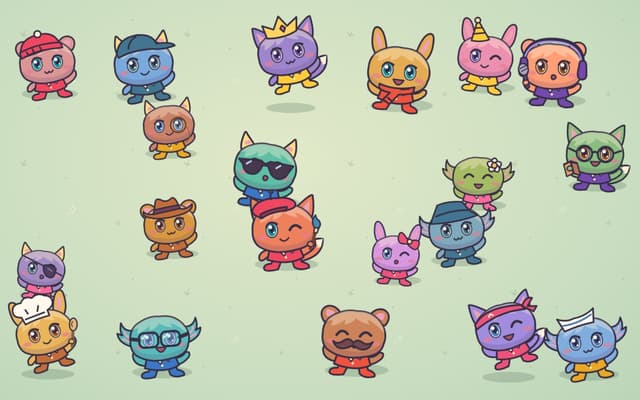
Poteto Playground
A playful one-page site from OpenAI's Tibo: tap costumed potatoes to read their jokes, and the lucky one sends you to ChatGPT.
Fun Tools · Free
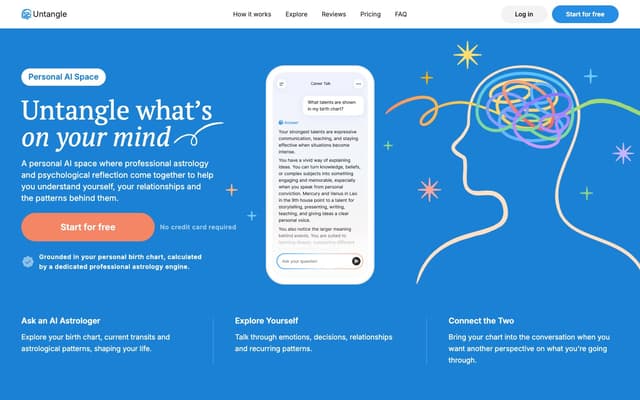
Untangle
A personal AI chat that combines professional astrology with psychological reflection, grounded in a birth chart calculated from your birth date, time and place.
Life Assistant · Freemium
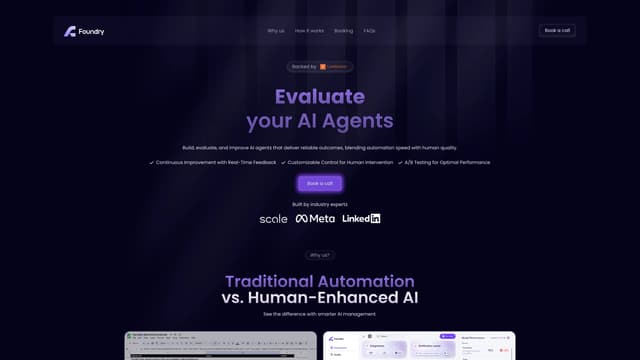
Foundry AI
Foundry AI lets businesses build, evaluate, and improve AI agents for tasks like customer support and sales, with real-time feedback and continuous improvement for reliable outcomes.
AI Developer Tools
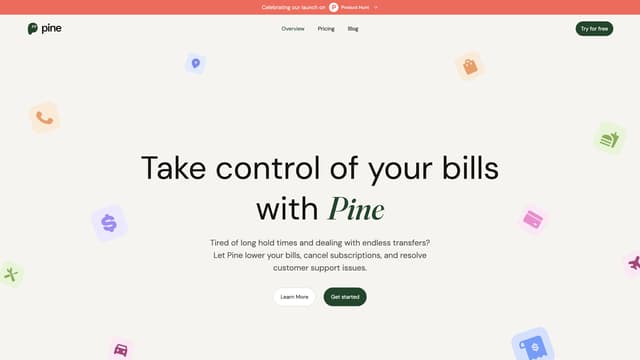
PineAI
PineAI's assistant handles bill negotiations, customer support calls, and subscription cancellations, saving you time and reducing costs by using AI-powered strategies.
AI Consulting Assistant
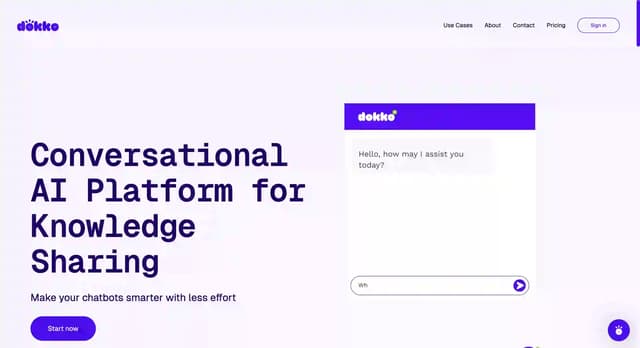
DokkoAI
DokkoAI is a conversational AI platform that centralizes your data to enhance chatbots, provide quick customer support, and streamline processes with real-time, contextually relevant responses.
AI Customer Service Assistant
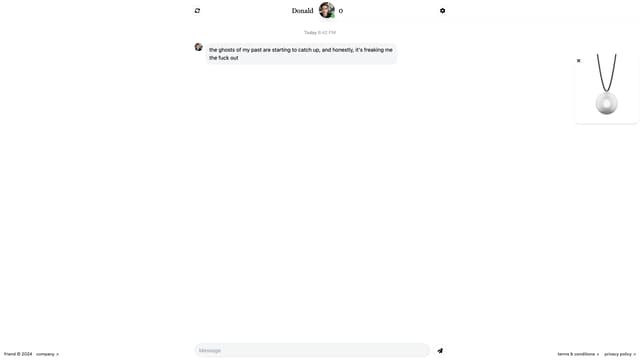
Friend AI
Friend AI is a free online chat service that pairs users with AI-driven characters, offering unique, engaging conversations reminiscent of chatroulette, with the option to sync to a wearable for on-the-go interaction.
AI Chatbot