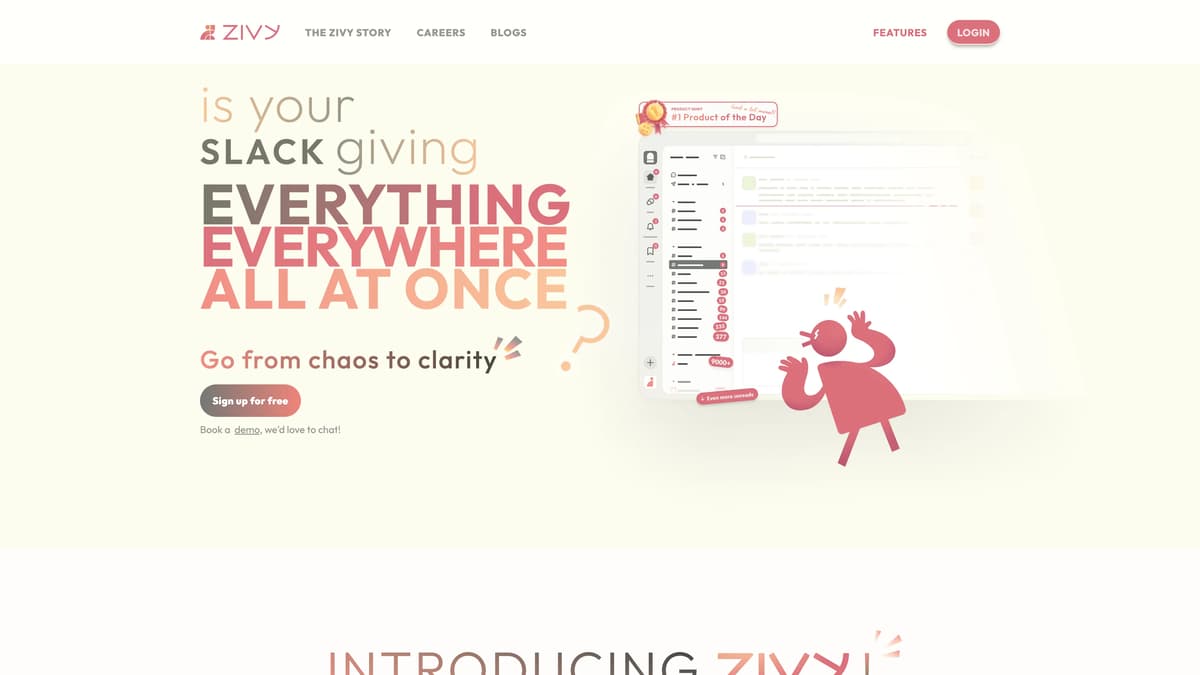
Zivy Introduction
Zivy is an AI tool designed to reduce communication chaos for engineering and product leads by organizing messages into neatly categorized card stacks, allowing focus on priority tasks and updates while filtering out unnecessary noise. It integrates seamlessly with platforms like Slack and Gmail through OAuth2, ensuring security without compromising privacy. Zivy offers smart features such as automated scheduling and quick task management, akin to having a personal assistant that efficiently categorizes daily email traffic. This enables users to devote more energy to creativity and productivity, escaping the constant distraction of notifications. The app continuously improves as it learns user preferences, much like a dedicated butler honing its skills over time, providing timely summaries and suggestions. With a commitment to data security, Zivy emerges not just as a communication tool but also as a lifestyle enhancement, driven by a user-focused experience.
Zivy Key Features
Prioritize and Organize Messages
Zivy transforms the constant barrage of notifications into structured stacks, categorizing tasks and updates. It's like having a clutter-free workspace where only the essentials capture your attention.
Seamless Task Scheduling
Integrate tasks directly into your calendar, ensuring nothing slips through the cracks. It's a bit like having a personal assistant who delicately places each meeting or deadline exactly where it belongs.
Intelligent Learning and Adaptation
Zivy becomes more adept with use, similar to a friend who learns your preferences, ensuring your most relevant communications are always prioritized.
Enhanced Data Security
Utilizing OAuth2 and robust encryption, Zivy ensures privacy is never compromised, much like a vault keeping your personal communications secure.
Summarization and Shortcuts
Save time with automated suggestions and summaries, making Zivy your go-to for efficient decision-making without sifting through a mountain of information.
Zivy Use Cases
Efficient Notification Management: Engineering leads use Zivy's AI to automatically filter and prioritize messages, transforming notification chaos into manageable card stacks. This enables focused attention on crucial tasks without the noise.
Streamlined Task Scheduling: Product managers seamlessly schedule tasks to their calendars using Zivy. This integration helps maintain organized workflows and ensures nothing important slips through the cracks.
Time-Saving Summaries: Team leaders leverage Zivy's suggestion and summary features to quickly grasp email content, saving valuable time and allowing them to address more critical issues promptly.
Privacy-First Collaboration: With Zivy's secure API integration and encryption, users can safely manage sensitive communications without compromising their privacy, building trust within teams.
Adaptive Communication: As Zivy learns from usage patterns, it becomes increasingly adept at highlighting what truly matters, offering a dynamic and personalized communication experience that evolves over time.
Zivy User Guides
Step 1: Connect Zivy to your Slack or Gmail via OAuth2 integration.
Step 2: Open your Zivy dashboard to view messages sorted into task and update piles.
Step 3: Focus on prioritized messages and ignore unnecessary notifications.
Step 4: Use the scheduling feature to add tasks directly to your calendar.
Step 5: Set aside less urgent items using the raincheck feature.
Zivy Frequently Asked Questions
What is Zivy?
How does Zivy prioritize messages?
How do notifications appear in Zivy?
Can I integrate Zivy with other accounts?
How does Zivy ensure message privacy?
Can Zivy help me manage my schedule?
What security measures does Zivy have?
How does Zivy save me time?
Does Zivy improve over time?
Who supports Zivy?
Zivy alternatives
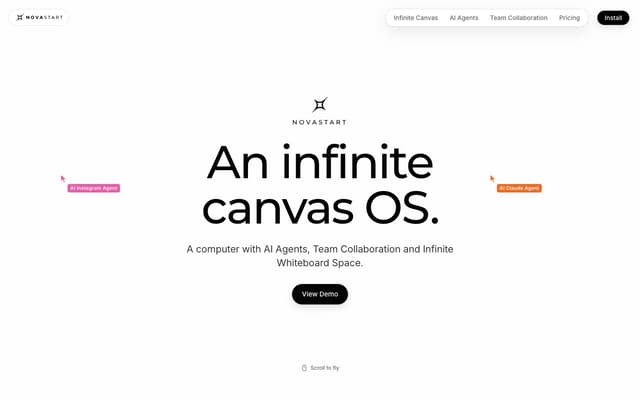
Novastart
An infinite-canvas desktop OS where your apps, your teammates and up to 10 AI agents share one zoomable workspace.
AI Productivity Tools · Freemium, from $10/mo
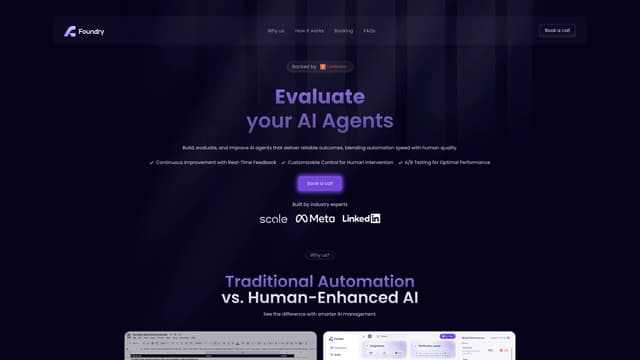
Foundry AI
Foundry AI lets businesses build, evaluate, and improve AI agents for tasks like customer support and sales, with real-time feedback and continuous improvement for reliable outcomes.
AI Developer Tools
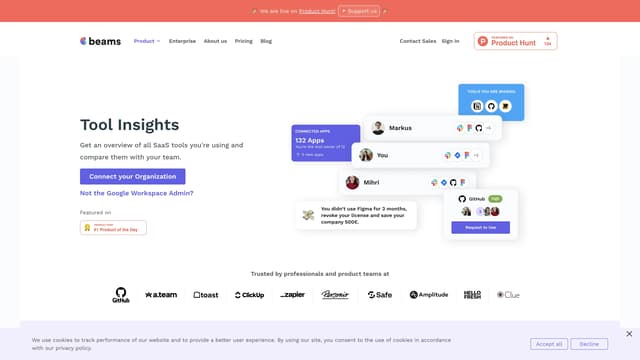
SaaS tool insights by beams
SaaS tool insights by beams offers a complete overview of your team's SaaS tools, helps reduce costs and streamline operations by identifying underused licenses and overlapping tools.
AI Analytics Assistant
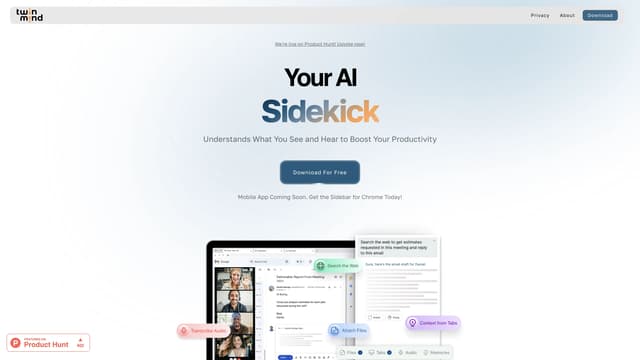
TwinMind
TwinMind is an AI sidebar that enhances productivity by understanding your browser tabs and meetings, offering real-time answers, transcriptions, and smart writing assistance with robust privacy features.
Transcription
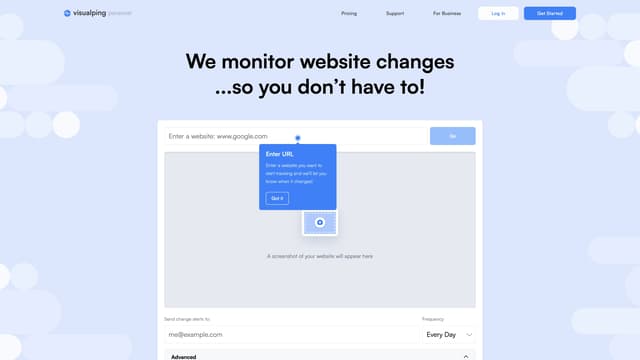
Visualping
Visualping is your go-to tool for monitoring website changes, offering email alerts with highlighted updates. Ideal for tracking social media, job listings, discounts, and much more.
Web Scraping
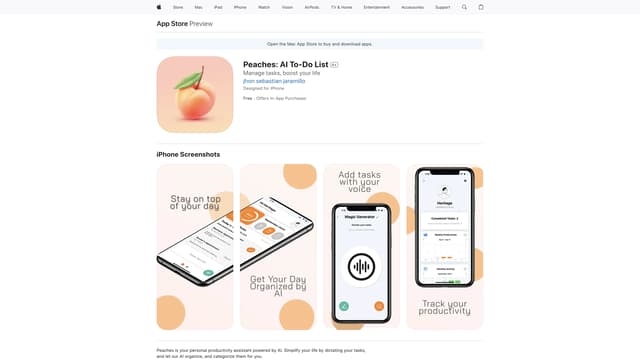
Peaches: AI To-Do List
Peaches is an AI-powered productivity assistant that organizes and prioritizes your tasks, tracks progress with charts, and boosts motivation with gamification, all through a simple and intuitive interface.
Speech-to-Text