
Result Introduction
Result is a personal AI agent for iPhone, with a companion app for Mac. Instead of running on a cloud computer, it works in the browser on your phone, where you are already signed in, and the site says your passwords and cards stay on the device, with Apple Pay and Apple Passwords available to the agent. It uses open-weight models that run either in the cloud or on your own Mac, connects to Apple Maps, Calendar and other built-in apps, and keeps working in the background when the iPhone is locked. According to its privacy policy, your chat history, the agent's memory and website sign-ins are stored on your device, while the content needed for each task passes through Result's servers and an AI model, with cloud requests set to zero data retention through Vercel AI Gateway. You sign in with a code sent to your email, with no password. Result is made by Savio Martin in San Jose, California, and was announced on X in November 2026.
Result key facts
| Launched | Nov 6, 2026 on X |
|---|---|
| Free tier | Not stated on the website |
| Platforms | iPhone app, with a Mac app for local models |
| Sign-up | Email sign-in code, no password |
| AI models | Open-weight models, in the cloud or on your Mac |
| Made by | Savio Martin, San Jose, California |
How we checked Result
Not tested hands-on · Checked on Nov 10, 2026
Result is an iPhone and Mac app that needs an account, so we did not install it. We read the website and the privacy policy, and the launch post on X.
Result Key Features
Works in Your iPhone's Browser
The agent does tasks on websites where you are already signed in on your phone, without a cloud computer.
Passwords and Cards Stay on Device
It can use Apple Pay and Apple Passwords on the device, so your credentials are not handed to a remote machine.
Your Mac as the Model Server
Run open-weight models in the cloud or on your own Mac paired with the iPhone.
Built-in Apple Apps
It connects to Apple Maps, Calendar and other built-in apps and keeps working in the background when the phone is locked.
Result Use Cases
iPhone users who want an agent: hand off tasks on the websites they already use on their phone.
Privacy-minded users: keep passwords and payment cards on the device instead of a cloud computer.
Mac owners: run the agent's model on their own Mac instead of in the cloud.
Result User Guides
-
Download Result for iPhone, and for Mac if you want to run models locally.
-
Sign in with the code sent to your email.
-
Choose a cloud model or pair the iPhone with your Mac.
-
Ask the agent to do a task; it works in the phone's browser and asks for permission before sending content to a model.
Result Pricing
Pricing is not listed on the website.
Result launch and community
Nov 6, 2026 on X · Shared by tryresult
Read the launch post on XResult limitations
- It runs only on Apple devices: iPhone, iPad and Mac.
- Despite the on-device focus, the content needed for a task still passes through Result's servers and an AI model.
- Pricing is not listed on the website.
Result Frequently Asked Questions
Is Result free?
Does my data leave the phone?
Can I run the model on my own computer?
Do I need a password to sign in?
Result alternatives
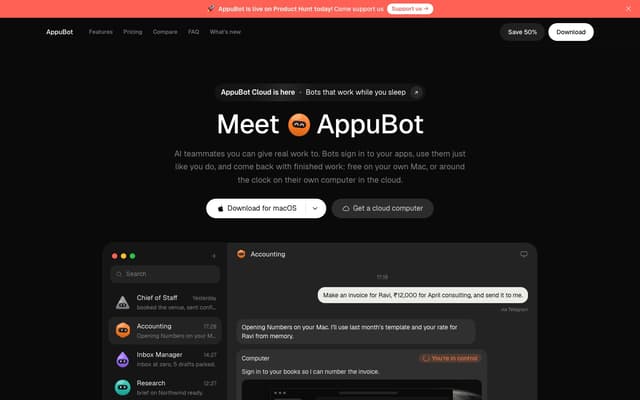
AppuBot
AI teammates that sign in to your apps and finish tasks on your own computer for free, or around the clock on a cloud computer, using your Claude or ChatGPT plan.
AI Productivity Tools · Freemium, from $19/mo
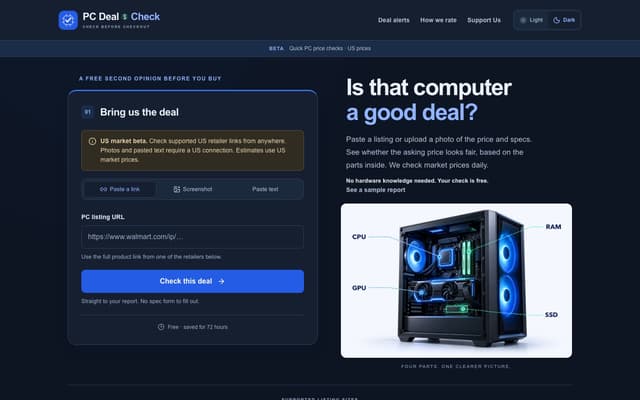
PC Deal Check
A free checker that reads a pre-built PC listing with AI and grades the asking price against current US component prices, with a shareable report.
E-commerce Assistant · Free

Subvocal
Smart glasses from The Subvocal Company that read silently mouthed words with radio sensing and type them on your computer, now on preorder.
Speech-to-Text · Paid, from $499
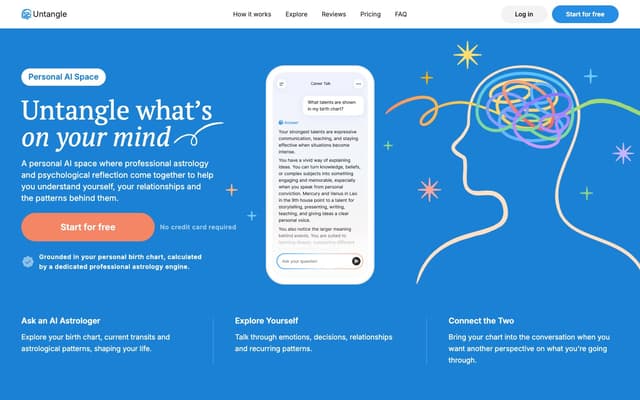
Untangle
A personal AI chat that combines professional astrology with psychological reflection, grounded in a birth chart calculated from your birth date, time and place.
Life Assistant · Freemium
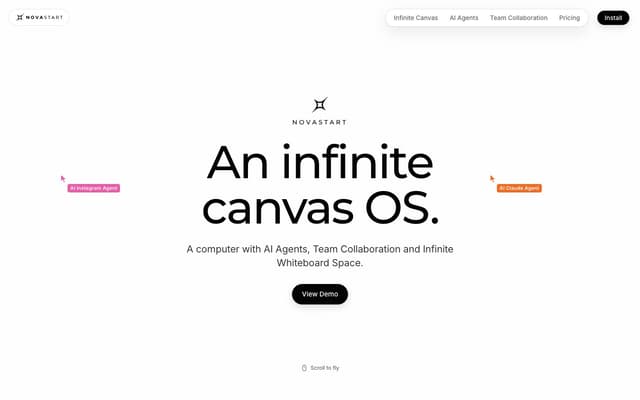
Novastart
An infinite-canvas desktop OS where your apps, your teammates and up to 10 AI agents share one zoomable workspace.
AI Productivity Tools · Freemium, from $10/mo
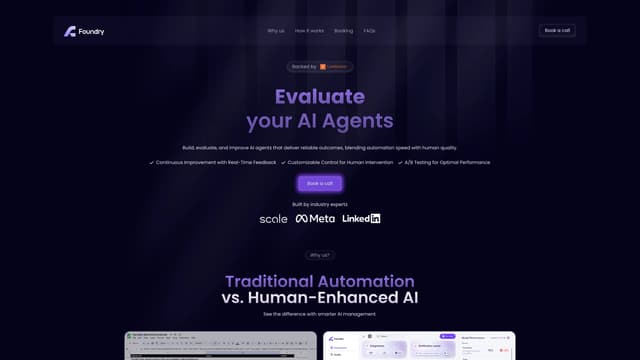
Foundry AI
Foundry AI lets businesses build, evaluate, and improve AI agents for tasks like customer support and sales, with real-time feedback and continuous improvement for reliable outcomes.
AI Developer Tools