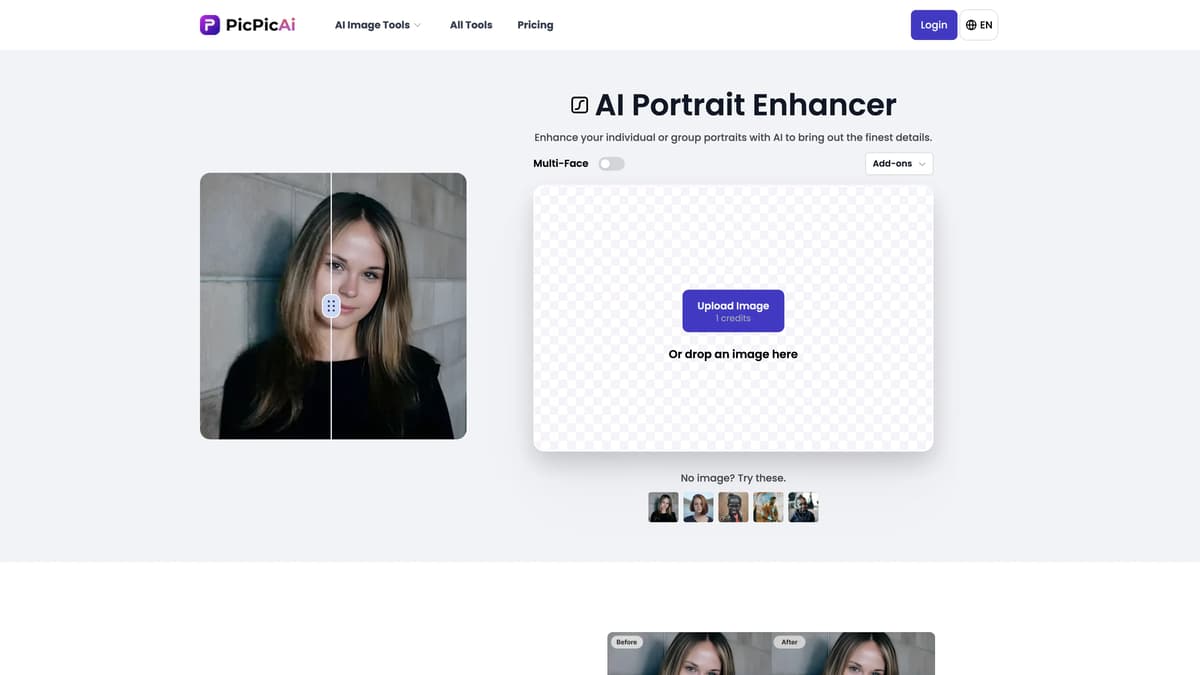
PicPicAI - AI Portrait Enhancer Introduction
PicPicAI's AI Portrait Enhancer is a game-changer for anyone looking to elevate their portrait photography. This advanced AI tool can instantly enhance individual or group photos, bringing out the finest details with professional-grade quality. Whether it's a family photo or a casual group shot, each subject is highlighted naturally and seamlessly. Additional features like the Background Remover and Colorize Photos Add-ons further streamline the editing process, saving time and effort. It's like having a personal photo editor in your pocket, accessible from your phone anytime, anywhere. This tool isn't just limited to portraits; it excels in enhancing all kinds of images, from digital art to nature photos, making it incredibly versatile.
PicPicAI - AI Portrait Enhancer Key Features
Instant Portrait Enhancement
Effortlessly transform individual or group photos with AI, making each subject's details pop naturally. Perfect for family photos or professional headshots.
Background Remover & Colorizer
Streamline photo editing by removing cluttered backgrounds or adding vibrant colors with a single click, making workflows faster and simpler.
Mobile-Friendly
Edit photos on-the-go using any smartphone. Conveniently enhance images directly in the browser, providing flexibility and ease.
Versatile Image Enhancement
Enhances not just portraits but any type of image, ranging from digital art to nature photos, making it a powerful tool for various photography needs.
Comprehensive AI Toolset
Explore various AI tools like object removal, image extending, and more, all designed to save time and enrich photo editing experiences.
PicPicAI - AI Portrait Enhancer Use Cases
Wedding Photo Perfection: Transforming wedding photos into timeless memories is a breeze with PicPicAI's AI Portrait Enhancer. Families use it to bring out every subtle smile and tear, enhancing each face naturally and beautifully.
Professional Headshots: Aspiring professionals polish their online profiles by enhancing headshots with PicPicAI. The tool accentuates facial features, ensuring they look their best for LinkedIn or corporate websites, making a strong first impression effortlessly.
Old Photos Restoration: Individuals breathe new life into old family albums by combining 'Restore Old Photos' with the 'Photo Enhancer.' The advanced AI smooths out aged details, bringing vintage memories into sharp, vivid focus.
Social Media Influencers: Social media influencers elevate their content quality by using the Background Remover and Colorize Photos add-ons with the Portrait Enhancer. This combo ensures striking, professional-grade images, grabbing more attention on platforms like Instagram and TikTok.
Event Photographers: Event photographers rely on PicPicAI to process bulk group photos from events quickly. The AI-driven enhancement highlights every individual in large group shots, ensuring everyone looks their best with minimal effort.
PicPicAI - AI Portrait Enhancer User Guides
Step 1: Visit the PicPicAI website at picpicai.com and select 'AI Portrait Enhancer'.
Step 2: Upload your portrait or group photo by clicking the upload button.
Step 3: Allow the AI to automatically enhance your photo by accentuating finest details.
Step 4: (Optional) Choose add-ons like 'Background Remover' or 'Colorize Photos' to further refine your image.
Step 5: Download the enhanced photo to your device by clicking the download button.
PicPicAI - AI Portrait Enhancer Frequently Asked Questions
What is PicPicAI Portrait Enhancer?
How do you enhance photos using PicPicAI?
Can I use PicPicAI Portrait Enhancer on my phone?
What types of photos can PicPicAI enhance?
Does PicPicAI offer any additional tools?
Can PicPicAI improve both digital and printed images?
What add-ons can I use with PicPicAI Portrait Enhancer?
Is PicPicAI easy to use?
Do I need any prior photo editing experience to use PicPicAI?
Can PicPicAI improve old photos?
PicPicAI - AI Portrait Enhancer alternatives
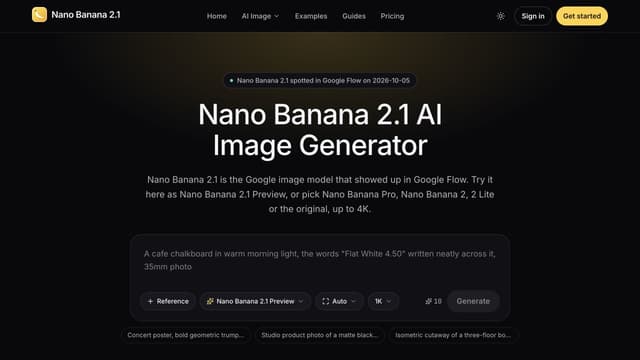
Nano Banana 2.1
Generate images from text or edit photos with Nano Banana models, reference images and output up to 4K.
Text to Image
Makepix AI
Makepix AI transforms your ideas into stunning visuals, enhancing creativity and storytelling with professional-quality images effortlessly and instantly.
AI Illustration Generator
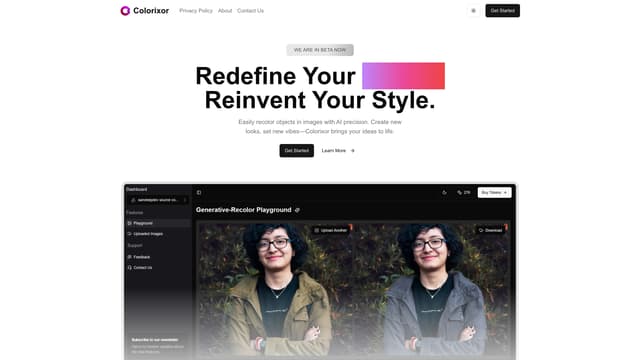
Colorixor
Colorixor instantly recolors objects in images with AI precision, offering endless color customization for creative transformation, making design projects fast and effortless.
AI Photo & Image Generator
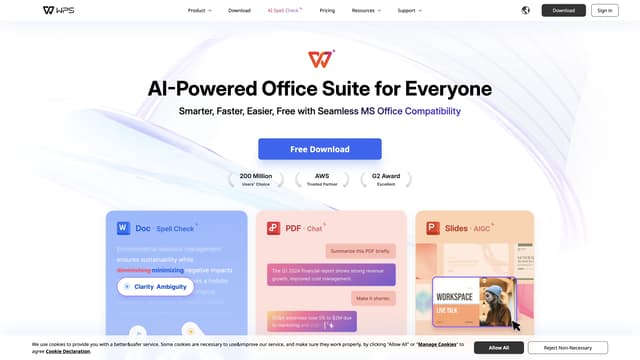
WPS Office
WPS Office is an AI-powered office suite offering smart spell check, translation, and content generation to streamline your document workflow efficiently.
Translate

Molmo AI
Molmo AI is a free, open-source multimodal model that efficiently processes text and images, offering high-quality results and easy integration into projects.
AI Photo & Image Generator
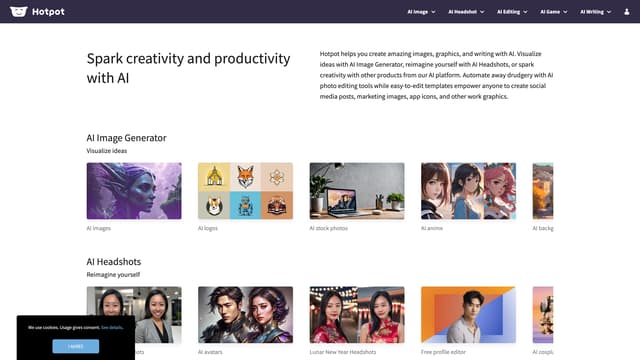
Hotpot ai
Hotpot.ai enables creativity and productivity with AI-powered image generation, headshots, and photo editing, offering unique visual and writing tools for diverse user needs.
AI Photo & Image Generator