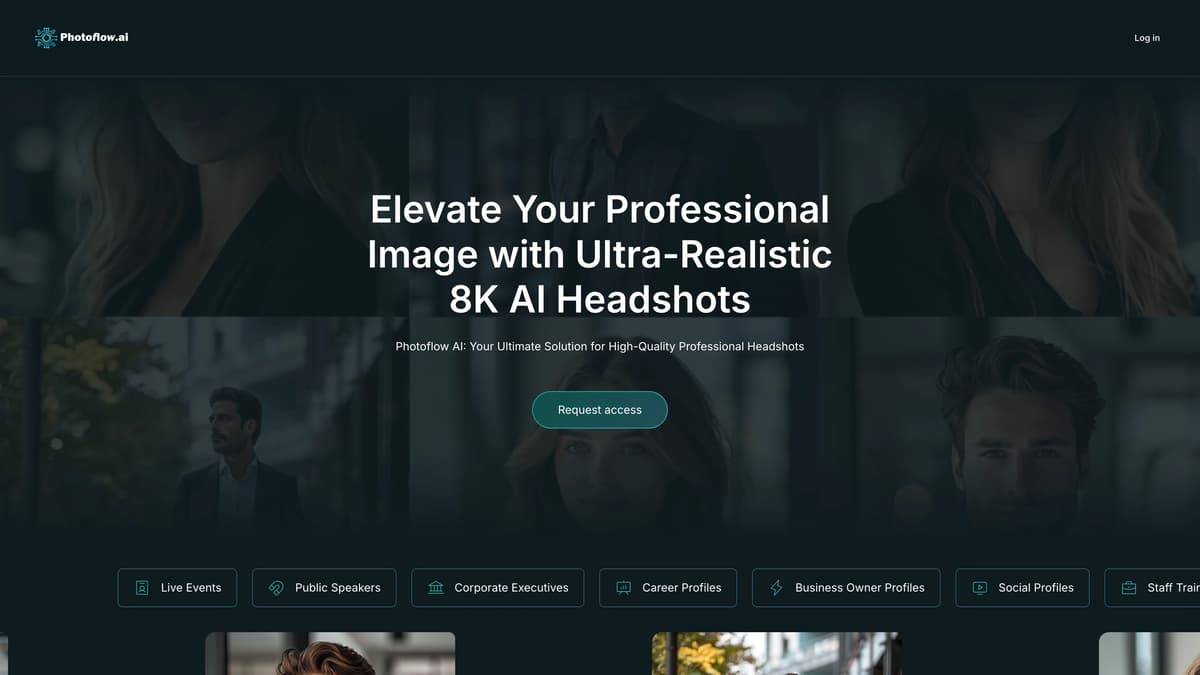
Photoflow AI Introduction
Photoflow AI offers a seamless solution for creating ultra-realistic 8K professional headshots, vital for those crafting an impressive online presence. This AI tool negates the need for traditional photoshoots by providing easy-to-use customization options for backgrounds, styles, and lighting, similar to choosing an outfit for a job interview. Ideal for enhancing profiles on platforms like LinkedIn, it allows users to effortlessly generate and download headshots. The software's speed and efficiency ensure a quick turnaround without losing quality. Photoflow AI serves professionals from marketing directors to corporate executives, emphasizing convenience and high standards in personal branding.
Photoflow AI Key Features
Ultra-Realistic 8K Headshots
Photoflow AI delivers breathtaking 8K clarity, ensuring every professional headshot showcases the finest details, perfect for making a powerful first impression.
Extensive Customization Options
Users can select from a variety of styles, backgrounds, and lighting to tailor their images to any professional setting, enhancing personal and corporate branding.
Fast and Efficient Processing
Achieving professional quality headshots in record time, Photoflow AI ensures users can quickly download and share their polished images without long delays.
Seamless Social Media Integration
Optimized for platforms like LinkedIn and Facebook, these headshots can be effortlessly shared, boosting professional profiles and social media presence.
AI-Driven Enhancements
Automatic touch-ups, blemish removal, and facial adjustments provide users a polished, professional appearance, elevating their overall online image quality.
Photoflow AI Use Cases
Professional Networking Success: Recruiters are drawn to candidates using Photoflow AI for their LinkedIn profiles, where ultra-realistic 8K headshots make a strong first impression and boost connection requests.
Corporate Branding Consistency: Companies leverage the AI’s customization to create uniform headshots for employee directories, ensuring a cohesive and professional brand image across all platforms.
Efficient Marketing Collaterals: Marketers utilize Photoflow AI's high-quality images in promotional materials, enhancing brochures and newsletters with polished headshots that convey approachability and professionalism.
Public Speaking Engagements: Public speakers update their profiles with AI-enhanced headshots, adding credibility and appeal to their personal brand, ultimately attracting more event opportunities.
Social Media Influence: Social influencers utilize Photoflow AI to create consistent and stunning profiles across platforms, enhancing their online presence and engagement through visually striking imagery.
Photoflow AI User Guides
Step 1: Upload your desired photo from your device to Photoflow AI.
Step 2: Select a style, background, and lighting to customize your headshot.
Step 3: Let the AI enhance and generate your 8K ultra-realistic headshot.
Step 4: Download your headshot and share it on social media or professional platforms.
Photoflow AI Frequently Asked Questions
What is Photoflow AI?
How do I start with Photoflow AI?
What makes Photoflow AI headshots unique?
Can Photoflow AI integrate with social media?
Is there a trial for Photoflow AI?
How does Photoflow AI ensure data security?
Can Photoflow AI headshots be used on corporate websites?
What customization options does Photoflow AI offer?
How fast are headshots processed with Photoflow AI?
Why choose Photoflow AI over traditional photoshoots?
Photoflow AI alternatives
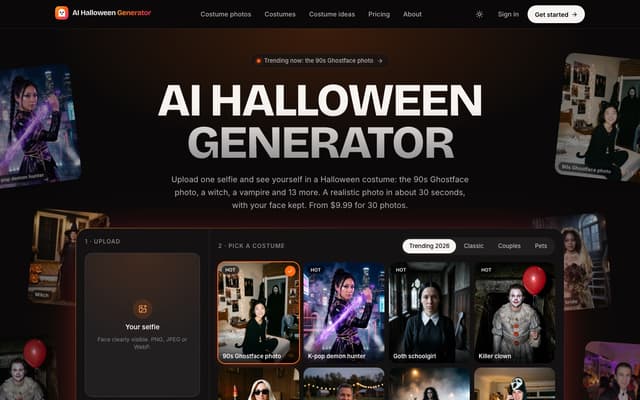
AI Halloween Generator
Turn one selfie into a realistic photo of you in a Halloween costume, from the viral 90s Ghostface photo to a witch, vampire or zombie, with your face kept.
AI Photo & Image Generator · Paid, from $9.99
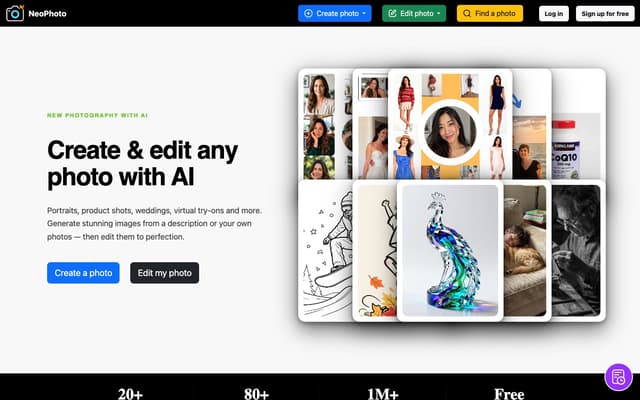
NeoPhoto
Create photorealistic images from a description or your own reference photos, then edit them with AI tools for background removal, object erasing, filling, expanding, upscaling and restoration.
AI Photo & Image Generator · Freemium
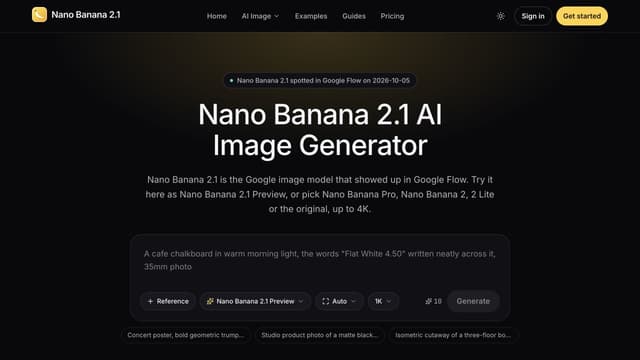
Nano Banana 2.1
Generate images from text or edit photos with Nano Banana models, reference images and output up to 4K.
Text to Image
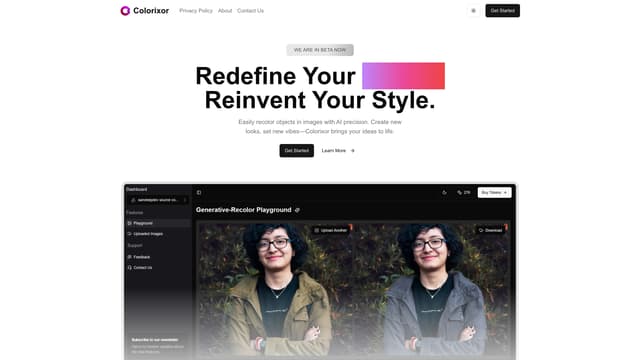
Colorixor
Colorixor instantly recolors objects in images with AI precision, offering endless color customization for creative transformation, making design projects fast and effortless.
AI Photo & Image Generator
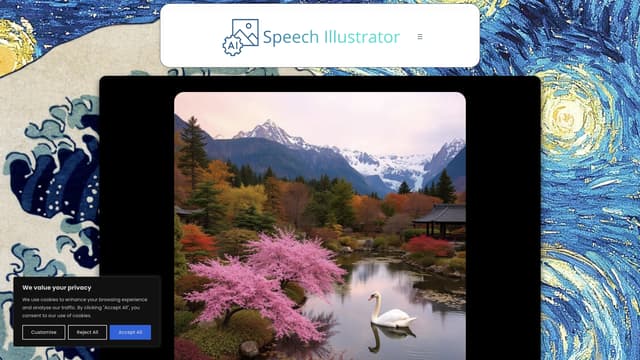
Speech Illustrator
Speech Illustrator transforms spoken language into real-time images, making audio experiences like podcasts or lectures visually engaging and accessible in over 90 languages.
AI Photo & Image Generator
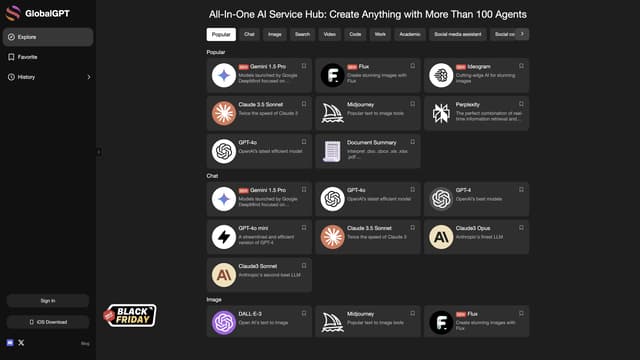
GlobalGPT
GlobalGPT offers cost-effective and unlimited access to advanced AI tools like GPT-4 on a pay-as-you-go basis, ensuring data privacy.
AI Photo & Image Generator