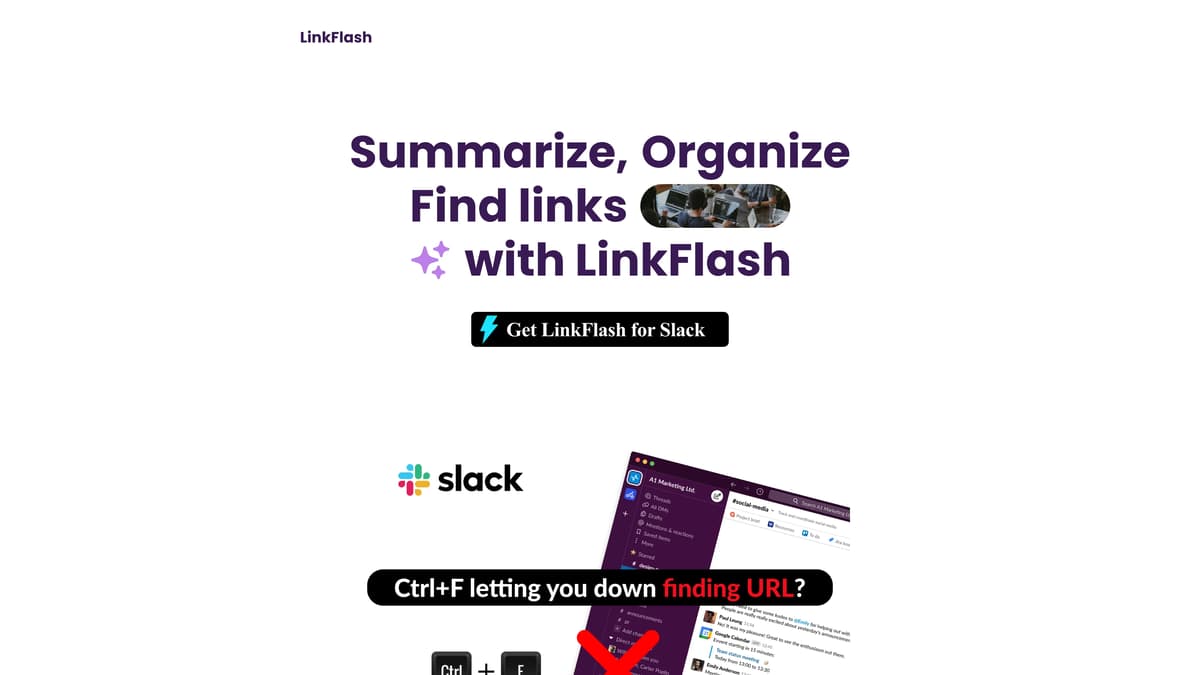
LinkFlash Introduction
LinkFlash is a dynamic tool designed to simplify the way users handle and understand web links. It excels at quickly summarizing the essence of any link in just five seconds, generating instant thumbnails for visual assistance. This makes it ideal for users who frequently exchange links, such as teams collaborating remotely. Its simplified management system allows for easy organization and filtration according to user preferences, much like a personal librarian for your digital clutter. With real-time collaboration features, LinkFlash enhances communication workflows, presenting link summaries accurately without any misleading information. Imagine having a personal assistant that sorts out your myriad of links effortlessly—LinkFlash does just that, making it an essential addition for anyone looking to streamline their digital workspace.
LinkFlash Key Features
Rapid Link Summary
Quickly understand any link's main points within 5 seconds. This feature allows users to grasp essential information on-the-go, saving time and boosting efficiency.
Simplified Link Management
Organize and find links effortlessly. LinkFlash sorts and filters according to user preferences, making it easy to keep your digital workspace tidy and navigable.
Instant Link Discovery
Deliver link information as swiftly as ChatGPT responds to queries. This allows users to instantly access the links they need, enhancing their workflow speed.
Real-Time Team Collaboration
Enhance team communication with real-time link sharing and discussion. This feature ensures everyone stays informed and connected, streamlining collaborative efforts.
Accurate and Responsive Summaries
Enjoy accurate link summaries without distortions. Users can rely on the precision and clarity of information, reducing the need for additional verification.
LinkFlash Use Cases
Efficient Team Collaboration: By using LinkFlash, teams can instantly generate thumbnails and summaries of shared links, facilitating quicker decisions and streamlined communication during meetings.
Streamlined Link Management: For individuals bogged down by countless links, LinkFlash sorts and filters them based on user preferences, making retrieval quick and hassle-free.
Rapid Knowledge Acquisition: With LinkFlash's ability to summarize the essence of any link in seconds, users can grasp vital information instantly, enhancing research productivity.
Enhanced Searchability in Slack: Overcome Slack’s limitations with LinkFlash, which allows users to view and manage links by channel directly from the home screen, saving valuable time.
Clutter-Free Browsing Experience: Users tired of unnecessary links can rely on LinkFlash’s filtering capabilities to focus on what truly matters, simplifying daily digital interactions.
LinkFlash User Guides
Step 1: Visit LinkFlash's website and log in with your credentials.
Step 2: Paste any link you want to summarize into the dashboard.
Step 3: Wait a few seconds for LinkFlash to auto-generate a summary and thumbnail.
Step 4: Use filters to easily sort and organize your links based on preference.
Step 5: Collaborate with your team in real-time to share and discuss organized links.
LinkFlash Frequently Asked Questions
What is LinkFlash?
How does LinkFlash summarize links?
Can LinkFlash help organize my links?
How do I discover links with LinkFlash?
Can LinkFlash be used for team collaboration?
Does LinkFlash support link management?
Why should I use LinkFlash for work?
How responsive are LinkFlash's summaries?
Does LinkFlash work with Slack?
Who created LinkFlash?
LinkFlash alternatives
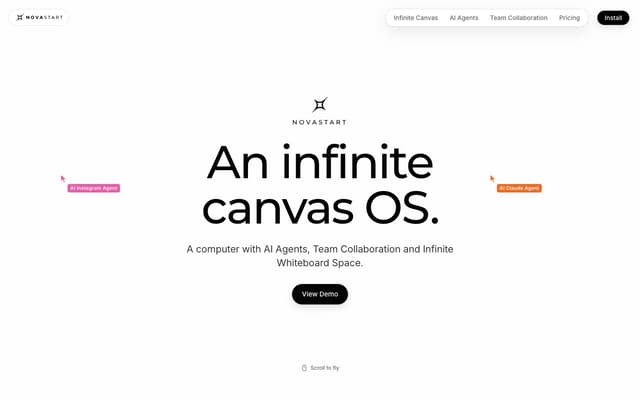
Novastart
An infinite-canvas desktop OS where your apps, your teammates and up to 10 AI agents share one zoomable workspace.
AI Productivity Tools · Freemium, from $10/mo
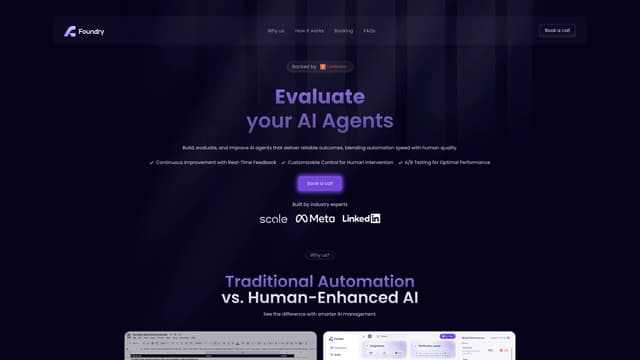
Foundry AI
Foundry AI lets businesses build, evaluate, and improve AI agents for tasks like customer support and sales, with real-time feedback and continuous improvement for reliable outcomes.
AI Developer Tools
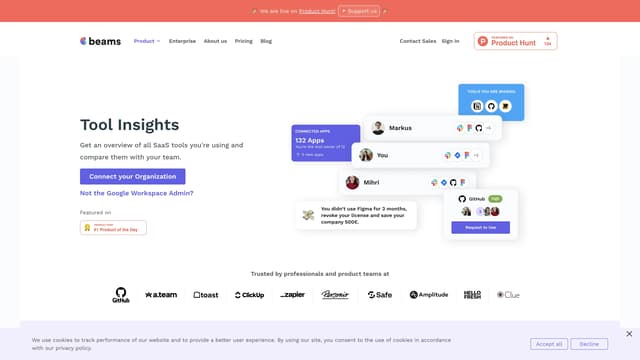
SaaS tool insights by beams
SaaS tool insights by beams offers a complete overview of your team's SaaS tools, helps reduce costs and streamline operations by identifying underused licenses and overlapping tools.
AI Analytics Assistant
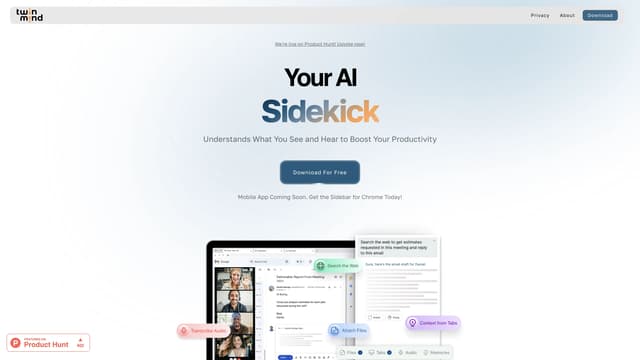
TwinMind
TwinMind is an AI sidebar that enhances productivity by understanding your browser tabs and meetings, offering real-time answers, transcriptions, and smart writing assistance with robust privacy features.
Transcription
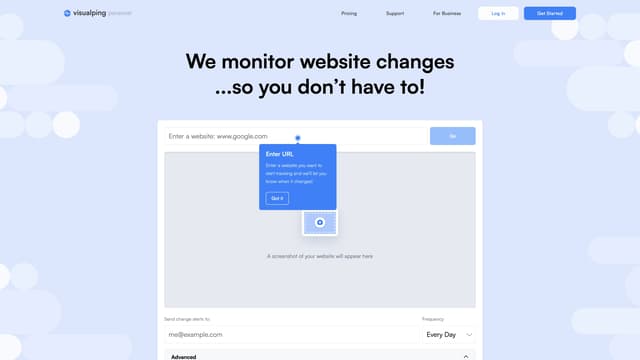
Visualping
Visualping is your go-to tool for monitoring website changes, offering email alerts with highlighted updates. Ideal for tracking social media, job listings, discounts, and much more.
Web Scraping
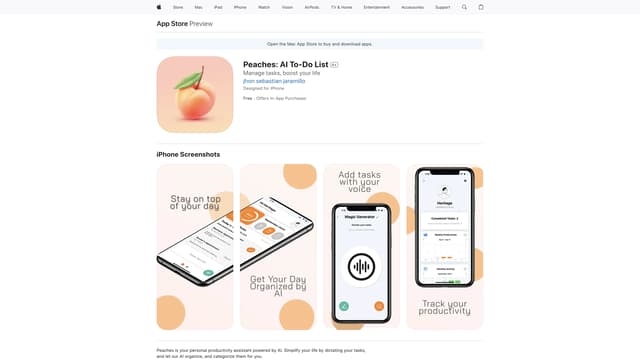
Peaches: AI To-Do List
Peaches is an AI-powered productivity assistant that organizes and prioritizes your tasks, tracks progress with charts, and boosts motivation with gamification, all through a simple and intuitive interface.
Speech-to-Text