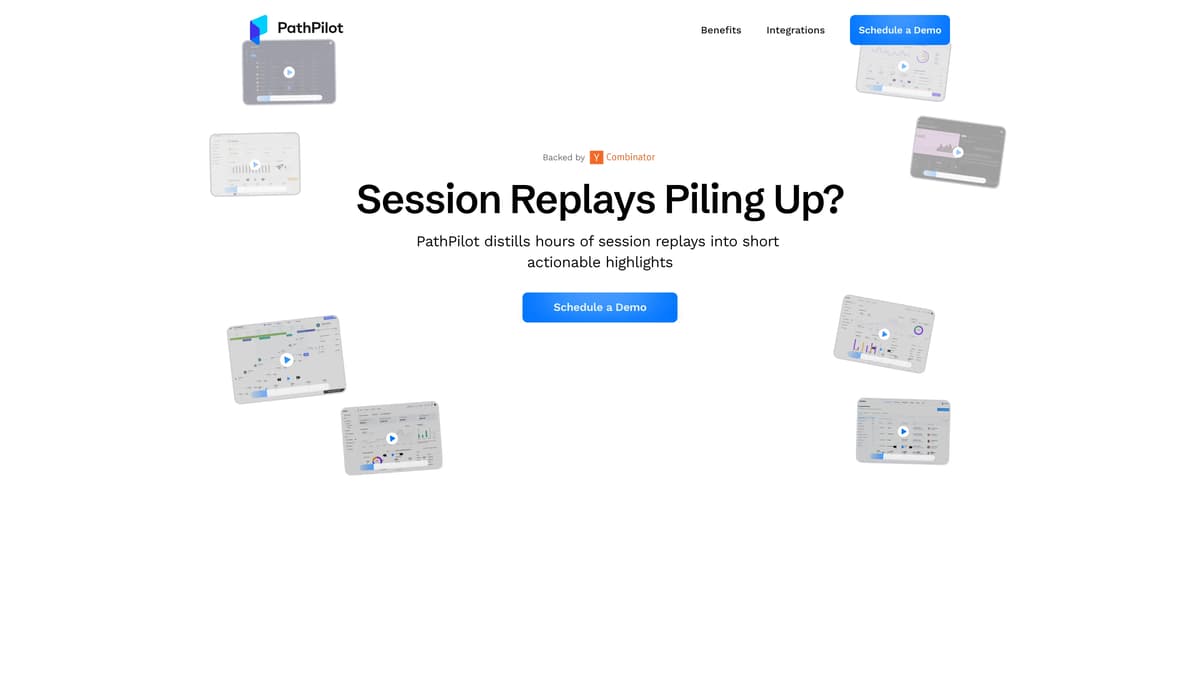
PathPilot Introduction
PathPilot transforms extensive session replays into succinct, actionable insights, much like distilling a lengthy novel into essential chapters. It highlights key user interactions to reveal hidden UI issues, ensuring a seamless experience. Imagine having a magnifying glass that only shows you where your app's experience actually hiccups—PathPilot does exactly that. It tracks how users engage with new features, spotlighting elements that work and those needing refinement. For high-value customers, PathPilot ensures frictionless interactions, alerting promptly to any disruptions. Through collaboration with PostHog, it offers tailored UX improvement recommendations, helping businesses optimize more effectively. PathPilot is an essential tool for anyone eager to enhance their user experience efficiently.
PathPilot Key Features
Session Replay Highlights
PathPilot condenses extensive session replays into concise highlights, allowing you to quickly identify valuable insights and UI issues that aren't evident in logs. Imagine a time-lapse that shows only what truly matters.
User Interaction Insights
Observe real user interactions with new features to swiftly pinpoint successes and areas needing improvement. This is akin to having instant feedback on a prototype, enabling faster iteration.
Customer Experience Optimization
Ensure top customers enjoy smooth interactions by receiving alerts on friction points. It's like having a safety net that catches issues before they affect key users.
UX Improvement Recommendations
Receive tailored insights for enhancing user experience based on actual user behavior. Think of it as a personalized coach guiding you to optimize your site.
Pattern Discovery
PathPilot unveils hidden patterns in user sessions, helping uncover opportunities and resolve problems. Consider it a magnifying glass that reveals the path to business growth.
PathPilot Use Cases
Identifying Hidden UI Glitches: Developers can use PathPilot to swiftly highlight overlooked UI issues that escape log reports, enabling smoother user experiences by addressing glitches before they escalate.
Enhancing Feature Usability: Product managers leverage PathPilot to observe real-time user interactions, extracting insights on new features' success or the need for adjustments, thus speeding up the iteration process.
Ensuring Top-tier Customer Satisfaction: Customer success teams monitor elite users' sessions with PathPilot, proactively resolving friction points to maintain a seamless experience, thereby boosting customer loyalty.
Guided UX Optimization: UX designers receive actionable recommendations from PathPilot on enhancing user experience, informed by actual user behaviors, allowing for targeted improvements and increased user engagement.
Unlocking Growth Opportunities: Business analysts uncover hidden session patterns with PathPilot, identifying new business opportunities and solutions to problems, ultimately driving growth and innovation.
PathPilot User Guides
Step 1: Sign up on PathPilot’s website to create an account.
Step 2: Upload your session replays to PathPilot's cloud platform.
Step 3: Use PathPilot to distill sessions into actionable highlights.
Step 4: Review insights to identify and address UI issues quickly.
Step 5: Implement recommended UX improvements for better user experience.
PathPilot Frequently Asked Questions
How does PathPilot summarize session replays?
What can PathPilot do for UI issues?
How does PathPilot handle new feature analysis?
Can PathPilot improve customer interactions?
How does PathPilot assist with UX improvements?
What makes PathPilot's session replay unique?
How can PathPilot uncover hidden session patterns?
Is PathPilot beneficial for iterative development?
What are the main benefits of using PathPilot?
How can I see PathPilot in action?
PathPilot alternatives

RankBuddy
An AI SEO agent that audits your website, maps competitors, builds the content plan and drafts articles, with nothing published until you sign off.
AI SEO Assistant · Freemium, from $29/mo
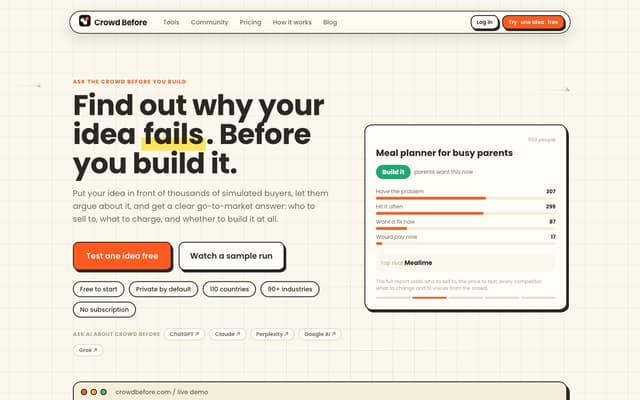
Crowd Before
Run a startup idea past up to 5,000 simulated buyers and get a plain verdict: build it, narrow it or stop, plus who to sell to, what to charge and who you are up against.
Research Tool · Freemium, from $4.99
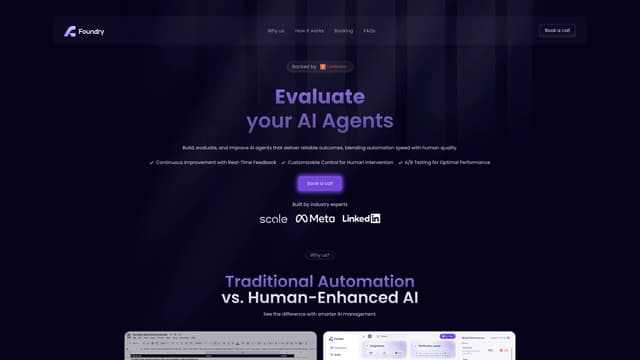
Foundry AI
Foundry AI lets businesses build, evaluate, and improve AI agents for tasks like customer support and sales, with real-time feedback and continuous improvement for reliable outcomes.
AI Developer Tools
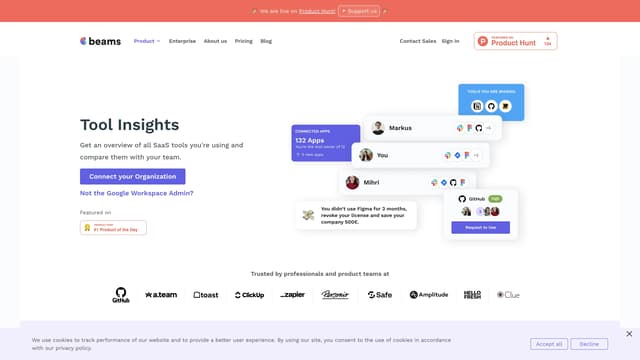
SaaS tool insights by beams
SaaS tool insights by beams offers a complete overview of your team's SaaS tools, helps reduce costs and streamline operations by identifying underused licenses and overlapping tools.
AI Analytics Assistant
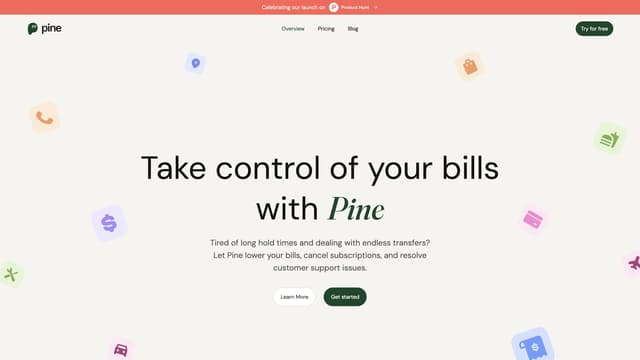
PineAI
PineAI's assistant handles bill negotiations, customer support calls, and subscription cancellations, saving you time and reducing costs by using AI-powered strategies.
AI Consulting Assistant
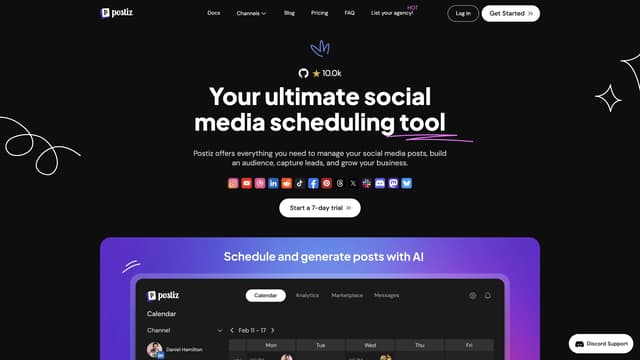
Postiz
Postiz is an all-in-one social media management tool that uses AI to streamline content creation, scheduling, and analytics, helping you grow and engage your audience across multiple channels.
AI Content Generator