DocDecoder Introduction
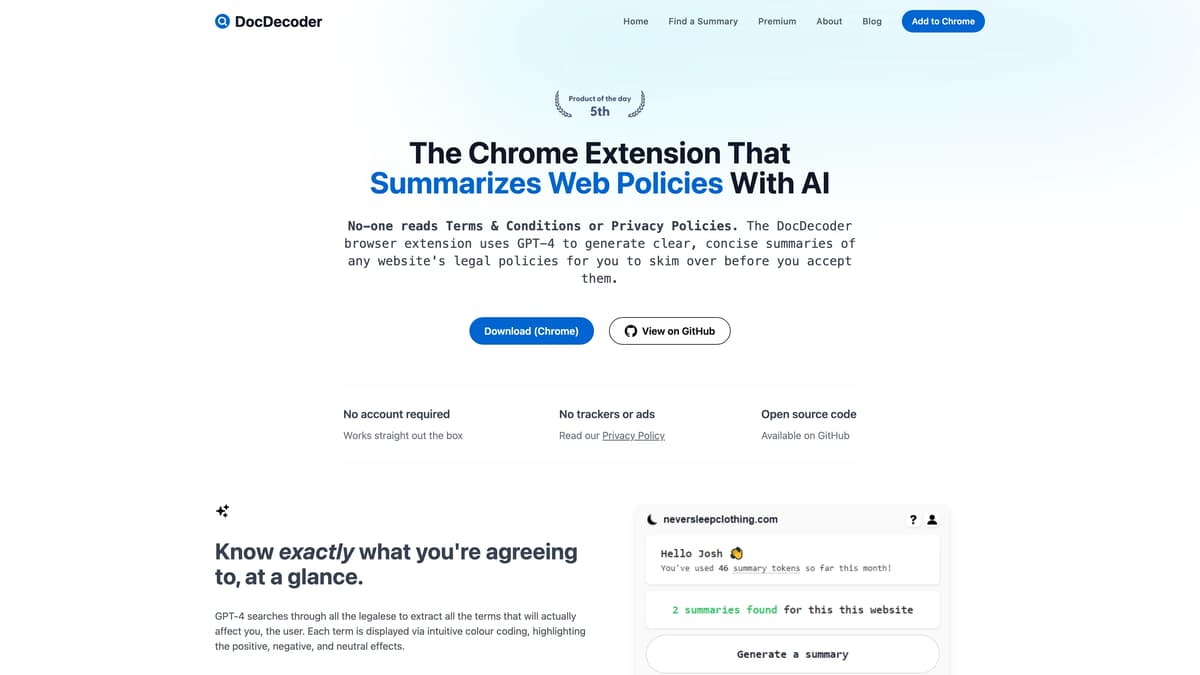
DocDecoder is a Chrome extension designed to demystify complex web policies using AI. It leverages GPT-4 to break down lengthy Terms & Conditions and Privacy Policies into succinct summaries that are easy to comprehend. This tool allows users to effortlessly identify potential risks by highlighting harmful terms in red, making it as intuitive as a stoplight on a busy road. With no need for an account, it operates smoothly from the get-go, ensuring privacy with no trackers or ads. The extension is open source and welcomes scrutiny on GitHub, appealing to both tech enthusiasts and everyday users. Whether understanding user agreements or privacy terms, DocDecoder is a practical ally in navigating online legalese with its clear, color-coded insights.
DocDecoder Key Features
Summarizes Web Policies
DocDecoder distills complex terms and conditions into clear summaries, enabling users to quickly grasp essential points without wading through legal jargon.
Intuitive Color Coding
Utilizes color schemes to classify policy terms as positive, negative, or neutral, making comprehension instant and visually engaging, similar to traffic lights guiding a driver.
Flags Potential Risks
Highlights harmful terms in red, offering users a visual cue like a warning sign to alert them of potential pitfalls in agreements.
Unlimited Access to Existing Summaries
Free users can view an unlimited number of pre-existing summaries, akin to accessing a library of decoded policies.
Interactive GPT-4 Assistance
Allows users to inquire about specific policy details through an AI assistant, providing immediate clarification—similar to having a personal legal advisor ready to help.
DocDecoder Use Cases
Student Research: A college student uses DocDecoder to quickly summarize a website's privacy policy, ensuring her data is safe before downloading research articles. Quick summaries save her precious study time.
Small Business Owner Consent: A small business owner employs DocDecoder to break down vendor agreements, highlighting any unfavorable terms. This helps him make informed decisions and avoid potential pitfalls.
Travel Planning: A traveler uses DocDecoder to decode rental agreements' fine print, instantly understanding cancellation policies. It ensures a smooth holiday without unforeseen expenses.
Legal Consultation: A non-profit organization utilizes DocDecoder to review partnership contracts, simplifying complex legal jargon. This enables staff to focus on social impact rather than lengthy paperwork.
Parenting Safeguard: Concerned about children's online activity, a mother uses DocDecoder to comprehend app terms and conditions, ensuring they are kid-friendly. It provides peace of mind in a digital world.
DocDecoder User Guides
Step 1: Add the DocDecoder extension to your Chrome browser from the Chrome Web Store.
Step 2: Visit any webpage with legal policies you want to understand.
Step 3: Click on the DocDecoder icon in your browser toolbar to start summarizing.
Step 4: Skim the generated summary with color-coded highlights for easy comprehension.
Step 5: Ask the integrated AI assistant any questions you have regarding the summary.
DocDecoder Frequently Asked Questions
What is DocDecoder?
How does DocDecoder work?
Do I need to create an account to use DocDecoder?
Is DocDecoder free to use?
Can DocDecoder identify harmful terms?
How does DocDecoder present policy information?
Can I summarize any policy with DocDecoder?
Does DocDecoder include ads or trackers?
Can I ask questions about a policy using DocDecoder?
Where can I find DocDecoder's open-source code?
DocDecoder alternatives

Poteto Playground
A playful one-page site from OpenAI's Tibo: tap costumed potatoes to read their jokes, and the lucky one sends you to ChatGPT.
Fun Tools · Free
Untangle
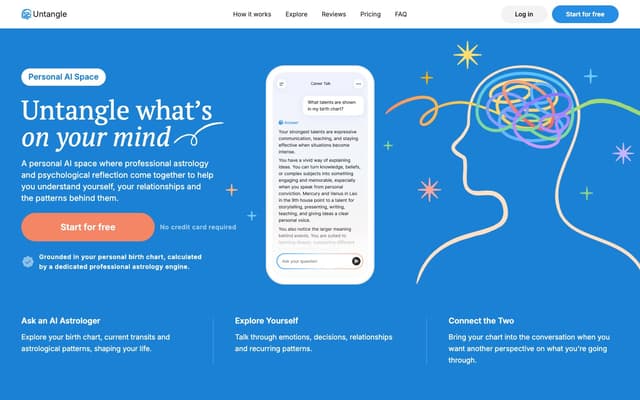
A personal AI chat that combines professional astrology with psychological reflection, grounded in a birth chart calculated from your birth date, time and place.
Life Assistant · Freemium
OfferGenie
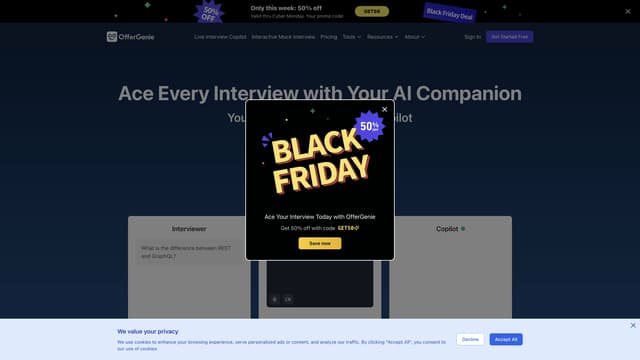
OfferGenie is an AI-powered interview assistant that enhances your interview preparation with real-time guidance, resume optimization, and interactive mock interviews, ensuring you impress every prospective employer.
AI Speech Recognition
Toolhouse
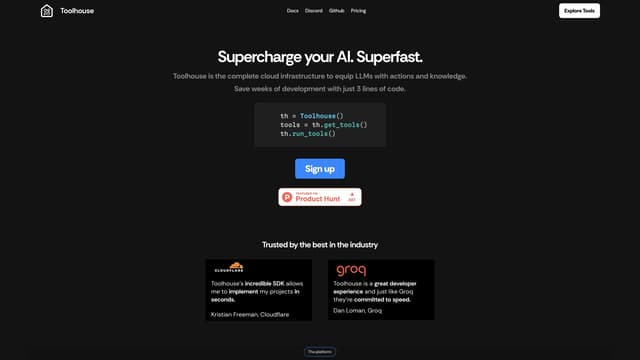
Toolhouse is a cloud platform that equips AI with actions and knowledge, deploying efficient solutions in one click and saving developers weeks of coding with its universal 3-line SDK.
No-Code&Low-Code
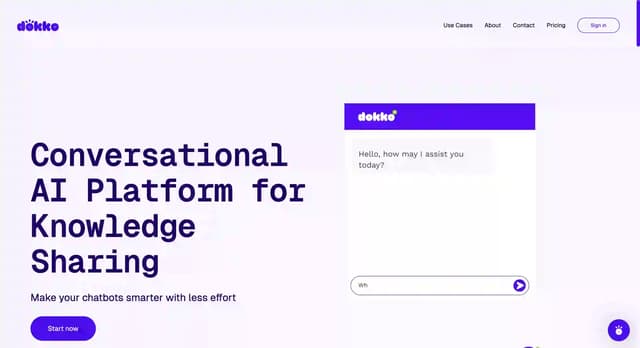
DokkoAI
DokkoAI is a conversational AI platform that centralizes your data to enhance chatbots, provide quick customer support, and streamline processes with real-time, contextually relevant responses.
AI Customer Service Assistant
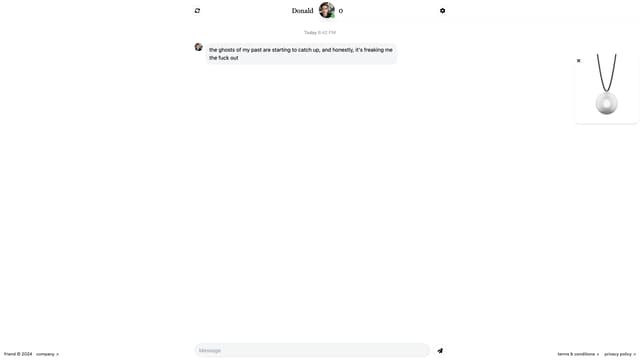
Friend AI
Friend AI is a free online chat service that pairs users with AI-driven characters, offering unique, engaging conversations reminiscent of chatroulette, with the option to sync to a wearable for on-the-go interaction.
AI Chatbot