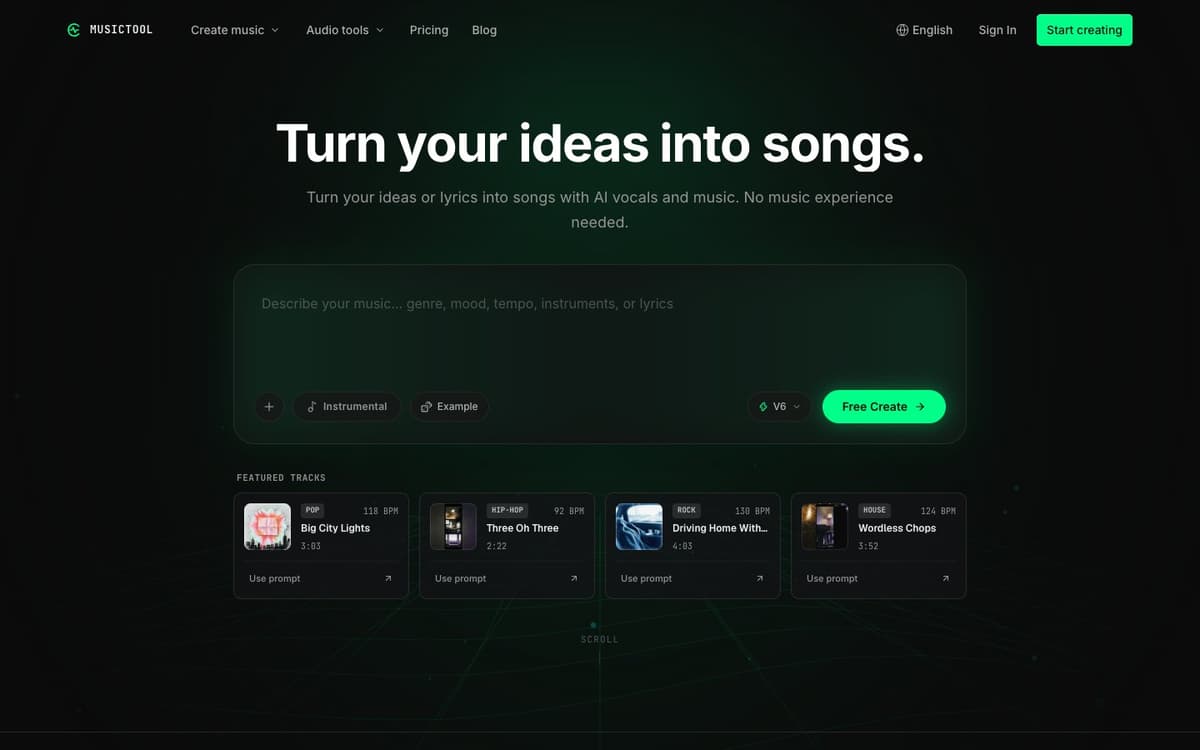
MUSICTOOL Introduction
MUSICTOOL is a browser-based AI music studio. Describe what a song should be about and the mood or style you want, or paste lyrics you wrote yourself, and the service generates the vocals and backing music; you can also ask for an instrumental track instead. Every AI action shows its credit cost before it runs, and finished songs can be continued, reworked passage by passage, or blended with another track. Free accounts can listen to and share everything they make inside MUSICTOOL, while audio downloads and the commercial licence come with a credit pack or subscription. Alongside the generator the site hosts free browser utilities such as a key and BPM finder, chord progression generator, audio trimmer, MIDI editor, metronome and instrument tuner.
MUSICTOOL Key Features
Idea or Lyrics to Song
Start from a plain description of a feeling or story, or supply your own lyrics, and get a track with AI vocals and music. No instrument or recording is needed.
Lyric Writing and Editing
Turn a story into a lyric draft with the Write your lyrics tool, then edit the lines until they say what you mean before generating audio.
Continue, Rework and Blend
Extend a song, rewrite a single passage, blend two tracks or separate vocals from the instrumental, all from the same credit balance.
Credit Cost Shown Up Front
Each AI action displays its credit cost before you start, so you know what a generation will spend.
Free Browser Music Tools
Key and BPM finder, chord progression generator, audio trimmer, speed and pitch changer, MIDI editor, tap tempo, metronome, tuner, vocal range test and a streaming royalty calculator run without an account.
MUSICTOOL Use Cases
- Write and produce an original song when you do not play an instrument or sing.
- Make a personalised birthday song built around a name, memories and a message.
- Generate instrumental background music for games, exploration, battle and menu scenes.
- Draft and polish lyrics, then hear them performed before committing to a version.
MUSICTOOL User Guides
-
Open musictool.tools and choose Create a song, or start with Write your lyrics.
-
Describe the song's subject, mood and style, or paste your own lyrics, and pick vocals or instrumental.
-
Check the credit cost shown for the action and generate, then listen to the result.
-
Continue the song, rework a passage or try another version until you are happy.
-
Buy a credit pack or subscription to download the track as MP3, WAV or FLAC.
MUSICTOOL Pricing
Free plan with a 20-credit sign-up bonus, daily check-in credits and 2 GB storage, but no audio downloads. Starter is $9.99 per month for 400 credits (about 80 song generations), 25 GB storage, MP3/WAV/FLAC downloads and a commercial licence. Pro is $24.99 per month for 1,000 credits (about 200 generations) and 100 GB storage. Quarterly, yearly and one-time credit packs are also offered. Prices checked October 16, 2026.
MUSICTOOL Frequently Asked Questions
Do I need musical experience?
Can I use my own lyrics?
What can I do on the free plan?
Do I need to pay to download a song?
Can I use the songs commercially?
Are there free tools without an account?
MUSICTOOL alternatives
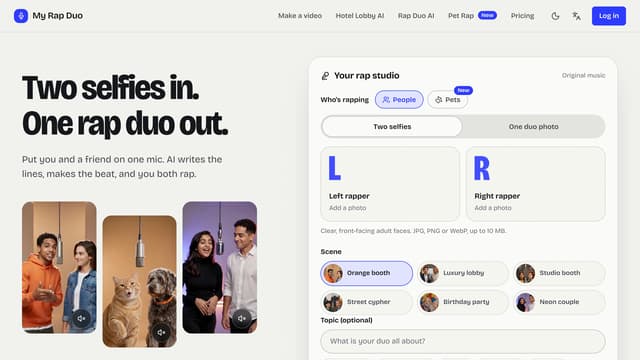
My Rap Duo
Upload two selfies and get a rap duo video where you both spit original AI-written verses over a brand-new beat.
AI Rap Generator
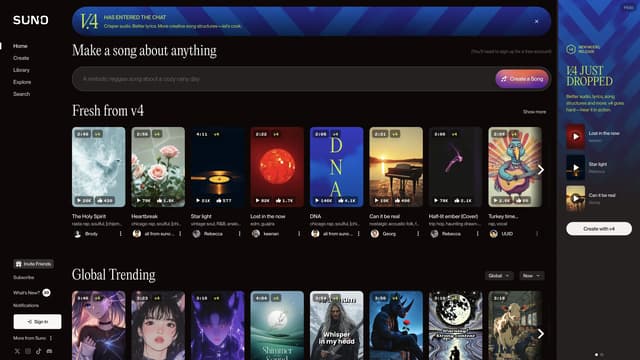
Suno
Suno makes music creation accessible to everyone with 50 daily free credits and various subscription plans, offering an innovative, instrument-free way to bring your musical ideas to life.
AI Music Generator
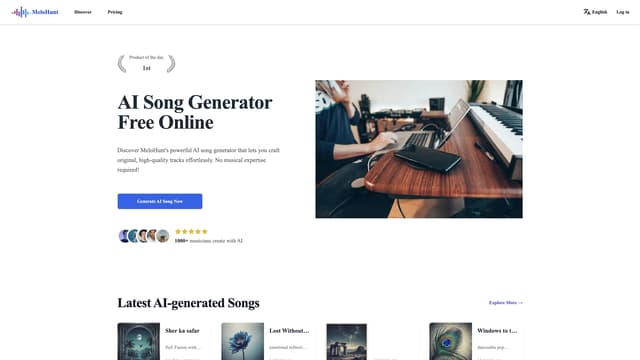
MeloHunt
MeloHunt's AI song generator allows anyone to create professional-quality, royalty-free music effortlessly, with no musical expertise required, perfect for diverse projects and personal use.
AI Music Generator

Jamboss
Jamboss uses AI to transform any idea into a song, allowing users to create personalized music effortlessly with copyright-free sharing capabilities.
AI Lyrics Generator