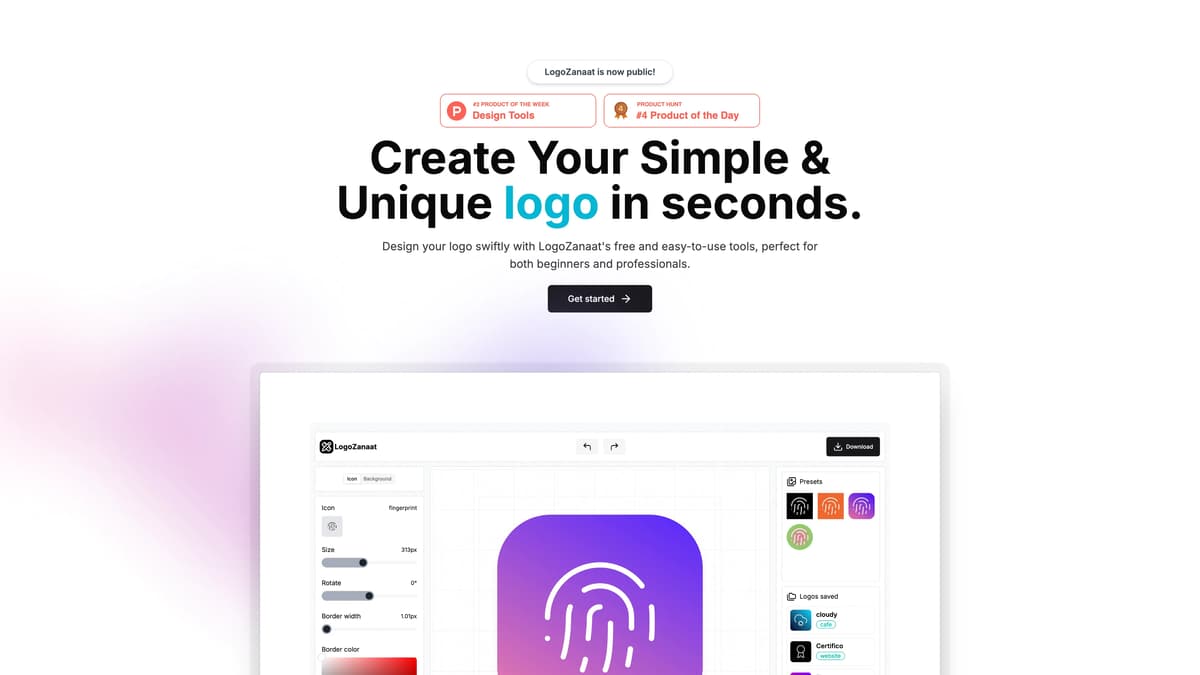
LogoZanaat Introduction
LogoZanaat is a user-friendly tool designed to help anyone, from beginners to professionals, craft unique logos swiftly. Imagine it as a virtual sketchpad where your ideas come alive with just a few clicks. Whether it's for a new startup or a personal project, LogoZanaat provides the simplicity of a paintbrush paired with the precision of a graphic design suite. Its free features allow quick experimentation, resembling picking colors from a palette to find the perfect shade for your needs. This blend of ease and utility makes logo creation as straightforward as assembling a sandwich—layer by layer, until you craft the perfect bite.
LogoZanaat Key Features
Swift Logo Creation
LogoZanaat allows users to design logos in seconds, making it perfect for fast-paced projects or last-minute tasks. It's like having a graphic designer at your fingertips, ready to bring your ideas to life instantly.
User-Friendly Tools
The platform's intuitive tools cater to both beginners and professionals. Whether you're crafting your first logo or updating an existing one, LogoZanaat acts like an artist guiding your creative process.
Unique Design Options
Provides a variety of design options to create simple yet unique logos. Imagine a toolkit that ensures your brand stands out without overwhelming you with complexity.
Free Access
Completely free to use, enabling all users to explore and experiment without financial barriers. Like an open playground, it encourages creativity without worrying about hidden costs.
Online Availability
Accessible online, LogoZanaat ensures that creating a logo is possible anytime, anywhere, freeing users from the constraints of traditional software installations.
LogoZanaat Use Cases
Startup Branding: A startup Founder swiftly crafts a unique logo using LogoZanaat's beginner-friendly tools, helping them establish a memorable brand identity without costly design fees.
Event Promotion: An event organizer designs an eye-catching logo in seconds, utilizing LogoZanaat to attract attendees and create a cohesive visual theme.
Freelance Design: A freelance designer uses the platform's professional tools to quickly produce customized logos for diverse clients, enhancing productivity and client satisfaction.
Educational Use: A design student employs LogoZanaat to experiment with various styles and concepts, gaining valuable insights and practical experience efficiently.
Small Business Identity: A small business owner creates a distinctive logo effortlessly with LogoZanaat, boosting their market presence and customer recognition.
LogoZanaat User Guides
Step 1: Visit the LogoZanaat website and click 'Get started' to begin.
Step 2: Choose from a variety of logo templates that fit your style or needs.
Step 3: Customize your selected template using the available tools to adjust colors and fonts.
Step 4: Preview your logo to ensure it looks exactly how you want it.
Step 5: Download your finished logo for free when you're satisfied with the design.
LogoZanaat Frequently Asked Questions
What is LogoZanaat used for?
How easy is it to use LogoZanaat?
Does LogoZanaat cost anything to use?
Can beginners use LogoZanaat effectively?
How do I start using LogoZanaat?
Is LogoZanaat suitable for professional designers?
Does LogoZanaat require any software installation?
Can I customize logos with LogoZanaat?
What makes LogoZanaat stand out from other logo makers?
Are there tutorials available for LogoZanaat?
LogoZanaat alternatives
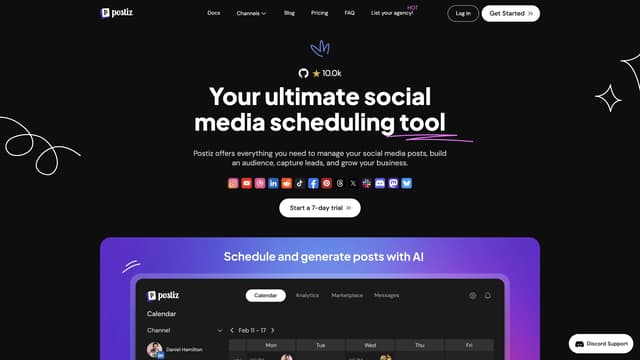
Postiz
Postiz is an all-in-one social media management tool that uses AI to streamline content creation, scheduling, and analytics, helping you grow and engage your audience across multiple channels.
AI Content Generator
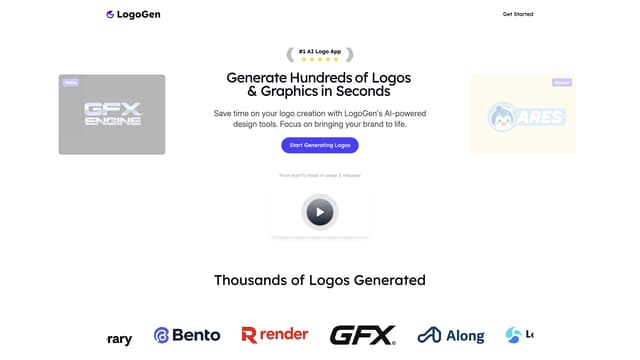
LogoGen
LogoGen effortlessly creates professional logos and graphics in seconds using AI, saving you time and money without needing any design skills.
AI Logo Generator
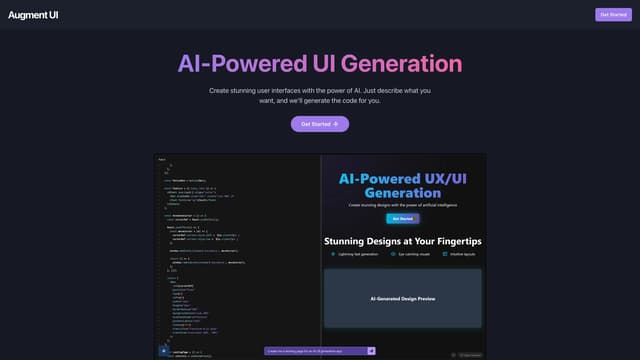
Augment UI
Augment UI uses AI to quickly prototype frontend designs, allowing you to generate and edit code directly in the browser for seamless development.
AI Code Generator
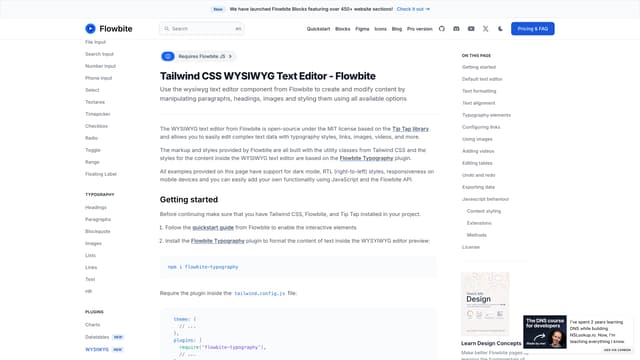
Flowbite
Flowbite is an open-source UI component library built with Tailwind CSS, offering easy setup, dark mode support, and a comprehensive design system for rapid prototyping.
AI Website Builder
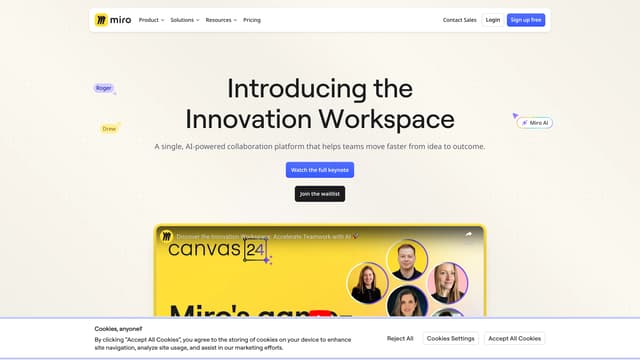
Miro
Miro's AI-powered workspace transforms ideas into prototypes, documents, and plans quickly, fostering collaboration and innovation for teams.
AI Design Generator
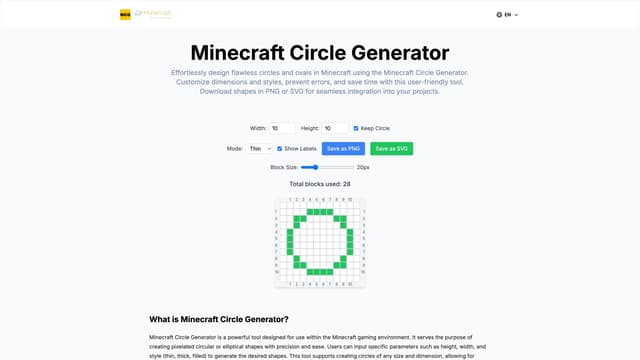
Minecraft Circle Generator
Minecraft Circle Generator efficiently creates perfect pixelated circles and ovals with customizable dimensions and styles, offering precision and time-saving benefits to players.
AI Design Generator